In the intricate world of web infrastructure, a 3xx redirection acts as a crucial signpost, seamlessly guiding users and search engine crawlers from a requested URL to a different destination. These HTTP status codes are not errors; they are fundamental to maintaining a fluid user experience and preserving your site’s SEO value when content is relocated. Mastering the 3xx redirect family is a cornerstone of technical SEO, helping you avoid the dreaded ‘404 Not Found’ page and ensuring that valuable link equity is passed correctly across your domain.
Think of your website as a physical store. If you move a product to a new aisle, you must put up a sign to let your customers know where to find it. A 3xx redirect is that sign. It ensures that your users and search engine crawlers can always find what they’re looking for, even if you’ve moved it. For a broader look at how these signals fit into the bigger picture, you can explore our guide to HTTP status codes.
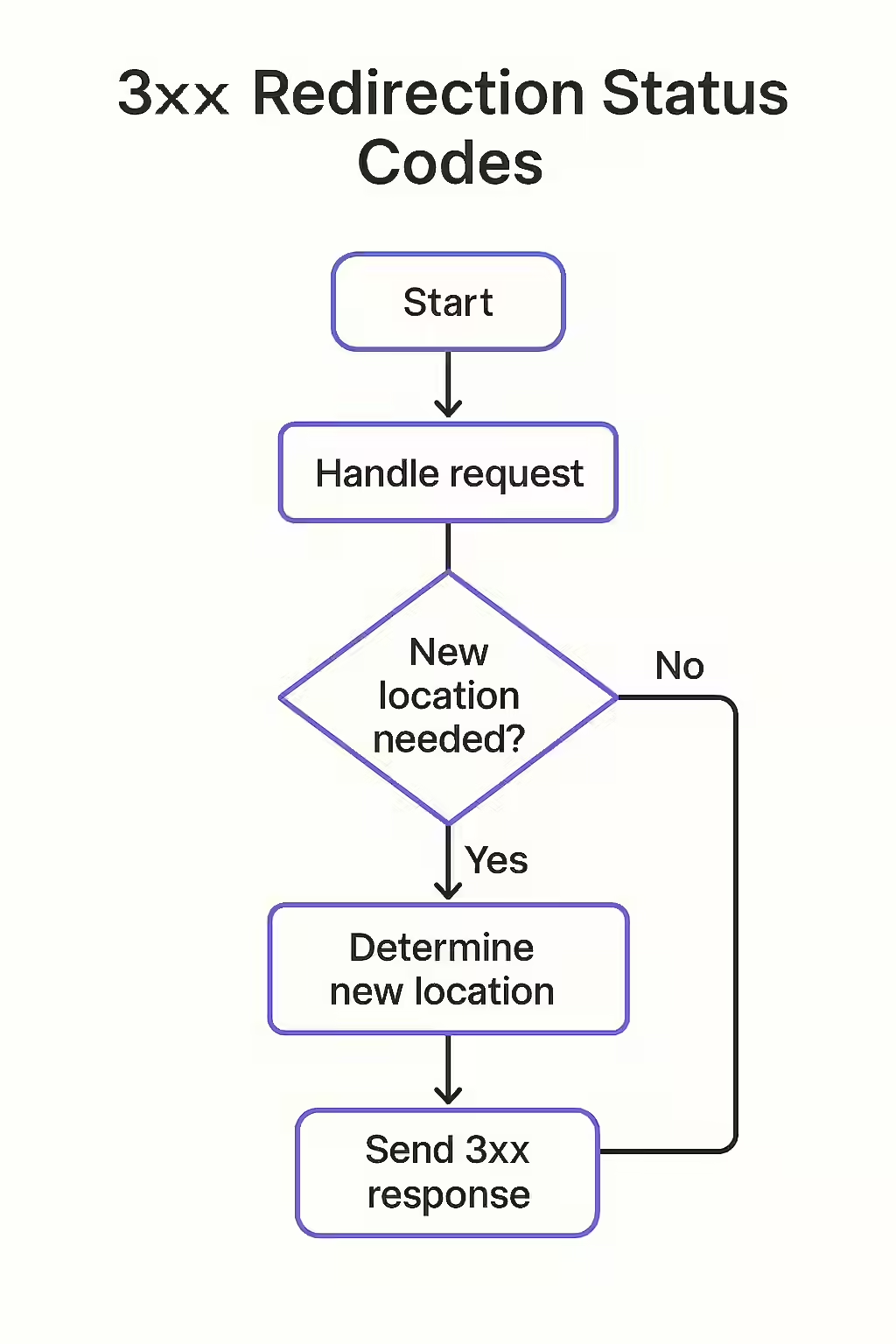
A Comprehensive Guide to 3xx Status Codes
The 3xx series is diverse, with each code signaling a different intent. Using the correct one is vital for effective site management and SEO. Below is a more detailed breakdown of the most common redirection codes, as outlined by the IETF in RFC 9110.
| Code | Meaning | Primary Use Case & SEO Impact |
|---|---|---|
| 300 Multiple Choices | The requested URL has multiple representations. | Rarely used in practice. It presents the user or user-agent with options to choose from, typically in the response body. Has no direct SEO impact as it requires user action and is not cached. |
| 301 Moved Permanently | The resource has been permanently moved to a new URL. | The most important redirect for SEO. It passes most link equity (PageRank) to the new URL. Use this when a page’s location has changed for good. |
| 302 Found | The resource is temporarily at a different URL. | Indicates a temporary move (e.g., for A/B testing or maintenance). Search engines do not pass link equity, as they expect the original URL to be used again soon. |
| 303 See Other | The response to the request can be found at another URL. | Mainly used after a POST form submission to redirect the user to a new page, preventing them from accidentally resubmitting the form by refreshing. The new page is always retrieved with a GET request. |
| 304 Not Modified | The resource has not been modified since the last request. | A vital caching mechanism that saves bandwidth and improves site speed. The browser uses its cached version, and no content is transferred, leading to faster load times. |
| 305 Use Proxy | The requested resource must be accessed through a proxy. | Deprecated. This code is no longer used by modern browsers due to security concerns. It should not be used. |
| 307 Temporary Redirect | A temporary redirect that preserves the original request method. | The modern, stricter version of a 302. It ensures that if the original request was POST, the redirected request will also be POST. Essential for preserving request methods during temporary moves. |
| 308 Permanent Redirect | A permanent redirect that preserves the original request method. | The permanent, stricter version of a 301. It ensures the request method is not changed (e.g., POST remains POST). Crucial for APIs and form submissions where the method is important. |
How to Implement Redirects
Setting up redirects can be done at different levels of your web stack. The most common methods include editing your server’s configuration file, using server-side code, or relying on a CMS plugin.
- .htaccess File: For servers running Apache, the
.htaccessfile is a powerful way to manage redirects directly at the server level. It’s fast and efficient. For detailed syntax, the Apache HTTP Server Tutorial is an excellent resource. - Server-Side Code: You can implement redirects directly within your application’s code (e.g., using Node.js/Express, Python/Django, or PHP). This gives you dynamic control based on application logic.
- CMS Plugins: For platforms like WordPress, plugins offer a user-friendly interface to manage redirects without touching code, which is ideal for beginners.
Common Redirect Mistakes and How to Avoid Them
Properly implemented 3xx redirects are a powerful tool, but misuse can cause significant SEO problems. One of the most common issues is the dreaded redirect chain, where one redirect points to another, which points to another. This slows down your site for users and wastes valuable crawl budget. An even worse issue is an internal redirect loop, which can crash a browser. Another frequent error is using a 302 redirect for a permanent content move, which prevents link equity from being consolidated to the new page. For more on how to avoid common SEO pitfalls, check out this guide on common SEO mistakes from Ahrefs.
Regularly auditing your site’s redirects is a critical part of technical SEO. Tools like Creeper can help you identify and fix redirect chains, loops, and other 3xx errors that could be harming your site’s performance. For more on server-side issues, see our article on 5xx status codes. For a complete list of redirection status codes, the MDN Web Docs are an excellent resource.

Frequently Asked Questions
What is the difference between a 301 and 308 redirect?
Both 301 and 308 redirects are permanent. The key difference is that a 301 allows the browser to change the request method from POST to GET, while a 308 strictly forbids changing the request method. For most SEO purposes, a 301 is sufficient, but a 308 is technically more precise for preserving request methods during form submissions.
Can too many redirects hurt my site’s performance?
Yes. While a single, well-implemented redirect is fine, chaining multiple redirects together (e.g., Page A -> Page B -> Page C) adds latency and can slow down your site. This wastes crawl budget and can lead to a poor user experience. It’s crucial to audit for and eliminate redirect chains and loops.
How do I find and fix redirect issues?
You can use a web crawler tool like Creeper to perform a comprehensive site audit. The tool will identify all 3xx redirects, flag redirect chains and loops, and help you pinpoint exactly where the issues are on your server so you can resolve them efficiently.
Is it better to use a plugin or .htaccess to manage redirects in WordPress?
For most users, a dedicated redirection plugin is the safest and easiest method. It provides a user-friendly interface and reduces the risk of making a mistake. Editing the .htaccess file is faster and more efficient as it operates at the server level, but it should only be done by advanced users who are comfortable with the syntax and have backed up the file.
Don’t let your users get lost. Use Creeper to audit your redirects and keep your site on the right path.