Alt text is a fundamental component of image SEO and web accessibility. It provides a textual description of an image for users who cannot see it. While it’s crucial to be descriptive, it’s also important to be concise. Alt text that exceeds 100-125 characters can create a poor experience for users with screen readers and may be a missed opportunity for focused SEO.
Think of alt text as a caption delivered by a narrator. If the narration is too long and rambling, the listener loses interest. The same is true for screen reader users. A concise, descriptive alt text is far more effective than a lengthy paragraph. For a broader look at image optimization, see our guide on all things images.
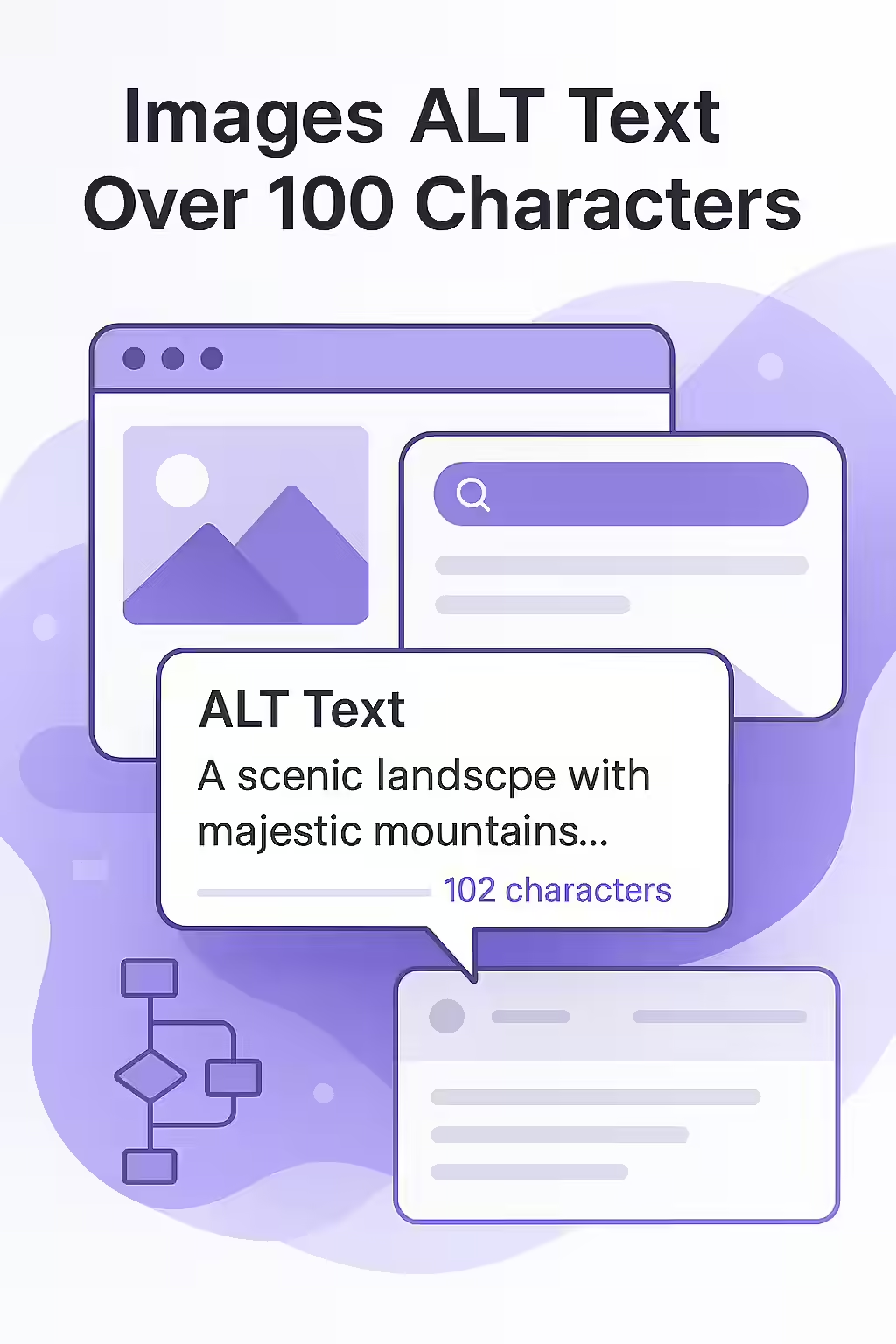
Why Alt Text Length Matters
While Google doesn’t impose a strict character limit on alt text, there are compelling reasons to keep it brief:
- Screen Reader Limitations: Many popular screen readers, like JAWS, will stop reading alt text after 125 characters. Keeping your descriptions under this limit ensures that visually impaired users get the full context.
- User Experience: Long, rambling alt text can be frustrating for users of assistive technologies. The goal is to provide a clear and efficient understanding of the image’s content and purpose.
- Keyword Focus: Shorter alt text forces you to be more deliberate with your keyword usage. This can help you avoid the risk of “keyword stuffing,” which can be penalized by search engines.
Best Practices for Writing Concise and Effective Alt Text
For a comprehensive guide on writing helpful alt text, refer to the Google Search Central documentation. For another great resource, check out this guide to alt text from Moz.
Alt Text Length in Action: Before and After
Before: `alt=”A very detailed and long description of a red convertible sports car that is driving along a winding coastal road with the sun setting in the background and casting a beautiful orange glow over the water and the car.”` (220 characters)
After: `alt=”A red convertible sports car on a winding coastal road at sunset.”` (68 characters)
For more on image best practices, see our article on missing alt text.
Frequently Asked Questions
What is the ideal length for alt text?
While there is no official character limit, the generally accepted best practice is to keep alt text under 125 characters. This is because many popular screen readers will stop reading alt text at that point.
Do decorative images need alt text?
No. Decorative images that don’t add any informational value should have an empty alt attribute (`alt=””`). This tells screen readers to ignore the image, which is a better experience than reading out a generic description like ‘decorative line’.
What should I do if an image is too complex to describe in 100 characters?
If an image requires a long description (e.g., a chart or graph), the best practice is to provide a brief, descriptive alt text and then describe the image in more detail in the body content of the page, close to the image itself.
Are your alt text descriptions telling the right story? Use Creeper to audit your alt text and ensure it’s both accessible and SEO-friendly.