An internal 5xx server error is one of the most critical issues a website can face. Unlike a 4xx error, which indicates a problem with the request, a 5xx error means the request was valid, but the server itself failed to fulfill it. These errors make your pages completely inaccessible to both users and search engines. If left unresolved, they can lead to your pages being de-indexed and a significant loss of organic traffic.
Think of your server as the foundation of your house. A 4xx error is like a locked door, but a 5xx error is like a crack in the foundation that makes the whole house unsafe to enter. Search engines will quickly stop sending visitors to a house with a broken foundation. You can learn more about the different types of server responses in our complete guide to HTTP status codes.
The Severe SEO Impact of 5xx Errors
Search engines treat 5xx errors with extreme prejudice. A persistent 5xx error is a strong signal that a website is unreliable. For a deep dive into this topic, this guide from Moz on status codes is an excellent resource.
- Rapid De-indexing: If Googlebot repeatedly encounters a 5xx error on a URL, it will quickly remove that page from the index to avoid sending users to an inaccessible page.
- Reduced Crawl Rate: Widespread 5xx errors can cause Google to lose trust in your server’s stability, leading it to reduce the crawl rate for your entire site to avoid overloading it.
- Total Loss of Traffic: An inaccessible page cannot rank or receive any organic traffic.
A Step-by-Step Guide to Diagnosing and Fixing 5xx Errors
Fixing 5xx errors is a high-priority task that often requires technical expertise. For Google’s perspective on this, their guide on server and network errors is a must-read.
- Identify the Scope: Use an SEO audit tool like Creeper or check the Coverage report in Google Search Console to find all URLs returning a 5xx status code.
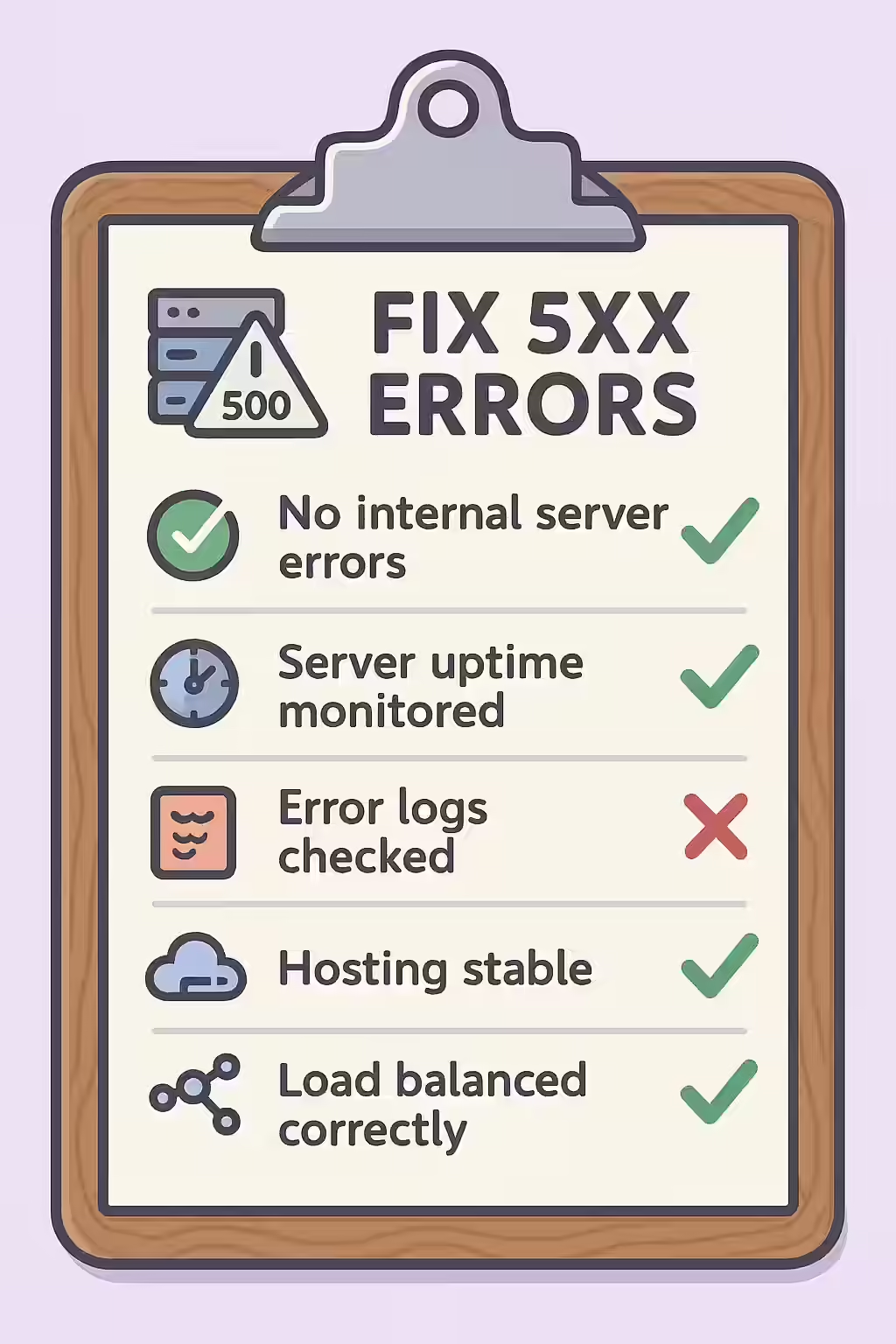
- Check Your Server’s Error Logs: This is the most critical step. Your server’s error logs will contain detailed information about what caused the error, such as a database connection failure, a timeout, or a faulty script.
- Review Recent Changes: Have you recently updated a plugin, theme, or your site’s code? A recent change is often the culprit. Try reverting the change to see if it resolves the error.
- Check Server Resources: A 503 error, in particular, can be caused by a lack of server resources (CPU, RAM). Check your hosting dashboard for any signs of overload.
- Contact Your Hosting Provider: If you cannot diagnose the issue yourself, contact your hosting provider’s support team immediately. They can help you analyze the error logs and identify the root cause.
By quickly identifying and fixing 5xx errors, you can restore your site’s accessibility and prevent long-term damage to your SEO. This is a key part of a successful on-page SEO strategy.
Frequently Asked Questions
How long does it take for a 5xx error to affect my rankings?
If Googlebot encounters a 5xx error once, it will typically try again later. However, if the error persists for several hours or days, Google may temporarily remove the page from the index to avoid sending users to a broken page. If the issue is not fixed, this removal can become permanent.
Is a 503 ‘Service Unavailable’ error bad for SEO during planned maintenance?
No, a 503 is the *correct* status code to use during planned maintenance. It tells search engines that the downtime is temporary and that they should come back later. This is a much better approach than letting them hit a broken page or a generic 500 error.
Where can I find my server’s error logs?
The location of your server’s error logs depends on your hosting provider and server setup. They are commonly found in a ‘logs’ directory in your hosting control panel (like cPanel) or accessible via SSH. If you can’t find them, your hosting provider’s support team can give you the exact location.
Is your server letting you down? Start your Creeper audit today to find and fix critical 5xx server errors.