Opening the Doors to Everyone: A Guide to Accessibility and SEO

In the world of the web, it’s easy to forget that not everyone experiences your website in the same way. Web accessibility (often abbreviated as a11y) is the inclusive practice of designing and developing a website so that people with disabilities can use it effectively. This isn’t just a matter of social responsibility; it’s a cornerstone of modern, high-quality web development and a critical component of a holistic SEO strategy.

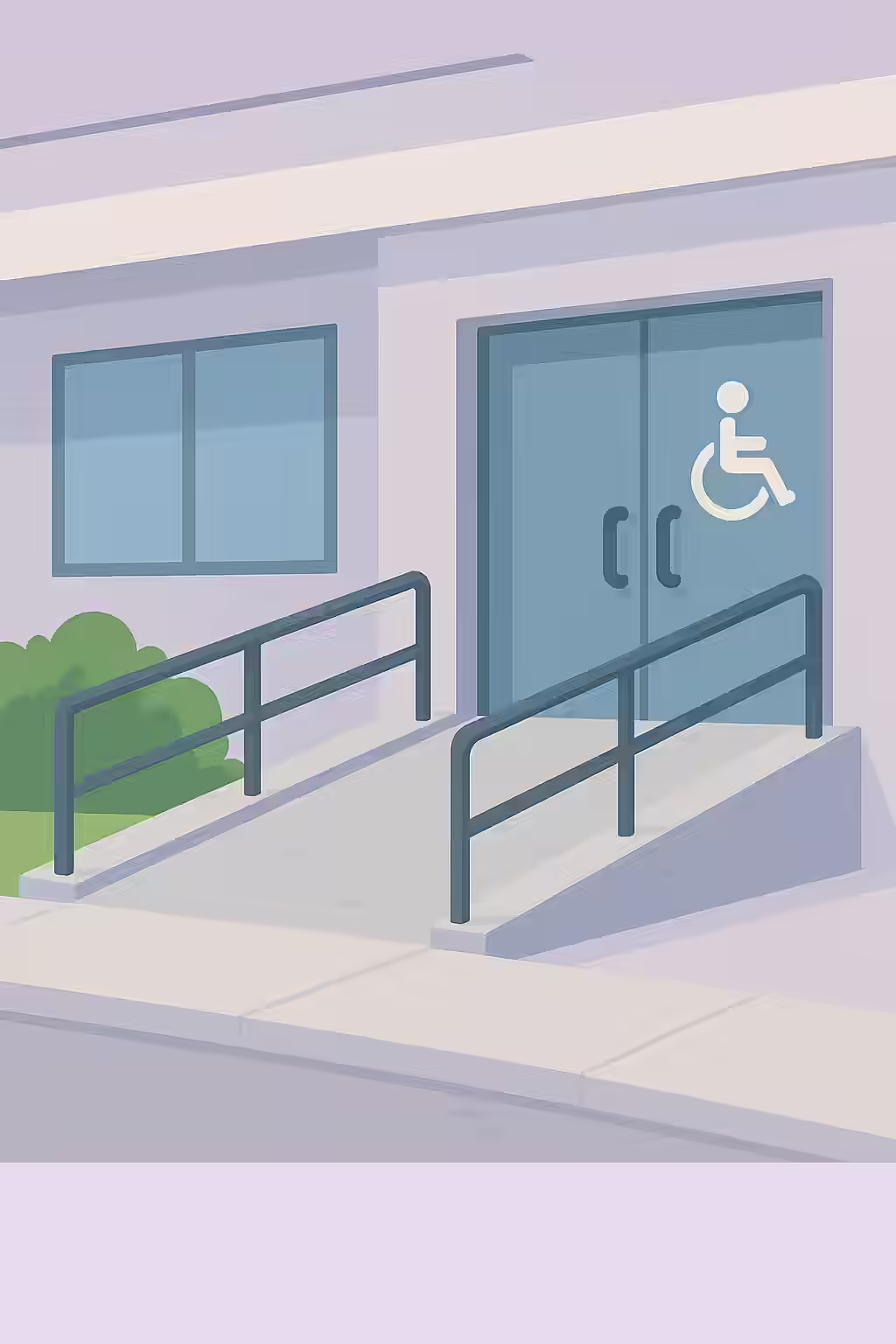
Think of your website as a public building. A physical building has ramps, elevators, and clear signage to ensure everyone can get in and find what they’re looking for. An accessible website does the same with features like descriptive alt text, logical heading structures, and keyboard navigation. Many of these features not only help users with disabilities but also provide clearer signals to search engines, helping them better understand and rank your content. For a complete overview of accessibility principles, the W3C’s Introduction to Web Accessibility is the definitive starting point.

Your Guide to a More Inclusive and SEO-Friendly Website

This category provides a comprehensive set of guides to help you understand and implement web accessibility best practices. Below are the key topics we cover, grouped by Best Practices and the official Web Content Accessibility Guidelines (WCAG).
category image

The One and Only: A Guide to Unique Accesskey Values

Learn why the accesskey attribute is often problematic for accessibility and why, if you must use it, the values must be unique to avoid creating a confusing user experience.

What’s in a Name? A Guide to Accessible ARIA Dialogs

Learn why ARIA dialogs and alertdialogs require an accessible name (aria-labelledby or aria-label) and how to implement them correctly for screen reader users.

The Echo Chamber: A Guide to Avoiding Repeated Alt Text

Learn why repeating alt text in your surrounding content is bad for accessibility and how to fix it by writing concise, non-redundant alt text or using null alt attributes.

Branching Out: A Guide to Accessible ARIA Treeitems

Learn why ARIA treeitem nodes require an accessible name and how to provide one using content or aria-label for screen reader users.

The Top Dog: A Guide to the Banner Landmark

Learn why the banner landmark (header) must be a top-level landmark and should not be nested inside other landmarks like main or side.

The Sidekick: A Guide to Complementary Landmarks and Asides

Learn why the complementary landmark aside should be a top-level landmark and not nested within other landmarks like main or footer.

The Lay of the Land: A Guide to Landmarks

Learn why all page content must be contained by landmarks for accessibility. A guide to using HTML5 and ARIA landmarks like main, nav, and header correctly.

The Right Role: A Guide to Appropriate ARIA Roles

Learn the first rule of ARIA and why using native HTML elements is better than inappropriate ARIA roles. A guide to fixing common accessibility issues.

The Winding Road: A Guide to Avoiding Tabindex Greater Than Zero

Learn why using a tabindex greater than zero is an accessibility anti-pattern and how to create a logical tab order using your DOM structure.

What’s in a Name? A Guide to Visible Form Labels

Learn why every form element needs a visible, properly associated label for accessibility and how to implement them using the

The Inspector’s Magnifying Glass: A Guide to Testing Frames with axe-core

Learn why frames and iframes can be accessibility black boxes and how to test them with axe-core. A guide to fixing common issues like missing title attributes.

The Logical Ladder: A Guide to Sequential Heading Levels

Skipping heading levels (e.g., an H1 followed by an H3) creates a confusing structure for screen readers and search engines. Learn how to fix this accessibility and SEO issue.

The Full Story: A Guide to Non-Empty Headings

Learn why empty heading tags are confusing for screen readers and how to fix them to improve your site’s accessibility and semantic structure.

The One and Only: A Guide to Unique Landmarks

Learn why landmarks must have a unique role or accessible name when used multiple times on a page, and how to fix it with aria-label or aria-labelledby.

The Unzoomable City: A Guide to the Meta Viewport and Zooming

Learn why disabling user zoom and scale in the meta viewport tag is a critical accessibility failure (WCAG 1.4.4) and how to fix it.

The Headline: A Guide to the H1 Tag

Learn why every page must contain one, and only one, H1 tag for accessibility and SEO, and how to write an effective main heading for your content.

The One and Only: A Guide to the Banner Landmark

Learn why your page should have only one banner landmark (

) and how to fix it to create a logical, accessible structure for screen reader users.

The Foundation: A Guide to the Contentinfo Landmark

Learn why your page should have only one contentinfo landmark (

) and how to fix it to create a logical, accessible structure for screen reader users.

The Main Event: A Guide to the Main Landmark

Learn why every page requires one, and only one, main landmark (

) for accessibility and how to fix it to provide a better experience for screen reader users.

The Sound of Silence: A Guide to Presentational Roles

Learn why the ARIA role=’text’ is invalid and how to correctly mark non-interactive content for screen readers using role=’presentation’ or aria-hidden=’true’.

Setting the Table: A Guide to the Scope Attribute

Learn how to use the scope attribute (`scope=’col’` and `scope=’row’`) on table headers (

) to create accessible data tables for screen reader users.

The Labeled Table: A Guide to Discernible Text for Table Headers

Learn why table headers (

) must have discernible text for screen readers and how to fix empty or icon-only headers for better accessibility.

The Invisible Element: A Guide to Presentational Elements

Learn how to hide purely decorative elements from screen readers using role=’presentation’ and aria-hidden=’true’ to reduce noise and improve accessibility.

The Express Lane: A Guide to Skip Links

Learn how to properly implement a ‘skip to main content’ link with a focusable target using tabindex=’-1′ to improve keyboard accessibility.

The Echo Chamber: A Guide to Avoiding Identical Summary and Caption Text

Learn why it’s important for your tables to not have identical summary and caption text and how to fix it.

A Thousand Words: A Guide to Alternate Text for Active Area Elements

Active area elements without alternate text are a major accessibility issue. Learn how to add alt text to your image maps to comply with WCAG 2.0.

What’s in a Name? A Guide to Valid ARIA Attribute Names

Using invalid ARIA attribute names can break accessibility for screen reader users. Learn how to use the correct ARIA attribute names to comply with WCAG 2.0.

The Right Fit: A Guide to Valid ARIA Attribute Values

Using invalid ARIA attribute values can break accessibility for screen reader users. Learn how to use the correct ARIA attribute values to comply with WCAG 2.0.

Feeling Your Way: A Guide to Accessible ARIA Braille

ARIA braille attributes can enhance the experience for braille display users, but they must have a non-braille equivalent. Learn how to comply with WCAG 2.0.

Giving Orders: A Guide to Accessible ARIA Commands

ARIA commands without an accessible name are a major accessibility issue. Learn how to add a name to your ARIA commands to comply with WCAG 2.0.

Now You See Me, Now You Don’t: A Guide to aria-hidden and Focusable Elements

Aria-hidden elements should never contain focusable elements. Learn how to fix this critical accessibility issue to comply with WCAG 2.0.

The Invisible Wall: A Guide to aria-hidden=true on the Body Element

Using aria-hidden=true on the body element can make your entire site inaccessible. Learn why this is a critical accessibility issue and how to fix it.

What’s in a Name? A Guide to Accessible ARIA Input Fields

ARIA input fields without an accessible name are a major accessibility issue. Learn how to add a name to your ARIA input fields to comply with WCAG 2.0.

Gauging Success: A Guide to Accessible ARIA Meter Nodes

ARIA meter nodes without an accessible name are a major accessibility issue. Learn how to add a name to your ARIA meter nodes to comply with WCAG 2.0.

The Finish Line: A Guide to Accessible ARIA Progressbars

ARIA progressbars without an accessible name are a major accessibility issue. Learn how to add a name to your ARIA progressbars to comply with WCAG 2.0.

Keeping it in the Family: A Guide to ARIA Roles and Their Required Parents

Some ARIA roles must be contained within a specific parent role to be valid. Learn how to fix this accessibility issue to comply with WCAG 2.0.

Flipping the Switch: A Guide to Accessible ARIA Toggle Fields

ARIA toggle fields without an accessible name are a major accessibility issue. Learn how to add a name to your ARIA toggle fields to comply with WCAG 2.0.

A Little Birdie Told Me: A Guide to Accessible ARIA Tooltips

ARIA tooltips without an accessible name are a major accessibility issue. Learn how to add a name to your ARIA tooltips to comply with WCAG 2.0.

The Ghost of Geocities Past: A Guide to the Deprecated Blink Element

The blink element is a relic of the past and a major accessibility issue. Learn why you should not use the deprecated blink element and what to use instead.

What’s in a Name? A Guide to Discernible Text for Buttons

Buttons without discernible text are a major accessibility issue. Learn how to add text to your buttons to comply with WCAG 2.0.

All in the Family: A Guide to ARIA Roles and Their Required Children

Some ARIA roles must contain specific children to be valid. Learn how to fix this accessibility issue to comply with WCAG 2.0.

The Ghost of Geocities Past: A Guide to Deprecated ARIA Roles

Deprecated ARIA roles are a sign of an outdated and inaccessible website. Learn why you should not use them and what to use instead.

The Ghost of Geocities Past: A Guide to the Deprecated Marquee Element

The marquee element is a relic of the past and a major accessibility issue. Learn why you should not use the deprecated marquee element and what to use instead.

Keeping it in Order: A Guide to Ordered <dt> and <dd> Groups in <dl>s

For a definition list to be accessible, it must contain only ordered groups of ‘dt’ and ‘dd’ elements. Learn how to fix this issue to comply with WCAG 2.0.

The Definition of a List: A Guide to Containing
<dt> and <dd> Elements in <dl> s

For a definition list to be accessible, all

and

elements must be contained within a

element. Learn how to fix this issue to comply with WCAG 2.0.

A Thousand Words: A Guide to Alternate Text for role=img

Elements with role=img must have an accessible name. Learn how to add alternate text to your ARIA images to comply with WCAG 2.0.

The Right Tool for the Right Job: A Guide to Allowed ARIA Attributes

Using the wrong ARIA attribute for a role can create a confusing experience for screen reader users. Learn how to use the correct ARIA attributes to comply with WCAG 2.0.

The One and Only: A Guide to Form Field Labels

Form fields should have only one label element to avoid confusion for screen reader users. Learn how to fix this accessibility issue to comply with WCAG 2.0.

What’s in a Name? A Guide to Form Input Labels

Form input elements without labels are a major accessibility issue. Learn how to add labels to your form inputs to comply with WCAG 2.0.

What’s in a Frame? A Guide to the Title Attribute for Frames

Frames without a title attribute are a major accessibility issue. Learn how to add a title to your frames to comply with WCAG 2.0.

One of a Kind: A Guide to Unique Title Attributes for Frames

Duplicate frame titles can confuse screen reader users. Learn why it’s important for your frames to have a unique title attribute and how to fix it.

Speaking the Right Language: A Guide to the Lang Attribute

The lang attribute is a crucial element of any accessible and user-friendly website. Learn why it’s important to use the lang attribute and how to fix it.

The Dynamic Duo: A Guide to Matching HTML Lang and XML Lang Values

Mismatched HTML lang and XML lang values can create a confusing experience for screen reader users. Learn why it’s important for your HTML lang and XML lang values to match and how to fix it.

One of a Kind: A Guide to Unique IDs in ARIA and Labels

Duplicate IDs in ARIA and labels can create a confusing experience for screen reader users. Learn why it’s important for the IDs used in your ARIA and labels to be unique and how to fix it.

A Thousand Words: A Guide to Alternate Text for Image Buttons

Image buttons without alternate text are a major accessibility issue. Learn how to add alternate text to your image buttons to comply with WCAG 2.0.

What’s in a Name? A Guide to Discernible Text for Input Buttons

Input buttons without discernible text are a major accessibility issue. Learn how to add discernible text to your input buttons to comply with WCAG 2.0.

The Inception Problem: A Guide to Avoiding Nested Interactive Controls

Nesting interactive controls is a major accessibility issue. Learn why you should not nest your interactive controls and how to fix it.

Standing Out from the Crowd: A Guide to Distinguishable Links

Links that are not distinguishable from the surrounding text are a major accessibility issue. Learn how to make your links stand out to comply with WCAG 2.0.

What’s in a Name? A Guide to Discernible Text for Links

Links without discernible text are a major accessibility issue. Learn how to add discernible text to your links to comply with WCAG 2.0.

Keeping it Together: A Guide to Containing List Items in List Elements

List items that are not contained in a list element are a major accessibility issue. Learn why it’s important for your list items to be contained in list elements and how to fix it.

Keeping it Clean: A Guide to Containing Only <li> Elements in Lists

Lists that contain elements other than li are a major accessibility issue. Learn why it’s important for your lists to only contain li content elements and how to fix it.

A Thousand Words: A Guide to Alternate Text for Object Elements

Object elements without alternate text are a major accessibility issue. Learn how to add alternate text to your object elements to comply with WCAG 2.0.

The Name of the Game: A Guide to the Title Element

Pages without a title element are a major accessibility issue. Learn why it’s important for your pages to have a title element and how to fix it.

The Express Lane: A Guide to Bypassing Repeated Blocks

Pages without a means to bypass repeated blocks of content are a major accessibility issue. Learn why it’s important to provide a way for users to bypass repeated blocks of content and how to do it.

The Missing Link: A Guide to Required ARIA Attributes

Missing required ARIA attributes can create a confusing experience for screen reader users. Learn why it’s important to provide all required ARIA attributes and how to fix it.

What’s in a Name? A Guide to Accessible Select Elements

Select elements without an accessible name are a major accessibility issue. Learn how to add an accessible name to your select elements to comply with WCAG 2.0.

The Ghost of Geocities Past: A Guide to Server-Side Image Maps

Server-side image maps are an outdated and inaccessible technology. Learn why you should not use server-side image maps and what to use instead.

What’s in a Name? A Guide to Discernible Text for Summary Elements

Summary elements without discernible text are a major accessibility issue. Learn why it’s important for your summary elements to have discernible text and how to fix it.

A Thousand Words: A Guide to Accessible Text for SVG Images

SVG images and graphics without accessible text are a major accessibility issue. Learn why it’s important for your SVG images and graphics to have accessible text and how to fix it.

Keeping it in the Family: A Guide to the ‘headers’ Attribute

Using the ‘headers’ attribute incorrectly is a major accessibility issue. Learn why it’s important for your ‘headers’ attribute to refer to a cell in the same table and how to fix it.

The Well-Connected Table: A Guide to Associating <th> Elements with Data Cells

elements that are not associated with data cells are a major accessibility issue. Learn why it’s important for your

elements to be associated with data cells and how to fix it.

The Silent Screen: A Guide to Captions for Video Elements

Videos without captions are a major accessibility issue. Learn why it’s important for your video elements to have captions and how to fix it.

The Sound of Silence: A Guide to Avoiding Autoplaying Video and Audio

Autoplaying video and audio is a major accessibility issue. Learn why you should not autoplay your video and audio elements and how to fix it.

Speaking the Right Language: A Guide to Valid Lang Attribute Values

Using an invalid lang attribute value is a major accessibility issue. Learn why it’s important to use a valid value for the lang attribute and how to fix it.

The Readable Rainbow: A Guide to Color Contrast

Text with low color contrast is a major accessibility issue. Learn why it’s important for your text to have a high color contrast to the background and how to fix it.

The Unwanted Detour: A Guide to Delayed Meta Refreshes

Delayed meta refreshes are a major accessibility issue. Learn why you should not use delayed meta refreshes and what to use instead.

The Two-Faced Link: A Guide to Links with the Same Accessible Name

Links with the same accessible name are a major accessibility issue. Learn why it’s important for your links to have a unique accessible name and how to fix it.

The Readable Rainbow: A Guide to Color Contrast Ratios

Text with a low color contrast ratio is a major accessibility issue. Learn why it’s important for your text to have a high color contrast ratio to the background and how to fix it.

The Magic Wand: A Guide to the Autocomplete Attribute

Using the autocomplete attribute incorrectly is a major accessibility issue. Learn why it’s important to use the autocomplete attribute correctly and how to fix it.

The Space Between: A Guide to Adjustable Inline Text Spacing

Inline text spacing that is not adjustable is a major accessibility issue. Learn why it’s important for your inline text spacing to be adjustable and how to fix it.

The Big Button Theory: A Guide to Sufficient Touch Target Size and Spacing

Touch targets that are too small or too close together are a major accessibility issue. Learn why it’s important for your touch targets to have a sufficient size and spacing and how to fix it.

Using the Right Tools: A Guide to ARIA Attributes and Roles

Using the wrong ARIA attribute for a role can create a confusing experience for screen reader users. Learn how to use ARIA correctly to comply with WCAG 2.0.

Casting Call: A Guide to Valid ARIA Role Values

Using invalid ARIA role values can break accessibility for screen reader users. Learn how to use the correct ARIA role values to comply with WCAG 2.0.

The Right Tool for the Right Job: A Guide to Permitted ARIA Attributes

Using the wrong ARIA attribute for a role can create a confusing experience for screen reader users. Learn how to use the correct ARIA attributes to comply with WCAG 2.0.

A Picture is Worth a Thousand Words: A Guide to Alternate Text for Images

Images without alternate text are a major accessibility issue. Learn how to add alternate text to your images to comply with WCAG 2.0.

The Unseen Scroll: A Guide to Keyboard Access for Scrollable Regions

Scrollable regions that are not keyboard accessible are a major accessibility issue. Learn why it’s important for your scrollable regions to be accessible by keyboard and how to fix it.

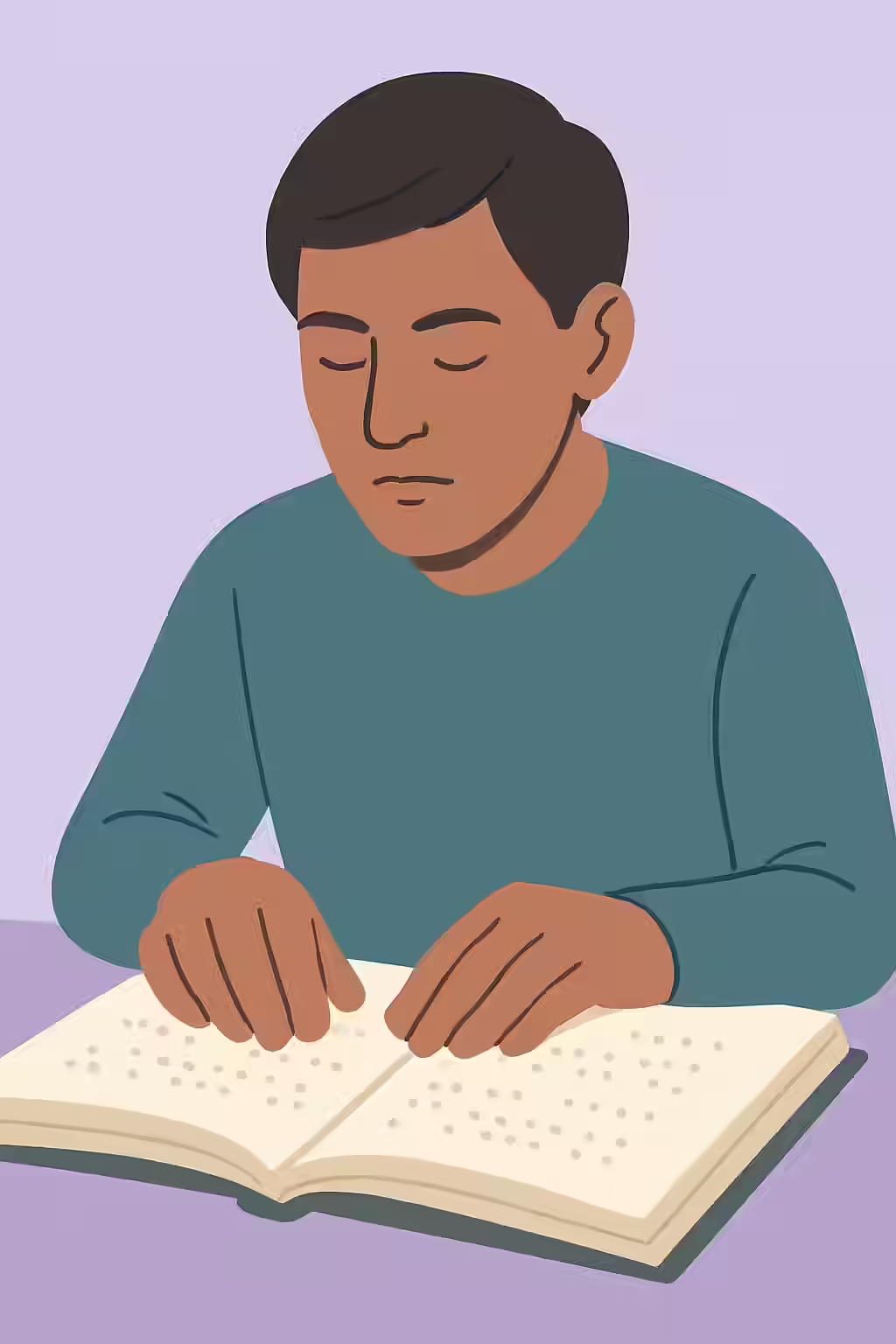
An illustration of a person reading braille, symbolizing the importance of accessibility for people with visual impairments.

Frequently Asked Questions

What is web accessibility?

Web accessibility is the inclusive practice of ensuring there are no barriers that prevent interaction with, or access to, websites on the World Wide Web by people with physical disabilities, situational disabilities, and socio-economic restrictions on bandwidth and speed.

Are there legal requirements for website accessibility?

Yes, in many countries there are legal requirements. For example, in the United States, the Americans with Disabilities Act (ADA) has been interpreted by courts to apply to websites, often referencing the WCAG guidelines as a standard. It’s important to be aware of the legal requirements in your jurisdiction.

Why is web accessibility important for SEO?

Many accessibility best practices overlap with technical SEO best practices. For example, a logical heading structure, descriptive alt text, and fast-loading pages benefit both users with disabilities and search engine crawlers. An accessible site is often a more crawlable and understandable site for search engines.

How can I test my website's accessibility?

You can use a combination of automated tools and manual testing. Automated tools like the WAVE Web Accessibility Evaluation Tool can quickly identify many common issues. Manual testing, such as navigating your site with a keyboard only or using a screen reader, is also essential.

Ready to tackle all your SEO issues head-on? Start your comprehensive audit with Creeper today.

Get in Touch

Have questions about our services? Contact us today for a free consultation and performance audit.

    By filling out this form, you agree to our Privacy Policy.