The Numbers Game: A Guide to Web Analytics for SEO

In the world of SEO, data is king. Web analytics is the process of collecting, analyzing, and interpreting data to understand how your website is performing. It’s the art of turning raw numbers into actionable insights. Without analytics, you’re flying blind, unable to measure the impact of your efforts or identify critical opportunities for growth. A solid understanding of analytics is the foundation of any data-driven SEO and marketing strategy.

Think of your website as a business. Analytics provides the financial reports, customer feedback, and market research all in one. It tells you which products are popular, where your customers are coming from, and where they might be getting stuck. By using analytics, you can make informed decisions to create a more successful and user-friendly experience for everyone. For a deep dive into using analytics for SEO, check out this guide from Semrush.

Key Topics in Web Analytics

A complete analytics strategy involves ensuring your data is being collected correctly and knowing which metrics to focus on. The following guides cover the most critical aspects.

category image

The Revolving Door: A Guide to Bounce Rate and Engagement Rate

Learn what a high bounce rate means, how it relates to the new Engagement Rate in GA4, and actionable strategies to improve user engagement on your site.

Flying Blind: Why ‘No Google Analytics Data’ is a Critical SEO Error

Without Google Analytics, you’re guessing at your SEO strategy. Learn why ‘no GA data’ is a critical issue and how to install and verify your tracking to make data-driven decisions.

The SEO Black Box: Why ‘No Search Analytics Data’ is a Red Flag

No data in Google Search Console means you’re missing direct feedback from Google. Learn why this is a critical SEO issue and how to set up and verify your site to fix it.

The Ghost in the Machine: A Guide to Non-Indexable Pages with GA Data

When a non-indexable page receives traffic, it’s a sign of a technical issue or wasted ad spend. Learn how to diagnose and fix pages with GA data that shouldn’t have any.

The Ghost in the SERPs: A Guide to Non-Indexable Pages with Search Data

When a non-indexable page has data in GSC, it’s a sign of a recent change or a serious indexing conflict. Learn how to diagnose and fix these ‘ghost pages’ for better SEO.

For the official source, you can’t go wrong with the Google Analytics platform itself.

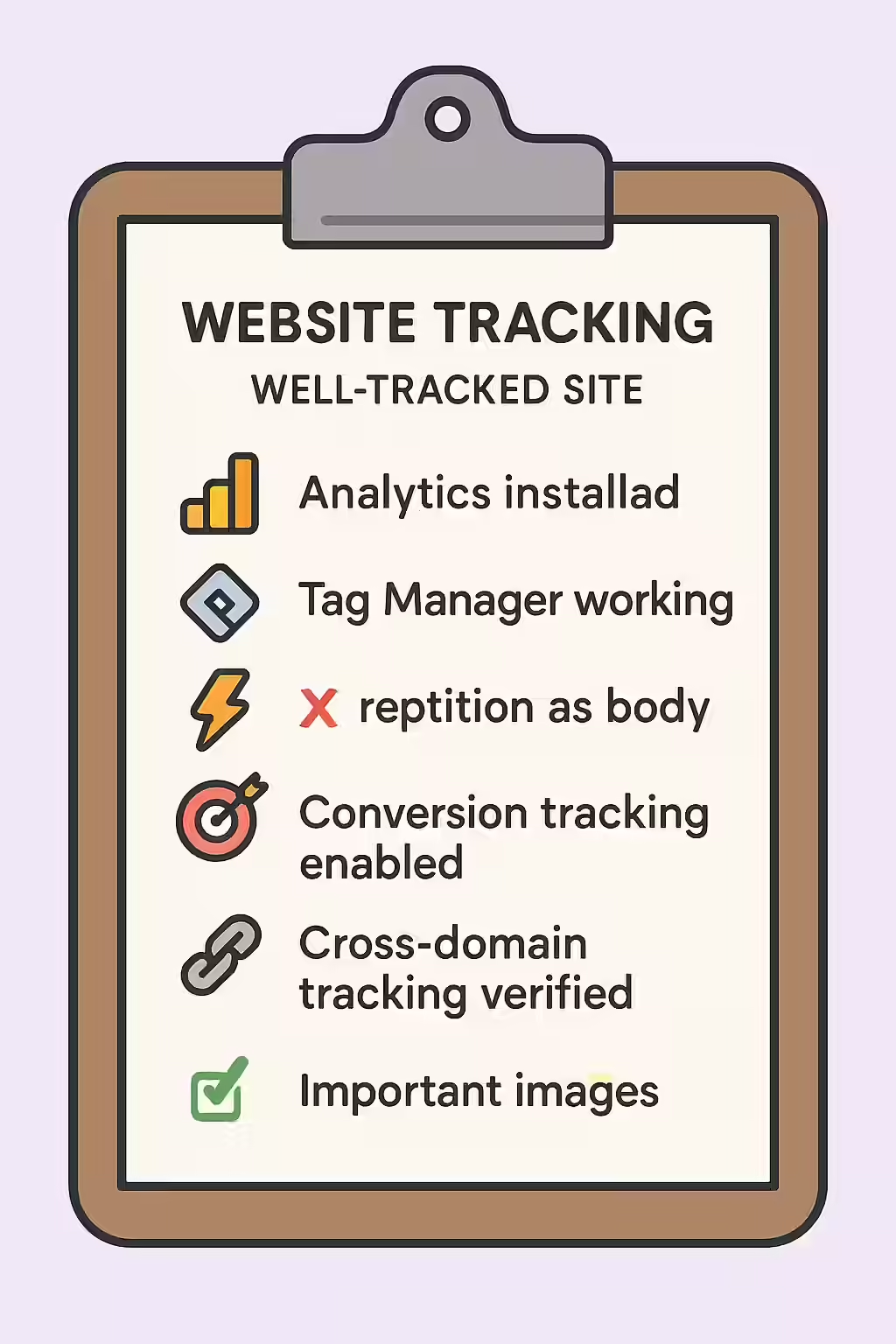
An illustration of a checklist, symbolizing the importance of making sure your website is well-tracked.

Frequently Asked Questions

What is the difference between Google Analytics and Google Search Console?

Google Search Console focuses on your site’s performance in Google Search, providing data on keywords, impressions, and technical issues. Google Analytics focuses on what users do *on* your site, tracking metrics like pageviews, user behavior, and conversions. Both are essential and should be used together.

How do I get started with analytics?

The first step is to set up a Google Analytics 4 account, which is the industry standard and free to use. You’ll need to install a tracking code on your website. Once installed, you can start tracking your data and analyzing your results to make informed decisions.

What is a 'bounce rate'?

In older versions of Google Analytics, a bounce rate represents the percentage of single-page sessions in which there was no interaction with the page. A high bounce rate can indicate that users aren’t finding what they’re looking for. In Google Analytics 4, this has been replaced by ‘Engagement Rate,’ which is a more nuanced measure of user interaction.

Ready to tackle all your SEO issues head-on? Start your comprehensive audit with Creeper today.

Get in Touch

Have questions about our services? Contact us today for a free consultation and performance audit.

    By filling out this form, you agree to our Privacy Policy.