The Glitch in the Matrix: A Guide to Website Errors

Website errors are digital roadblocks that prevent users and search engines from accessing your content. From broken links to server failures, these issues can have a major impact on your user experience and signal a poorly maintained site to search engines. A proactive approach to finding and fixing errors is a fundamental part of any technical SEO strategy, ensuring a smooth journey for both your visitors and the crawlers that index your site.

Think of your website as a car. Errors are the check engine lights, the flat tires, and the strange noises that indicate something is wrong. Ignoring them can lead to a breakdown. By regularly auditing your site for errors, you can keep it running smoothly and provide a reliable experience for everyone. For a deep dive into how Google handles these issues, check out their guide to fixing crawl errors.

Your Guide to a Well-Maintained Website

Fixing errors is a critical task. Here are the key topics we’ll cover in this category, broken down by the type of error.
category image

The Digital Dead End: How 4xx Client Errors Can Stall Your SEO

Learn what 4xx client errors are, how they can harm your SEO, and how to find and fix them to improve your website’s health and user experience.

When Your Server Takes a Sick Day: A Guide to 5xx Server Errors

Learn what 5xx server errors are, how they can damage your SEO, and how to troubleshoot and fix them for a more stable and reliable website.

The Code’s Stutter: How Parse Errors Can Derail Your SEO

Learn what parse errors are, how they can hurt your SEO, and how to find and fix them for a healthier, more search-engine-friendly website.

When the User is Wrong: A Guide to 4xx Client Errors

Learn how to identify and fix 4xx client errors, such as the infamous 404 Not Found, to improve your user experience and SEO.

Picture Perfect: A Guide to Fixing Broken Images and Image Errors

Broken images (404s) and server errors (5xx) harm user experience and SEO. Learn how to find and fix all image errors to improve your site’s performance and crawlability.

For another excellent resource, check out this guide to HTTP status codes from Moz.

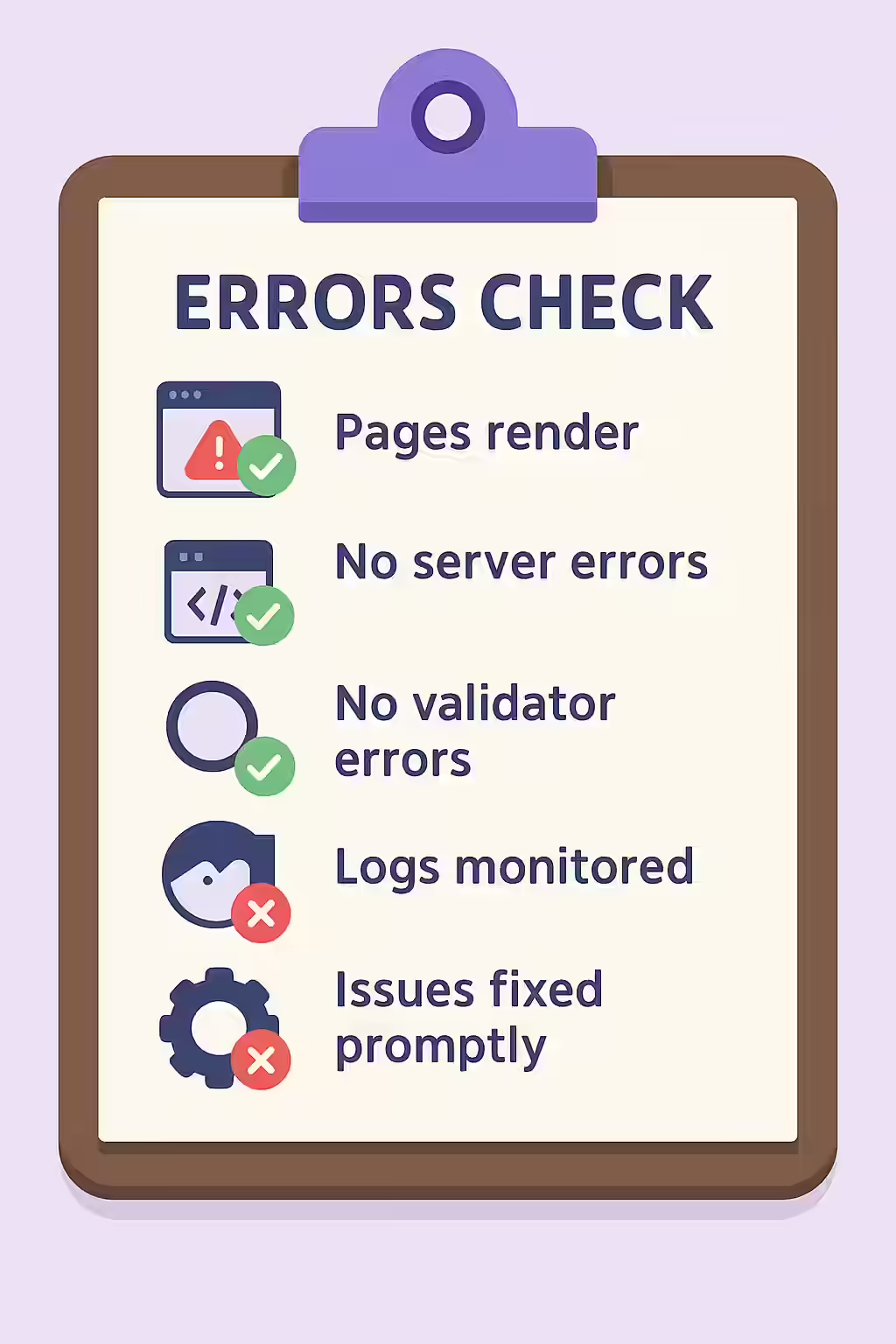
An illustration of a checklist, symbolizing the importance of making sure your website is free of errors.

Frequently Asked Questions

How should I prioritize fixing website errors?

Start with server-side (5xx) errors, as these can make your entire site inaccessible. Next, fix client-side (4xx) errors that are affecting your most important pages. Finally, address validation errors and warnings. The goal is to focus on the issues that have the biggest impact on user experience and crawlability first.

How do I fix errors on my website?

The first step is to use an SEO audit tool like Creeper to get a comprehensive list of all errors. Once you’ve identified the issues, you can take steps to fix them, such as removing broken links, fixing server configurations, or correcting invalid code.

What is the difference between a crawl error and an indexing error?

A crawl error is when a search engine bot cannot access a page (e.g., a 404 or 500 error). An indexing error is when a bot can access a page but chooses not to add it to its index, often because of a directive like ‘noindex’. Both can be diagnosed using Google Search Console.

Ready to tackle all your SEO issues head-on? Start your comprehensive audit with Creeper today.

Get in Touch

Have questions about our services? Contact us today for a free consultation and performance audit.

    By filling out this form, you agree to our Privacy Policy.