An XML sitemap is a file that acts as a roadmap for your website, explicitly telling search engines which pages you consider important and providing valuable metadata about them. While search engines can discover your content by crawling links, a sitemap provides a direct and efficient path, ensuring that all your valuable pages are found and indexed, especially on large or complex websites. A well-maintained sitemap is a fundamental component of technical SEO.
Think of your website as a city. While a search engine crawler can try to drive down every street to discover all the buildings, a sitemap is like giving them a detailed, up-to-date map that lists every important address. This ensures they don’t miss anything and can crawl your city more efficiently. For a deep dive into sitemap best practices, check out this guide from Ahrefs.
A complete sitemap strategy involves proper formatting, regular updates, and avoiding common errors that can confuse search engines. The following guides cover the most critical aspects.

Learn about the importance of including the right URLs in your sitemap and how to optimize your sitemap for SEO.
Learn about the SEO implications of having the same URL in multiple sitemaps and how to fix it.
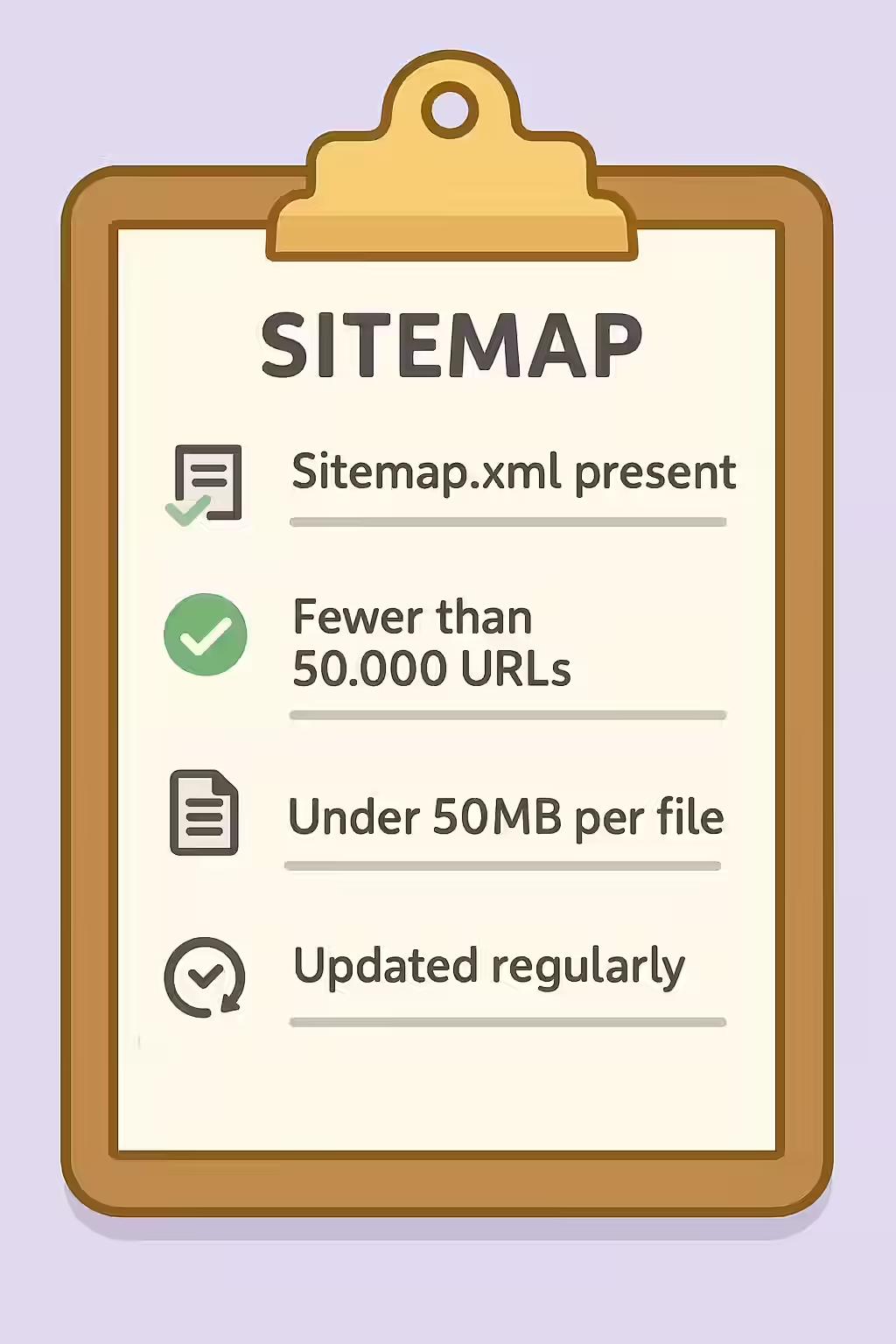
Learn about sitemap limits, why they are important for SEO, and how to fix them.
Learn about the importance of including all of your important URLs in your sitemap and how to fix a sitemap that is missing URLs.
Orphan URLs are pages with no internal links, making them nearly impossible for search engines to find. Learn how to discover and reintegrate these lost pages to improve your SEO.
Understand the different reasons why your pages might be non-indexable, from ‘noindex’ tags to canonicalization issues, and learn how to fix them for better SEO.
XML sitemaps over 50mb are a major SEO issue. Learn about XML sitemaps over 50mb, why they are bad for SEO, and how to fix them.
XML sitemaps with over 50k URLs are a major SEO issue. Learn about XML sitemaps with over 50k URLs, why they are bad for SEO, and how to fix them.
Including non-indexable URLs in your sitemap sends conflicting signals to search engines and wastes crawl budget. Learn how to create a clean, effective sitemap for better SEO.
A well-mapped website is a more successful website. By using sitemaps to help search engines to find and index your pages, you can improve your user experience, reach a wider audience, and even improve your SEO. For Google’s official perspective, their guide on sitemaps is an essential resource.

Ready to tackle all your SEO issues head-on? Start your comprehensive audit with Creeper today.
Have questions about our services? Contact us today for a free consultation and performance audit.
By filling out this form, you agree to our Privacy Policy.