In the intricate dance of web communication, 2xx status codes are the equivalent of a reassuring nod. They signal that a client’s request—whether from a browser or a search engine bot—has been successfully received, understood, and accepted. For anyone involved in technical SEO, recognizing the significance of these codes is paramount. A 2xx status code isn’t an error; it’s a confirmation that all is well on the server’s end, a cornerstone of a healthy, crawlable website that both users and search engines can rely on.
Think of your website as a library. When a user requests a book (a webpage), a 2xx status code is the librarian promptly handing over the correct volume. This seamless exchange is vital for user experience and, consequently, for your site’s ranking. For more on how search engines explore your site, see our article on crawl depth. You can learn more about HTTP status codes in general in our guide to HTTP status codes.
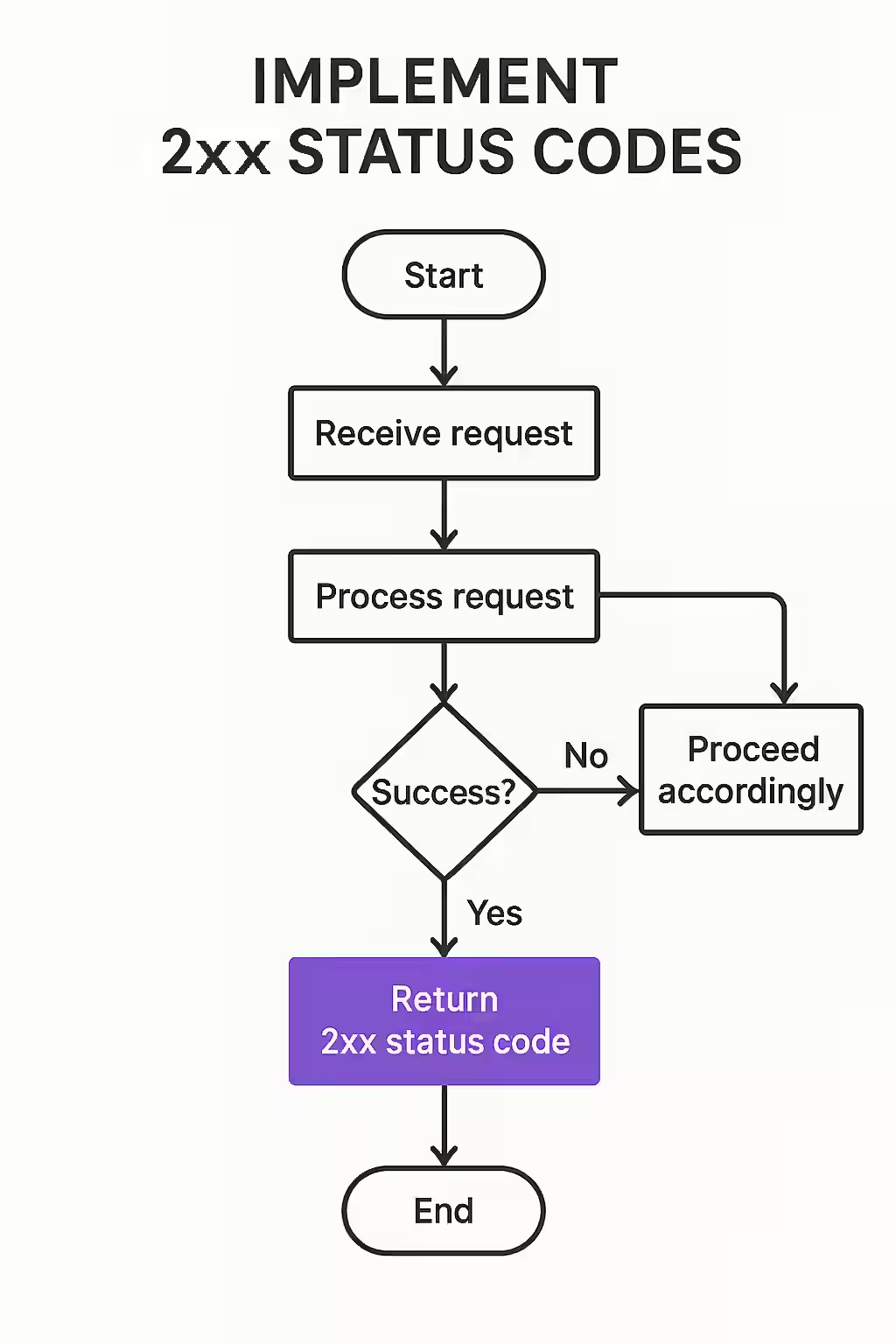
Your Guide to Successful Connections
While the 200 OK is the most famous of the bunch, the 2xx series contains a variety of informative responses. Understanding these nuances can help you diagnose server behavior more accurately. Here’s a breakdown of the most common 2xx status codes:
| Code | Meaning | Description & Use Case |
|---|---|---|
| 200 OK | The request has succeeded. | The standard, everyday response for successful HTTP requests. The content returned depends on the request method (e.g., the page content for a GET request). |
| 201 Created | A new resource has been created. | Typically sent after a POST or PUT request that results in a new URL being created, like a new blog post or user account. |
| 202 Accepted | The request has been accepted for processing. | Useful for asynchronous tasks where the action might take a while to complete (e.g., generating a large report). The server says “I’ve got it, but I’m not done yet.” |
| 203 Non-Authoritative Information | The request was successful, but the response is from a third-party proxy. | Indicates that the returned metadata might not be the definitive set from the origin server, as a proxy or CDN may have modified it. |
| 204 No Content | The request was successful, but there is no content to return. | Often used for DELETE requests or “save” actions that don’t require a page reload. The server confirms the action without sending back any data. |
| 205 Reset Content | The request was successful; reset the document view. | Tells the user agent to clear the content of the document that sent the request, for example, to clear a form after submission. |
| 206 Partial Content | Part of the resource is being delivered. | Used for features like video streaming or resumable downloads, where the client requests only a specific range of bytes from a larger file. |
| 207 Multi-Status | The response body contains multiple status codes for a batch operation. | Used in WebDAV. If a client performs multiple operations at once, this response provides an XML body detailing the success or failure of each one. |
Why 2xx Codes Are Your SEO Best Friend
A consistent stream of 2xx status codes is music to a search engine’s ears. It signifies a reliable and accessible website, which is a foundational element of strong SEO performance. When search engine crawlers encounter 2xx codes, they can efficiently index your content, leading to better visibility in search results. This builds trust and signals that your site provides a good user experience. Strong indexability is the first step towards ranking.
Conversely, frequent 5xx server errors or 4xx client errors can signal unreliability and harm your rankings. As explained in this guide from Search Engine Land, clean status codes are a must. Ensuring your site’s resources consistently return a 200 OK status code is a simple yet powerful way to maintain your SEO health. For more information on different types of status codes, you can explore the HTTP response status codes on MDN Web Docs.

Frequently Asked Questions
What is the most common 2xx status code?
The most common 2xx status code is 200 OK, which indicates that the request has succeeded without any issues. It’s the green light of the web.
Do all 2xx status codes mean the same thing?
No, while all 2xx status codes indicate success, they represent different types of success. For example, a 201 Created means a new resource has been created, while a 204 No Content means the server successfully processed the request but has no content to return.
Are 2xx status codes good for SEO?
Yes, 2xx status codes are essential for SEO. They tell search engine crawlers that your pages are accessible and functioning correctly, which is a fundamental requirement for good indexability and ranking.
What is the difference between a 202 Accepted and a 200 OK?
A 200 OK means the server has successfully processed the request and the response contains the final result. A 202 Accepted means the server has received the request for processing, but the processing is not yet complete. This is common for long-running, asynchronous tasks.
Ready to ensure your site is sending all the right signals? Start your audit with Creeper today!