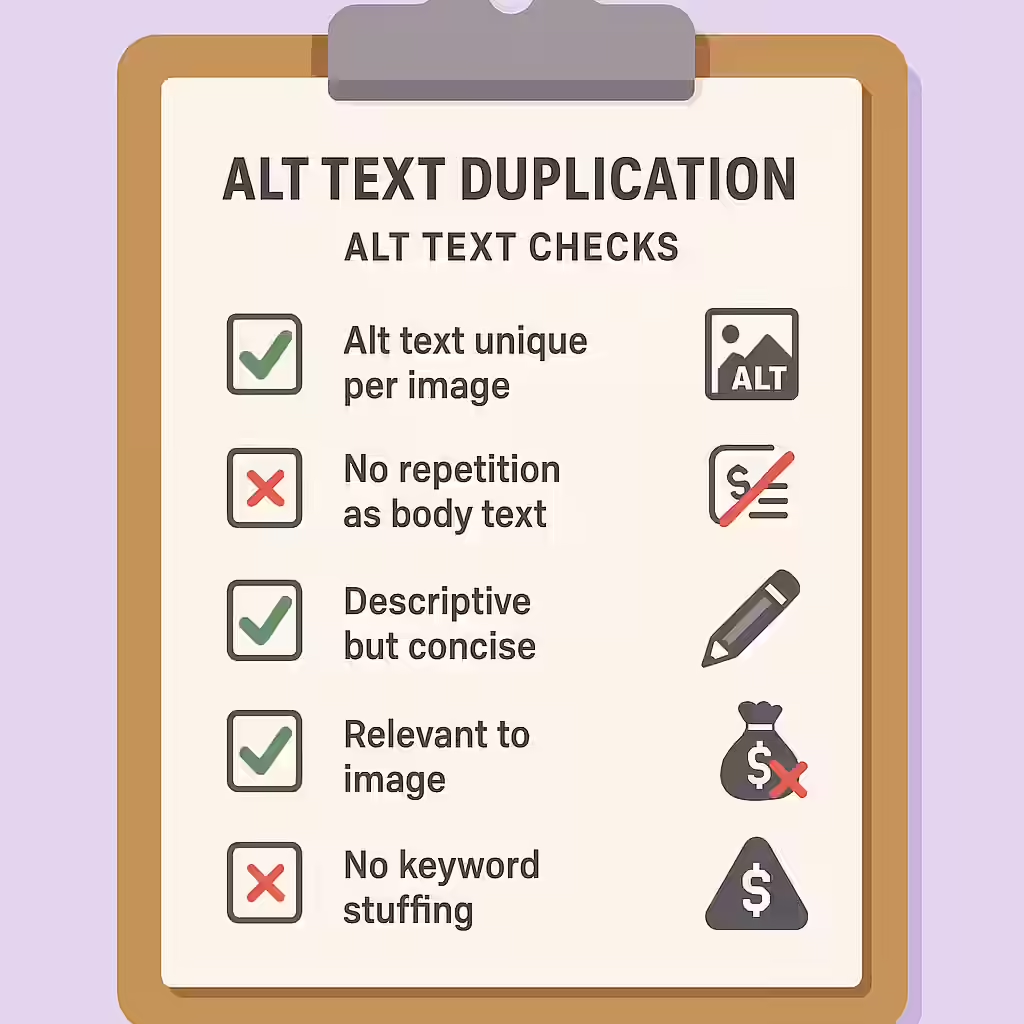
In the world of web accessibility, the primary goal of alt text is to provide a concise, meaningful alternative to an image for those who cannot see it. A common mistake is to have the alt text be an exact duplicate of the text in the surrounding content, such as a caption or a paragraph. This creates a redundant and annoying experience for screen reader users, who are forced to hear the same information twice in a row.
Think of your website as a newspaper. You wouldn’t write a caption for an image that is identical to the headline right above it. The same principle applies to your website. By making sure that your alt text provides new information or is left empty when the image is already described, you can create a more accessible and user-friendly experience for everyone. For a deeper dive into the world of accessibility, see our article on accessibility.
Why is Redundancy Bad for Accessibility?
The core issue with redundant alt text is the user experience for people who use screen readers. When a screen reader encounters an image, it announces “Image” and then reads the alt text. If the very next piece of text it reads is an identical caption or paragraph, the user is forced to listen to the same information twice. This is inefficient and can be frustrating, making it harder for users to navigate your content. The goal is to provide a seamless, not a repetitive, experience.
How to Write Non-Redundant Alt Text
Fixing repeated alt text is a simple but important task. The key is to understand the context of the image. For a deep dive into this topic, the W3C’s tutorial on decorative images is an excellent resource.
The correct approach depends on whether the surrounding text fully describes the image.
<!-- Before: Redundant Alt Text --> <figure> <img src="golden-retriever.jpg" alt="A golden retriever catching a red frisbee."> <figcaption>A golden retriever catching a red frisbee.</figcaption> </figure> <!-- After: Corrected Alt Text --> <!-- Option 1: The caption is sufficient, so the alt text is empty. --> <figure> <img src="golden-retriever.jpg" alt=""> <figcaption>A golden retriever catching a red frisbee.</figcaption> </figure> <!-- Option 2: The alt text provides additional, non-redundant information. --> <figure> <img src="golden-retriever.jpg" alt="The dog is mid-air with its mouth open."> <figcaption>A golden retriever catching a red frisbee.</figcaption> </figure>For more on the fundamentals of alt text, see our main guide on missing alt text.
Frequently Asked Questions
What is alt text?
Alt text is a short, descriptive label that tells screen readers what an image is about. It’s also displayed if the image fails to load. It is a fundamental part of image accessibility.
Why is it important for my alt text to not be repeated as text?
It’s important for your alt text to not be repeated as text so that users who rely on a screen reader don’t have to listen to the same information twice in a row (once for the image, and once for the caption or paragraph). This creates a redundant and frustrating user experience.
When should alt text be empty (alt=””)?
Alt text should be empty (a null value) when the image is purely decorative or when the information it conveys is already fully described in the adjacent text. This tells screen readers to ignore the image, which is the correct way to handle decorative images.
Ready to make your website more accessible? Start your Creeper audit today and see how you can improve your website’s accessibility.