In the world of web accessibility, ARIA (Accessible Rich Internet Applications) roles can be used to add meaning and context to your content for users of assistive technologies. However, a common mistake is to apply a role that is not appropriate for the element. Using the wrong ARIA role is like putting the wrong label on a box – it creates confusion and can make your site harder to use for people with disabilities. This guide will explore the importance of appropriate ARIA roles and how to fix them.
Think of your website as a play. You want to make sure that all the actors have the right roles. The same is true for your website. By making sure that your ARIA roles are appropriate for the element, you can create a more accessible and user-friendly experience for everyone. For a deeper dive into the world of accessibility, see our article on accessibility.

The First Rule of ARIA
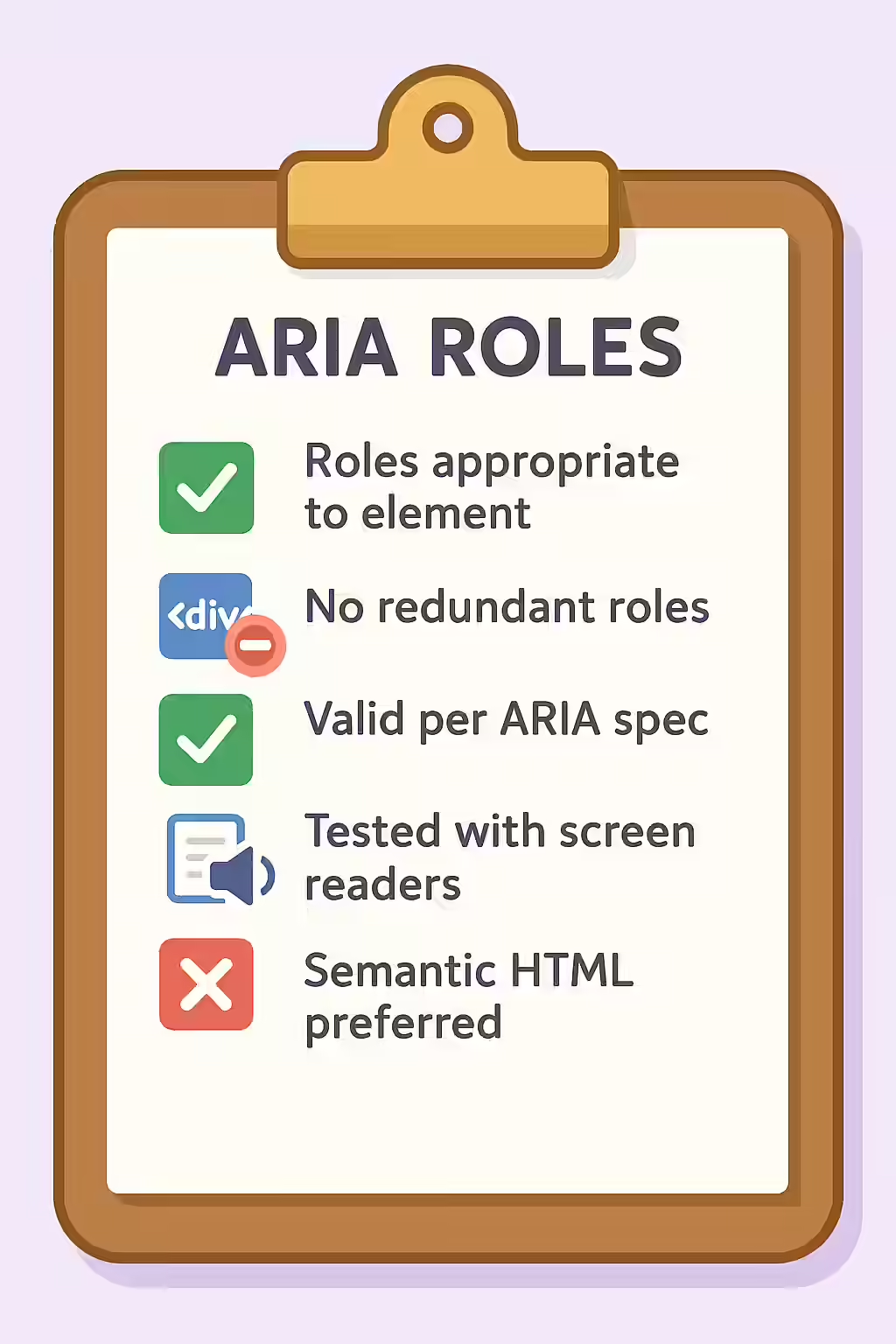
Before using any ARIA role, always remember the first rule of ARIA: **If you can use a native HTML element that has the semantics and behavior you need already built in, use it.** For example, instead of adding `role=”button”` to a `<div>`, you should simply use the `<button>` element. Native HTML elements are more robust, have built-in keyboard accessibility, and are better supported across devices. For a complete list of roles, see the MDN guide to ARIA roles.
Common Mistakes and How to Fix Them
Fixing inappropriate ARIA roles is a simple but important task. It usually involves replacing a generic element with a more semantic HTML5 element. Here are some common examples.
Incorrect Role for a Button
<!-- Before: Incorrect use of a role on a div -->
<div role="button" tabindex="0">Click Me</div>
<!-- After: Correct use of the native button element -->
<button>Click Me</button>
Incorrect Role for a Navigation Menu
<!-- Before: Incorrect use of a role on a div -->
<div role="navigation">
 <ul>...</ul>
</div>
<!-- After: Correct use of the native nav element -->
<nav>
 <ul>...</ul>
</nav>
For more on the importance of a well-structured website, check out this guide to ARIA roles from the W3C.
Frequently Asked Questions
What are ARIA roles?
ARIA roles are attributes you can add to HTML elements to give them a specific meaning for assistive technologies. For example, you can use `role=\”navigation\”` to identify a block of navigation links. However, it’s always better to use the native HTML element (e.g., `<nav>`) if one exists.
When is it okay to add an ARIA role to a <div>?
You should only add an ARIA role to a `<div>` or `<span>` when there is no native HTML element that provides the semantics you need. For example, if you are building a complex, custom widget like a tabbed interface, you would use roles like `tablist`, `tab`, and `tabpanel` on `<div>` elements because there are no native HTML tags for those roles.
Why is using the wrong ARIA role a problem?
Using an inappropriate ARIA role creates a mismatch between the element’s purpose and what is announced to a screen reader user. This can be very confusing. For example, adding `role=\”heading\”` to a `<ul>` (list) element is incorrect and will cause the screen reader to announce the list as a heading, which is not what the user would expect.