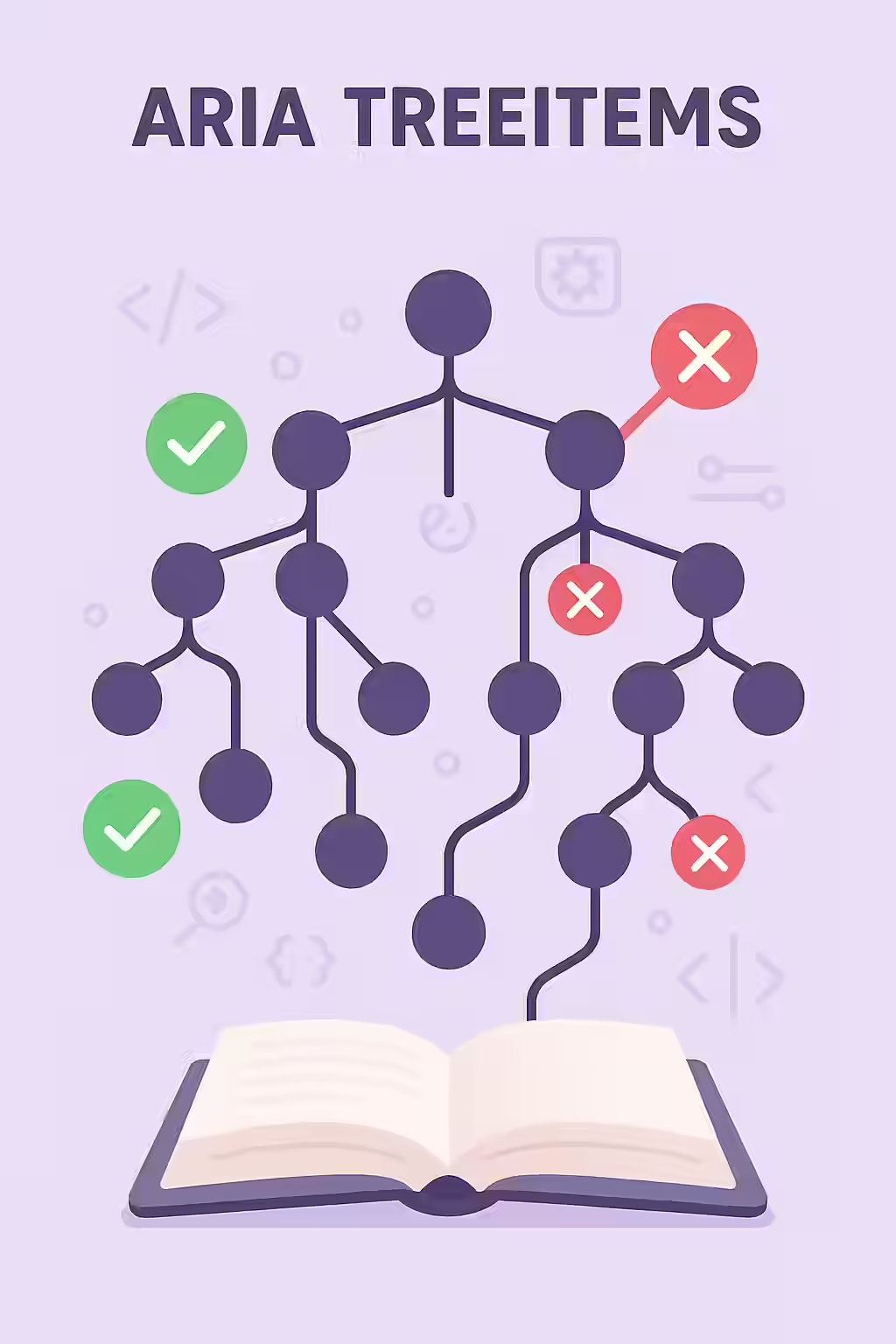
An ARIA tree view is a powerful widget for displaying hierarchical information, like a file directory or a nested navigation menu. Each item in the tree has the `role=”treeitem”`. For this widget to be usable by people with disabilities, every single treeitem node must have an accessible name. The accessible name is the text that a screen reader announces to the user, telling them what the item is. Without it, the user has no way of knowing what the different branches of the tree represent.
Think of your ARIA treeitems as the branches of a family tree. Each branch must have a name so that you can understand who’s who. The same is true for your website. By giving each treeitem a unique and descriptive name, you can create a more accessible and user-friendly experience for everyone. For a deeper dive into the world of accessibility, see our article on accessibility.

Naming Tree Items Correctly
The accessible name for a `treeitem` is typically provided by its own text content. The issue of a missing accessible name usually occurs when a `treeitem` element is empty or only contains other non-textual elements. For a complete technical overview, see the MDN guide for the treeitem role.
Implementation Examples
Fixing a missing accessible name is a simple but important task. Here are “before and after” examples showing how to correctly provide a name.
Using Text Content (Preferred)
<!-- Before: No accessible name --> <li role="treeitem"></li> <!-- After: Correctly named with text content --> <li role="treeitem">Annual Reports</li>Using `aria-label`
If the `treeitem` cannot contain visible text (for example, if it’s an icon), you can use the `aria-label` attribute to provide the accessible name.
<!-- Before: No accessible name --> <li role="treeitem"> <span class="icon-folder"></span> </li> <!-- After: Correctly named with aria-label --> <li role="treeitem" aria-label="Annual Reports"> <span class="icon-folder"></span> </li>For more on the importance of a well-structured website, check out this guide to ARIA treeviews from the W3C.
Frequently Asked Questions
What is an ARIA treeitem?
An ARIA treeitem is a role that defines an option in a tree widget. A tree is a hierarchical list of items that can be expanded and collapsed, like a file explorer or a nested navigation menu.
What is the relationship between ‘tree’, ‘group’, and ‘treeitem’ roles?
The `tree` role is the container for the entire widget. Each individual option within the tree has the `treeitem` role. If you have a group of child `treeitem`s under a parent `treeitem`, you can optionally wrap them in an element with the `group` role.
Why do my ARIA treeitem nodes need an accessible name?
An accessible name is the text that a screen reader announces for the treeitem. Without a name, a screen reader user would just hear ‘treeitem’ with no context, making the tree impossible to navigate. The name tells the user what the item is (e.g., ‘Documents’, ‘Images’, ‘Videos’).
Ready to give your treeitems a voice? Start your Creeper audit today and see how you can improve your website’s accessibility.