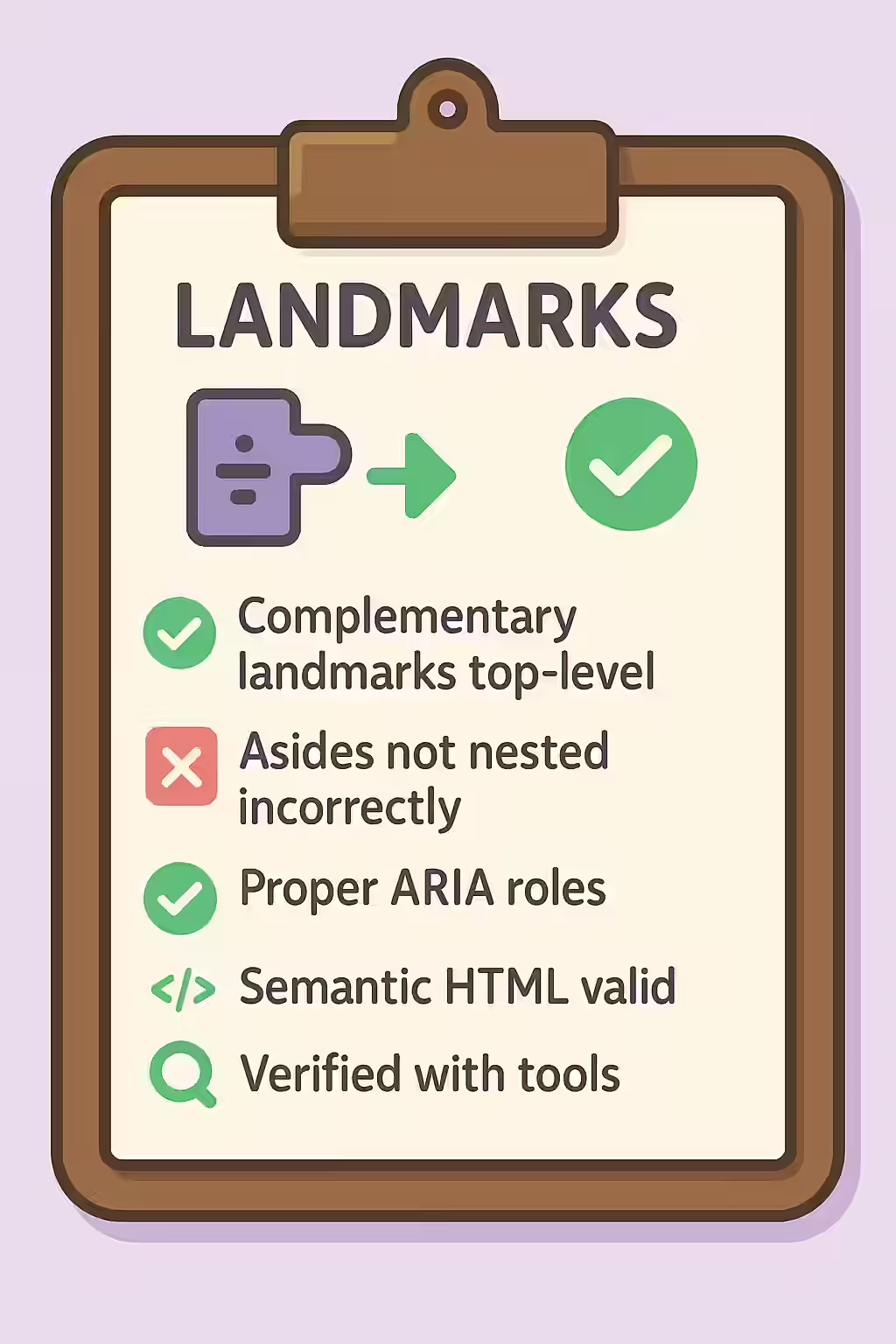
In the world of web accessibility, the complementary landmark, created with the ‘<aside>` element, is used to identify content that is tangentially related to the main content but can be understood on its own. To ensure a logical and predictable structure for users of assistive technologies, this landmark should be a top-level landmark and should not be nested inside another landmark element.
Think of your website as a newspaper. The sidebars with related stories or advertisements are clearly separate from the main articles. The same is true for your website. By making sure that your complementary landmarks and asides are top-level, you can create a more accessible and user-friendly experience for everyone. For a deeper dive into the world of accessibility, see our article on accessibility.

Understanding the `complementary` Role
The `<aside>` element is for content that is a ‘sidekick’ to the main content. As the MDN Web Docs for the aside element explain, this can include sidebars, pull quotes, or groups of advertising. The key is that the content is related but separate. An important rule is that a complementary landmark should not be nested inside another landmark, as this creates a confusing structure.
Correcting Nested Asides
This issue typically occurs when a developer mistakenly places a sidebar `<aside>` inside another landmark like the `<footer>`. The fix is to ensure the `<aside>` is a sibling to, not a child of, the other top-level landmarks.
<!-- Before: Incorrectly nested aside -->
<body>
 <main>
 <p>Main content...</p>
 <aside>
 <h2>Related Links</h2>
 ...
 </aside>
 </main>
</body>
<!-- After: Correctly structured aside -->
<body>
 <main>
 <p>Main content...</p>
 </main>
 <aside>
 <h2>Related Links</h2>
 ...
 </aside>
</body>
For more on the importance of a well-structured website, check out this guide to containing all content in landmarks.
Frequently Asked Questions
What is a complementary landmark?
A complementary landmark, created with the `<aside>` element, is a section of a page that is tangentially related to the main content but can be understood independently. Common examples include sidebars with related links, author bios, or pull quotes.
What does it mean for a landmark to be ‘top-level’?
A ‘top-level’ landmark is one that is not contained within another landmark. For example, your main site sidebar (`<aside>`) should not be nested inside your `<footer>`. This ensures a clean, logical structure for assistive technologies.
When should I use an <aside> versus a <div>?
You should use an `<aside>` when the content is complementary to the main content but separate from it. You should use a `<div>` for generic grouping of content for styling purposes when there is no semantic meaning. Using `<aside>` provides a valuable landmark for screen reader users that a `<div>` does not.