In the world of web accessibility, headings are the signposts that guide users through your content. An empty heading (e.g., ‘<h2></h2>`) is like a blank signpost—it tells a screen reader user that there’s a section here, but gives them no information about what it contains. This creates a confusing and frustrating experience for users of assistive technologies and signals a poorly structured page to search engines.
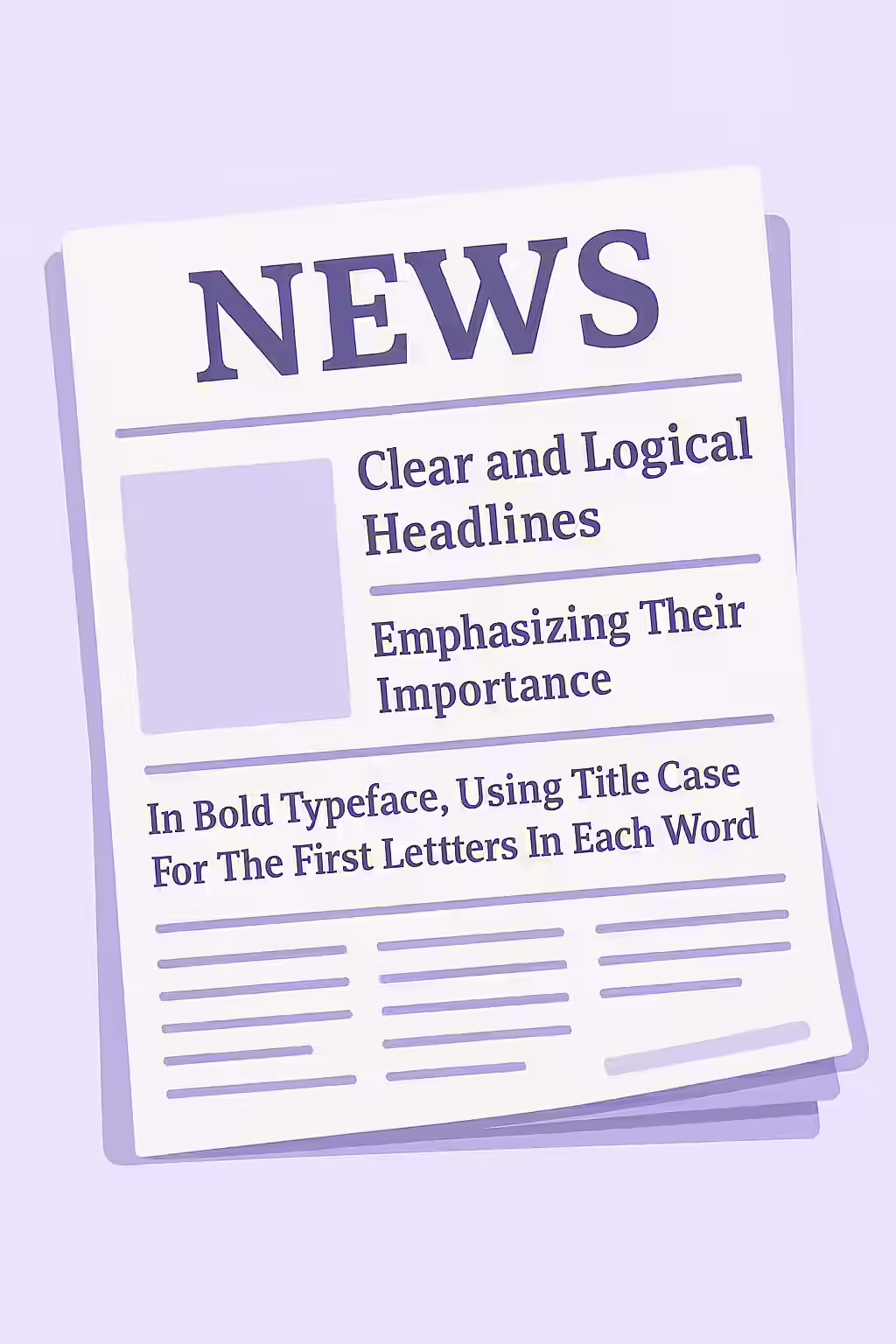
Think of your website as a newspaper. You want to make sure that all the headlines have text. The same is true for your website. By making sure that your headings are not empty, you can create a more accessible and user-friendly experience for everyone. For a deeper dive into the world of accessibility, see our article on accessibility.
How Do Empty Headings Happen?
Empty headings are almost always unintentional. They often occur when:
- A developer or content editor accidentally deletes the text from within a heading tag.
- A heading tag is used purely for its styling (e.g., to create a margin or a line break), which is an incorrect use of semantic HTML.
- A CMS or plugin generates an empty heading tag due to a bug or misconfiguration.
Fixing Empty Headings
Fixing empty headings is a simple but important task. The solution is to either add the appropriate text or remove the tag entirely. For more on this, see the W3C’s tutorial on headings.
<!-- Before: Empty heading -->
<h2></h2>
<!-- After: Corrected heading with text -->
<h2>About Our Company</h2>
<!-- Or, if the heading was purely for styling, remove it -->
<!-- (Use CSS for styling instead) -->
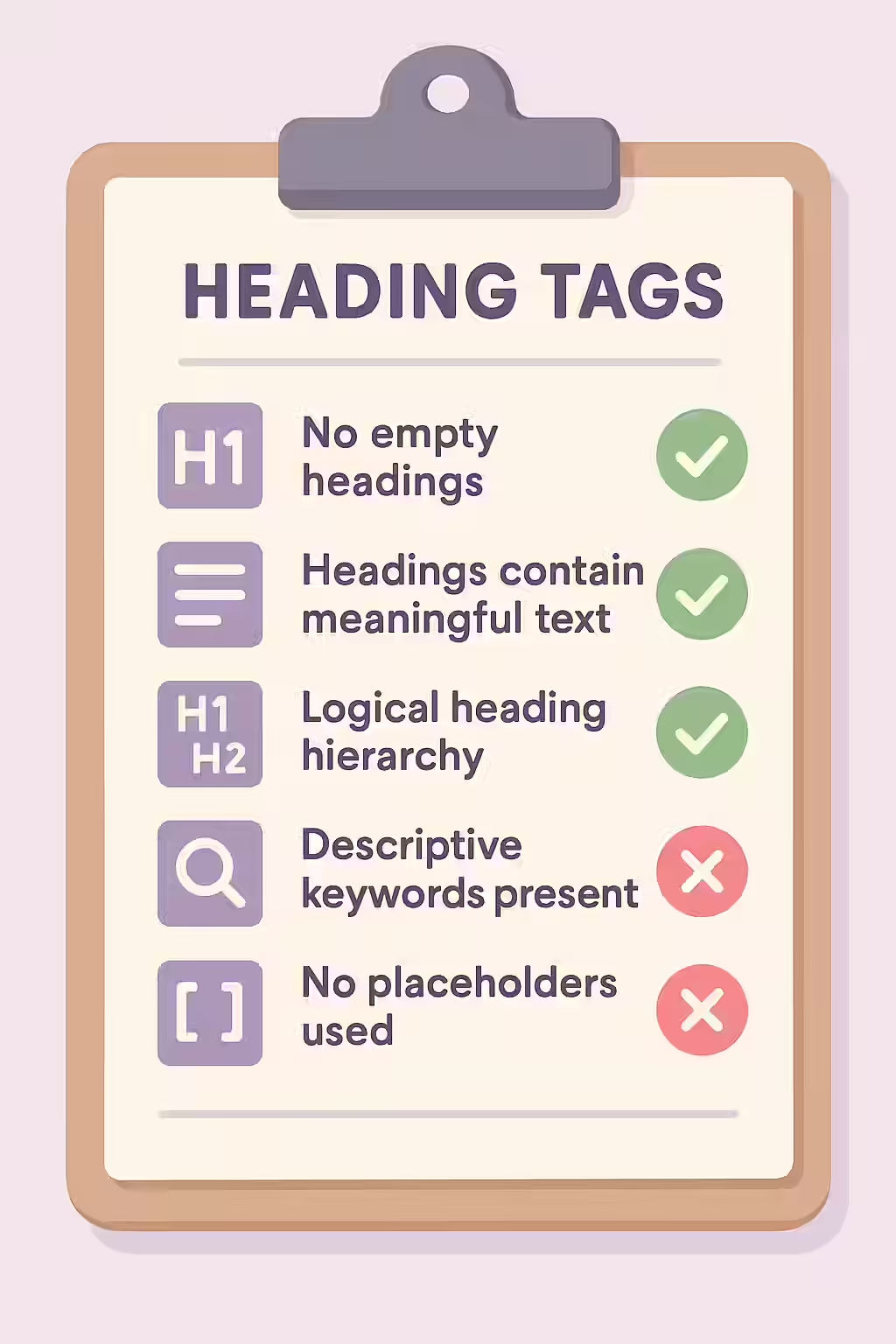
It’s also crucial to ensure your headings are in a logical order. For more, see our guide on why heading levels should only increase by one.
Frequently Asked Questions
What are headings?
Headings (`<h1>` through `<h6>`) are HTML elements used to create a structural outline for a webpage. They are a critical accessibility feature, as they allow users of assistive technologies to understand and navigate the content of a page.
Is an empty heading a critical accessibility issue?
While it might not be as severe as a missing form label, an empty heading is still a frustrating accessibility issue. It creates ‘noise’ for screen reader users, who will hear that there is a heading but get no information from it. It’s a sign of a poorly structured page and should be fixed.
Why is it important for my headings to not be empty?
It’s important for your headings to not be empty so that they can provide a clear and logical outline of the page for both search engines and users of assistive technologies. An empty heading provides no information and can be confusing.
Ready to make your website more accessible? Start your Creeper audit today and see how you can improve your website’s accessibility.