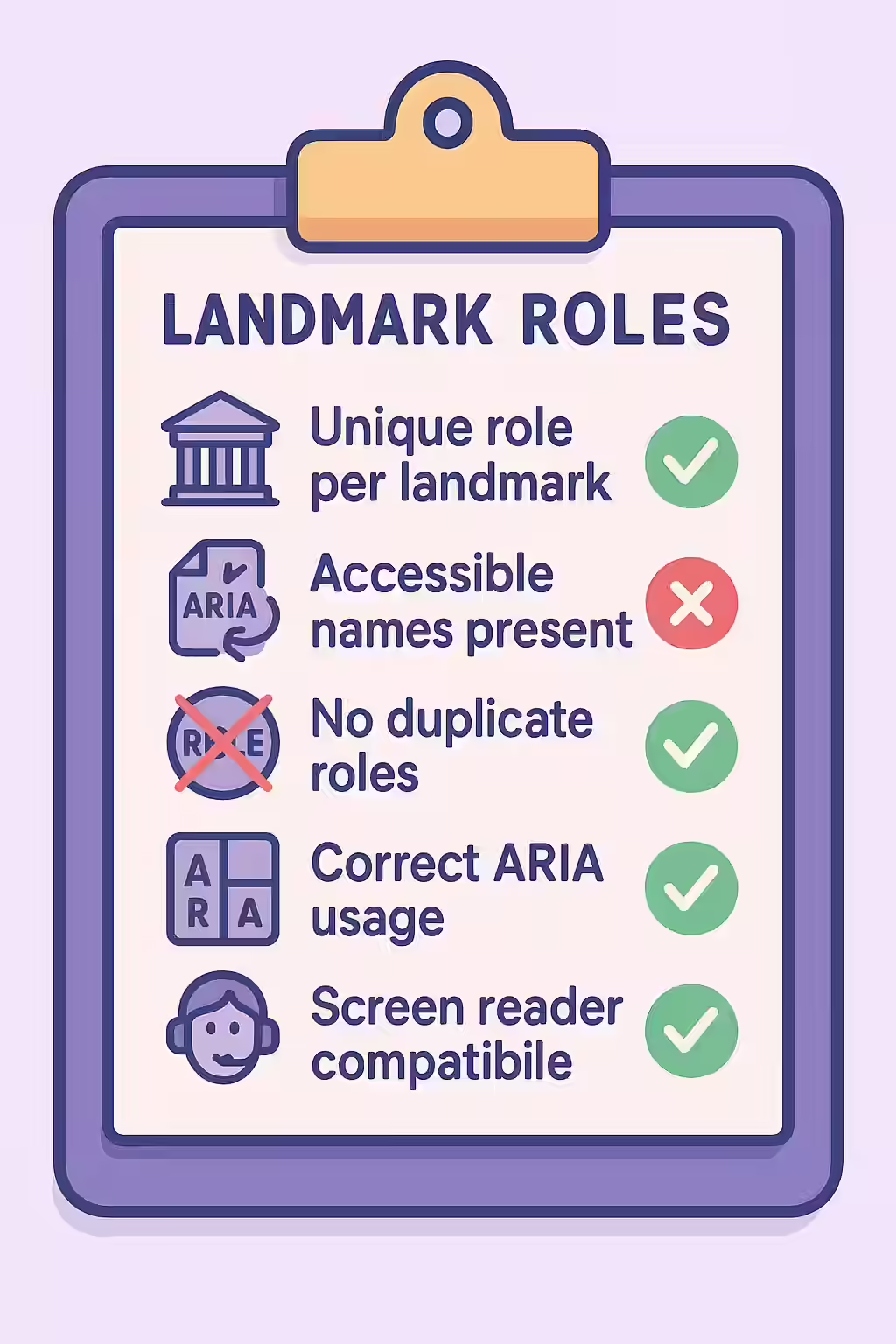
In the world of web accessibility, landmarks are essential for navigation. However, when you use the same landmark role more than once on a page (for example, having two `<nav>` elements), you must give each one a unique accessible name. Without a unique name, a screen reader user has no way to differentiate between the two landmarks, which can create a confusing and frustrating experience.
Think of your website as a city. You can have multiple parks, but each one needs a unique name (e.g., “Central Park,” “Washington Square Park”) so people can tell them apart. The same is true for your website’s landmarks. By making sure that your repeated landmarks have a unique accessible name, you can create a more accessible and user-friendly experience for everyone. For a deeper dive into the world of accessibility, see our article on accessibility.

Which Landmarks Need Unique Names?
First, it’s important to note that some landmarks should only appear once on a page. These are your main, top-level landmarks:
- `banner` (`<header>`)
- `main` (`<main>`)
- `contentinfo` (`<footer>`)
However, other landmarks can be used multiple times. It is these landmarks that require a unique accessible name if they appear more than once:
- `navigation` (`<nav>`)
- `region` (`<section>` with an accessible name)
- `complementary` (`<aside>`)
For a complete overview, see the W3C’s guide to landmark regions.
How to Label Multiple Landmarks
The best way to fix this issue is to provide a unique name using either `aria-label` or `aria-labelledby`. `aria-label` is often the simplest solution.
<!-- Before: Two indistinguishable navigation landmarks --> <nav> <h2>Main Navigation</h2> ... </nav> ... <nav> <h2>On This Page</h2> ... </nav> <!-- After: Correctly labeled navigation landmarks --> <nav aria-label="Main"> <h2>Main Navigation</h2> ... </nav> ... <nav aria-label="On This Page"> <h2>On This Page</h2> ... </nav>For more on the importance of a well-structured website, check out this guide to containing all content in landmarks.
Frequently Asked Questions
What are landmarks?
Landmarks are a way of identifying the different sections of a webpage. They’re an important accessibility feature, as they can help users who rely on a screen reader to navigate your site to quickly and easily get to the main content of the page.
What is the difference between `aria-label` and `aria-labelledby`?
`aria-label` is used to provide a simple string label for an element. `aria-labelledby` is used to point to the ID of another element on the page that should serve as the label. For landmarks, `aria-labelledby` is often preferred if there is a visible heading that can be used as the label.
Why is it important for my landmarks to have a unique role or accessible name?
If you have two landmarks of the same type (e.g., two navigation menus), a screen reader user will just hear ‘Navigation’ twice. By providing a unique accessible name (e.g., ‘Main Navigation’ and ‘Footer Navigation’), you allow the user to differentiate between them and navigate more efficiently.
Ready to make your website more accessible? Start your Creeper audit today and see how you can improve your website’s accessibility.