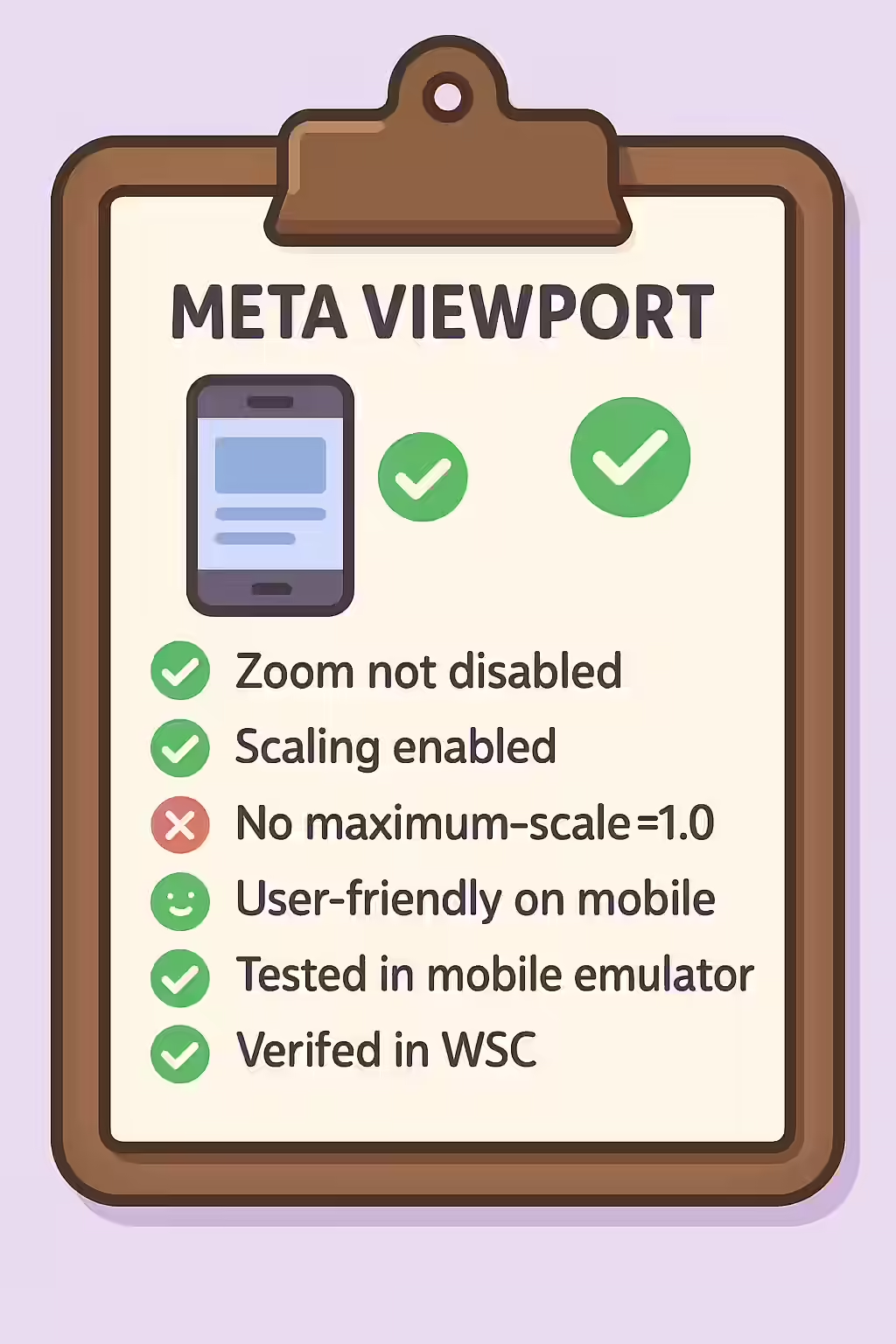
In the world of web accessibility, the meta viewport tag is a powerful tool for controlling the layout of a webpage on mobile devices. However, a common mistake is to use it to disable zooming and scaling with properties like `user-scalable=no` and `maximum-scale=1.0`. While it may seem like a good idea to lock your design in place, this is a major accessibility barrier for users with low vision and a failure to meet the Web Content Accessibility Guidelines (WCAG).
Think of your website as a city map. You want to make it easy for people to zoom in to see the street names, regardless of their eyesight. The same is true for your website. By allowing users to zoom and scale your content, you can create a more accessible and user-friendly experience for everyone. For a deeper dive into the world of accessibility, see our article on accessibility.

Why Disabling Zoom is an Anti-Pattern
Disabling the user’s ability to zoom is a critical accessibility failure. Users with low vision rely on the ability to pinch-zoom to read content and see details on a small screen. Taking away this functionality can make your site completely unusable for them. This practice directly violates WCAG 1.4.4 Resize text, which requires that text can be resized up to 200 percent without loss of content or functionality.
Correcting the Meta Viewport Tag
Fixing a meta viewport that has zooming and scaling disabled is a simple but important task. The fix is to remove the restrictive properties. For more on this, see the MDN guide to the meta viewport tag.
<!-- Before: Inaccessible viewport with zoom disabled --> <meta name="viewport" content="width=device-width, initial-scale=1.0, maximum-scale=1.0, user-scalable=no"> <!-- After: Accessible viewport that allows zooming --> <meta name="viewport" content="width=device-width, initial-scale=1.0">By removing `maximum-scale=1.0` and `user-scalable=no`, you restore the browser’s default, accessible behavior, allowing users to zoom in on your content as needed.
Frequently Asked Questions
What is the meta viewport tag?
The meta viewport tag is an HTML element that is used to control the layout of a webpage on mobile devices. It tells the browser how to control the page’s dimensions and scaling.
But my responsive design looks bad when users zoom in!
If your design breaks when a user zooms, it indicates an issue with your responsive CSS, not a reason to disable zooming. The solution is to fix the underlying design to better handle text resizing and reflow, not to remove a critical accessibility feature for users with low vision.
Why should I not disable zooming and scaling on my meta viewport?
You should not disable zooming and scaling on your meta viewport because it is a major barrier for users with low vision. These users rely on the ability to zoom in on your content in order to read it. Disabling this functionality is a failure of the Web Content Accessibility Guidelines (WCAG).
Ready to make your website more accessible? Start your Creeper audit today and see how you can improve your use of the meta viewport tag.