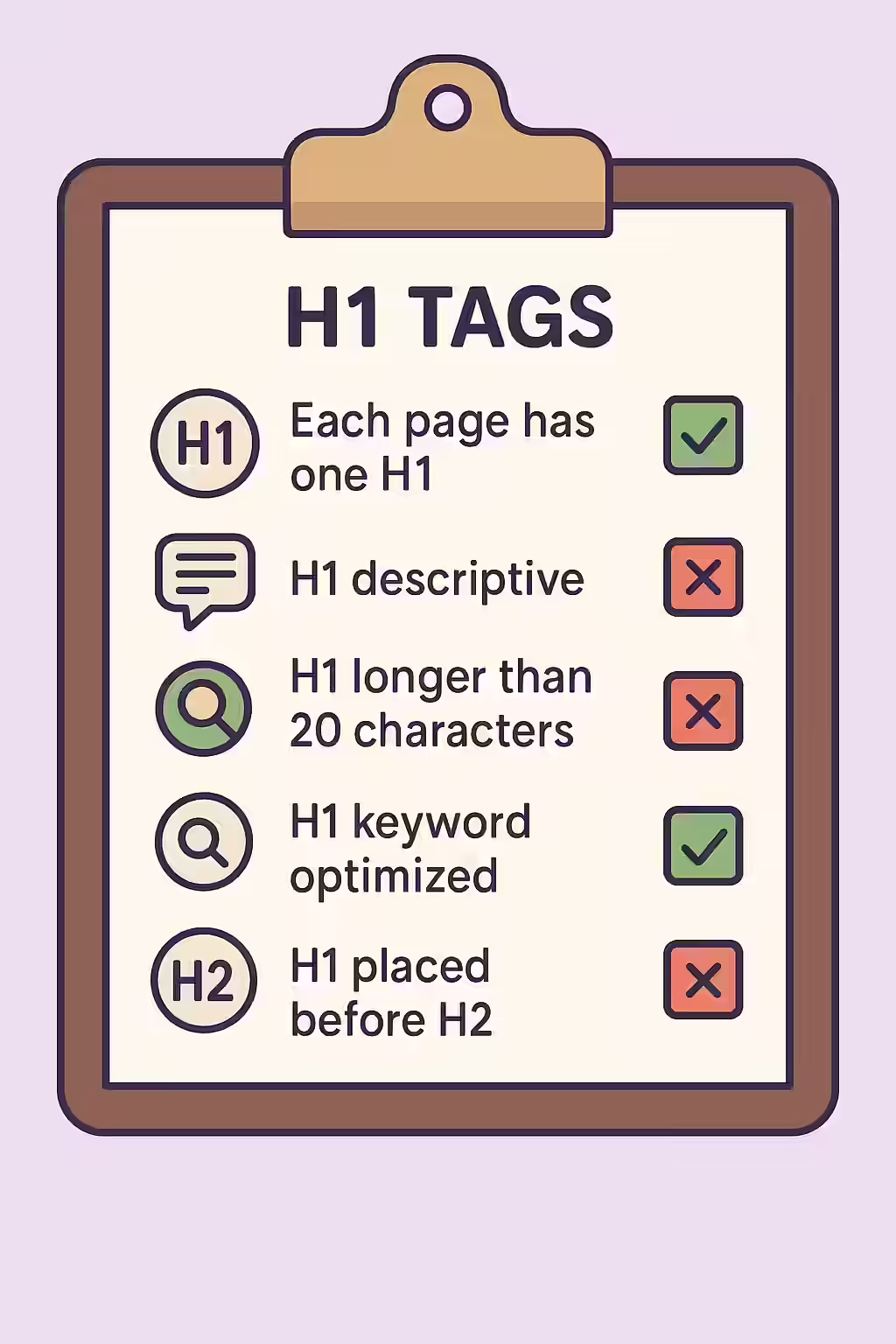
In the world of web accessibility and SEO, the `<h1>` tag is the main event. It is the primary heading of a webpage and should represent the main topic of the content. A page without an H1 tag is like a book without a title—it’s confusing for users and search engines alike. Ensuring every page has one, and only one, H1 tag is a fundamental best practice for creating a well-structured and successful website.
Think of your website as a newspaper. The H1 is the main headline that grabs your attention and summarizes the entire story. By making sure that your pages have a clear and descriptive H1 tag, you can create a more accessible and user-friendly experience for everyone. For a deeper dive into the world of accessibility, see our article on accessibility.

Why Every Page Needs an `<h1>`
The `<h1>` tag serves two critical functions that are essential for a high-performing webpage. For a complete technical overview, see the MDN guide to heading elements.
- For SEO: The `<h1>` is one of the strongest relevance signals on a page. It tells search engines the primary topic of your content, and the keywords used in the H1 have a significant impact on your ability to rank for those terms.
- For Accessibility: For users of screen readers, the `<h1>` is the first and most important piece of content they will typically navigate to. It allows them to quickly understand the purpose of the page and decide if it’s relevant to their needs.
How to Implement a Proper `<h1>`
Fixing a page that is missing an H1 tag is a simple but important task. The goal is to add a single, unique, and descriptive H1 that accurately reflects the page’s content.
<!-- Before: Missing H1 tag --> <body> <main> <p class="page-title">About Our Company</p> <!-- Incorrect: Styled text is not a real heading --> <p>Content...</p> </main> </body> <!-- After: Correctly implemented H1 tag --> <body> <main> <h1>About Our Company</h1> <p>Content...</p> </main> </body>It’s also crucial to ensure your headings are in a logical order. For more, see our guide on why heading levels should only increase by one.
Frequently Asked Questions
What is an H1 tag?
An H1 tag is an HTML element that is used to define the main heading of a webpage. It should represent the primary topic of the page and is a critical signal for both accessibility and SEO.
What is the difference between an <h1> and a <title> tag?
The `<title>` tag is shown in the browser tab and in search engine results pages (SERPs). The `<h1>` is the main heading displayed on the page itself. While they should be similar and target the same keywords, the title tag is optimized for the SERP, while the H1 is optimized for the on-page user experience.
Why is it important for my pages to have an H1 tag?
It’s important for your pages to have an H1 tag because it provides a clear, high-level summary of the page’s content for both search engines and users of assistive technologies. A missing H1 is a major missed opportunity for both SEO and accessibility.
Ready to make your website more accessible? Start your Creeper audit today and see how you can improve your website’s accessibility.