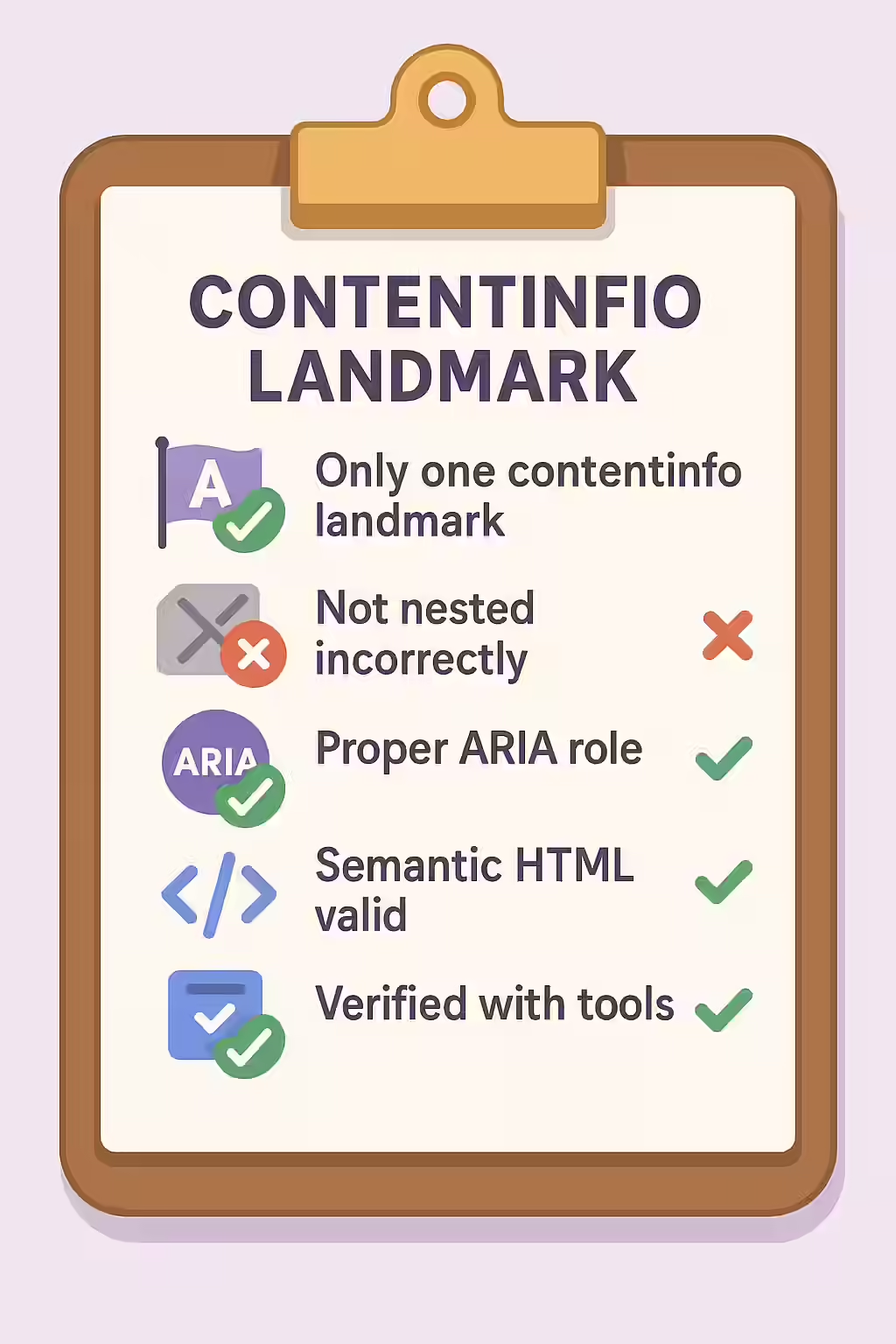
In the world of web accessibility, the contentinfo landmark, defined by the `<footer>` element, identifies the global footer of your website. This is where users expect to find information like copyright notices, privacy policies, and contact links. To ensure a logical and predictable experience for users of assistive technologies, a page should have only one contentinfo landmark. This is a key principle of creating a well-structured and accessible website.
Think of your website as a newspaper. There is only one footer with the publisher’s information at the very bottom. The same is true for your website. By making sure that your pages have only one contentinfo landmark, you can create a more accessible and user-friendly experience for everyone. For a deeper dive into the world of accessibility, see our article on accessibility.

Why Only One Contentinfo Landmark?
The contentinfo landmark is a primary point of orientation for screen reader users. They can use it to quickly jump to the bottom of the page to find administrative information. When a page has multiple contentinfo landmarks, it creates confusion. The user is presented with multiple “footers,” and it’s not clear which one is the primary, site-wide footer. This redundancy makes the page harder to navigate. For a complete overview, see the MDN guide to the footer element.
Correcting Multiple Contentinfo Landmarks
This issue typically occurs when a developer uses multiple top-level `<footer>` elements. The fix is to ensure that only the main, site-wide footer uses the `<footer>` tag at the top level of the document. Any other “footer-like” sections should use a different element, like a `<div>`.
<!-- Before: Two top-level footers create two contentinfo landmarks --> <body> <main>...</main> <footer> <p>A secondary footer message.</p> </footer> <footer> <!-- Incorrect: This should not be a footer --> <p>© 2025 My Website</p> </footer> </body> <!-- After: Only one top-level footer --> <body> <main>...</main> <div class="secondary-footer"> <!-- Correct: Use a div for non-landmark footers --> <p>A secondary footer message.</p> </div> <footer> <p>© 2025 My Website</p> </footer> </body>For more on the importance of a well-structured website, check out this guide to containing all content in landmarks.
Frequently Asked Questions
What is a contentinfo landmark?
A contentinfo landmark identifies the footer content of a webpage, which typically contains information like copyrights, privacy policies, and contact info. It is most commonly created using the `<footer>` HTML element.
Can a page have more than one <footer> element?
Yes, a page can have multiple `<footer>` elements. However, only the `<footer>` that is a direct child of the `<body>` element is considered the top-level ‘contentinfo’ landmark. Other `<footer>` elements inside sections like `<article>` or `<section>` are valid but are not ‘contentinfo’ landmarks.
Why shouldn’t a contentinfo landmark be nested in another landmark?
Nesting a top-level landmark like a footer inside another landmark (e.g., putting your main site `<footer>` inside your `<main>` content) creates a confusing and illogical structure for assistive technologies. It’s like finding the foundation of a house in the attic.
Ready to make your website more accessible? Start your Creeper audit today and see how you can improve your website’s accessibility.