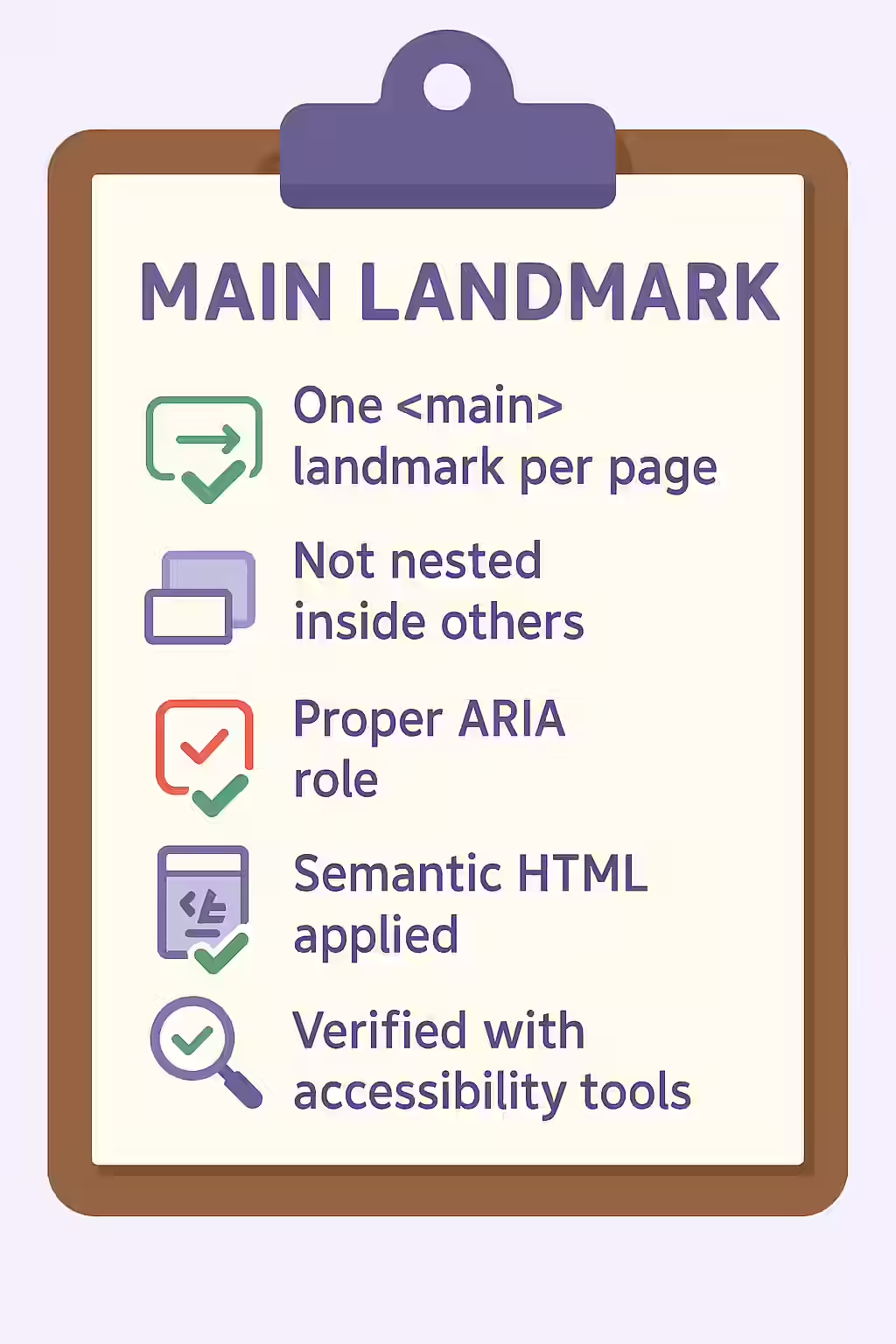
In the world of web accessibility, the main landmark, defined by the `<main>` element, is arguably the most important. It identifies the primary, unique content of a webpage, allowing users of assistive technologies to skip repetitive navigation and get right to the good stuff. To ensure a logical and predictable experience, every page must have one and only one main landmark. A page without one is like a book without chapters—a wall of text with no clear starting point.
Think of your website as a newspaper. The main story is the centerpiece, and it’s clearly delineated from the masthead and the classifieds. The same is true for your website’s main content. By making sure that your pages have one main landmark, you can create a more accessible and user-friendly experience for everyone. For a deeper dive into the world of accessibility, see our article on accessibility.

Why a Missing Main Landmark is a Problem
The main landmark is a primary point of orientation for screen reader users. They can use it as a shortcut to jump directly to the core content of the page, bypassing the header, navigation, and any sidebars. When a page has no main landmark, this crucial shortcut is missing, and the user is forced to manually navigate through all the repetitive elements at the top of the page. This creates a frustrating and inefficient user experience. For a complete overview, see the MDN guide to the main element.
How to Add a Main Landmark
Fixing a page that is missing a main landmark is a simple but important task. The fix is to wrap all of the primary, unique content of the page in a `
<!-- Before: No main landmark --> <body> <header>...</header> <div class="content"> <h1>Page Title</h1> <p>Page content...</p> </div> <footer>...</footer> </body> <!-- After: Correctly implemented main landmark --> <body> <header>...</header> <main> <h1>Page Title</h1> <p>Page content...</p> </main> <footer>...</footer> </body>For more on the importance of a well-structured website, check out this guide to containing all content in landmarks.
Frequently Asked Questions
What is a main landmark?
A main landmark, created with the `<main>` element, identifies the primary, unique content of a webpage. It’s a critical accessibility feature that allows screen reader users to skip repetitive content like headers and navigation and jump directly to the main content.
What content should go inside the <main> element?
The `<main>` element should contain the content that is unique to that specific page. It should not include content that is repeated across multiple pages, such as site logos, main navigation menus, or footers.
Why is it important for my pages to have one main landmark?
It’s important for your pages to have one main landmark so that users who rely on a screen reader have a single, predictable shortcut to get to the primary content of the page. A missing main landmark makes the page much harder to navigate.
Ready to make your website more accessible? Start your Creeper audit today and see how you can improve your website’s accessibility.