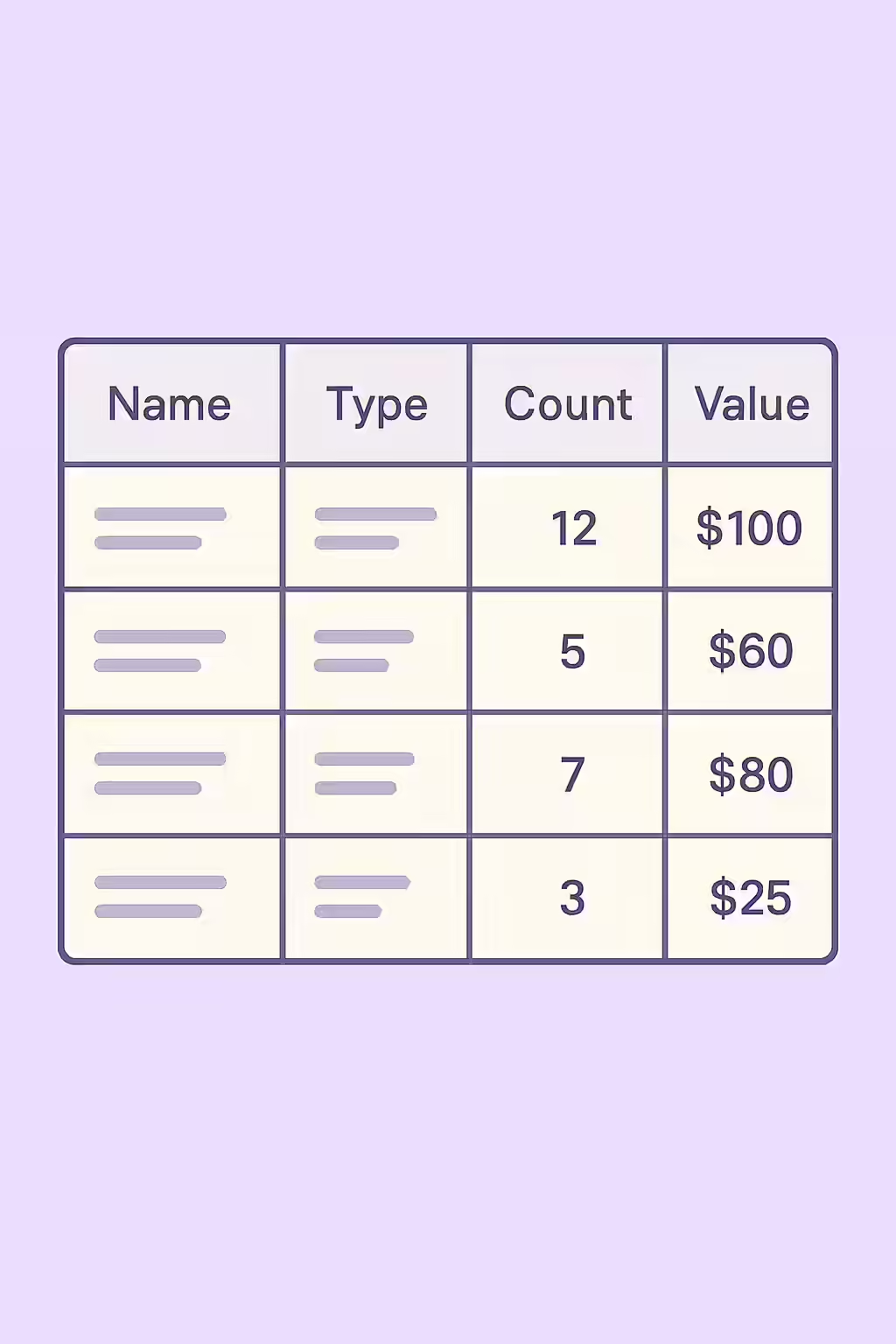
In the world of web accessibility, data tables are only useful if the user can understand the relationship between the data cells and their headers. For a screen reader user, this is only possible if the table headers (`<th>` elements) have discernible text. This means the header must have a name that can be read by a screen reader, providing the necessary context for the data in its corresponding row or column.
Think of your table as a spreadsheet. The header row is essential for understanding what the data in each column means. An empty header is a blank label, making the data below it meaningless. By ensuring that your table headers have discernible text, you can create a more accessible and user-friendly experience for everyone. For a deeper dive into the world of accessibility, see our article on accessibility.
How Headers Can Become ‘Empty’
A table header can lack a discernible name in several ways:
- A literally empty `<th>` tag:
<th></th>. - A `<th>` that contains only a decorative image: An image with null or empty alt text.
- A `<th>` that contains an icon font: An icon with no associated text or accessible name.
Ensuring Headers Have a Name
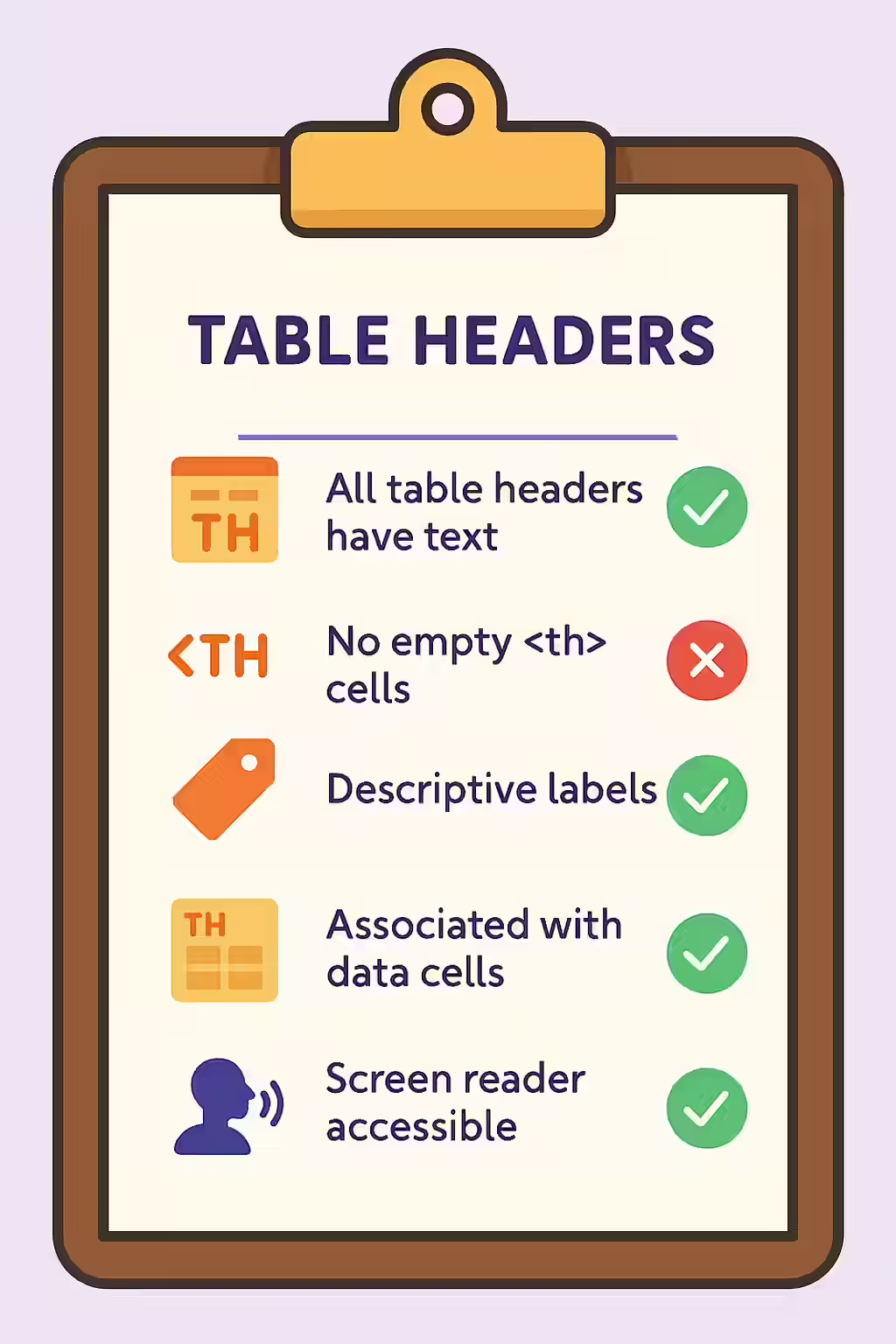
Fixing a table header that does not have discernible text is a simple but important task. The solution is to either add text content or provide an accessible name via other means. For a complete technical overview, see the MDN guide for the th element.
<!-- Before: Empty table header --> <th scope="col"></th> <!-- After: Corrected header with text --> <th scope="col">Product Name</th> <!-- Before: Header with only a decorative icon --> <th scope="col"> <span class="icon-delete" aria-hidden="true"></span> </th> <!-- After: Corrected header with an accessible name for the icon --> <th scope="col" aria-label="Delete Item"> <span class="icon-delete" aria-hidden="true"></span> </th>It’s also crucial to correctly associate your headers with their data cells. For more on this, see our guide on using the scope attribute correctly.
Frequently Asked Questions
What are table headers?
Table headers, created with the `<th>` element, are used to label the columns or rows of a data table. They are a critical accessibility feature that allows screen readers to announce the context of each data cell.
How do I provide an accessible name for a header that is just an icon?
If your header is an icon (e.g., a trash can icon for a ‘Delete’ column), you must provide an accessible name for it. You can do this by adding visually hidden text inside the `<th>` or by using an `aria-label` attribute on the header element.
Why is it important for my table headers to have discernible text?
It’s important for your table headers to have discernible text so that screen readers can announce the purpose of each column or row to the user. Without a name, a screen reader user would not know what the data in a cell refers to, making the table incomprehensible.
Ready to make your website more accessible? Start your Creeper audit today and see how you can improve your website’s accessibility.