A high bounce rate is like a revolving door for your website—visitors arrive, take one look, and leave immediately. It’s a classic analytics metric that signifies a disconnect between what the user expected and what your page delivered. While still relevant, the concept has evolved with the introduction of Google Analytics 4 (GA4), which shifts the focus to a more positive metric: Engagement Rate. This guide will explore the importance of both metrics and how to improve them.
Think of your website as a store. A high bounce rate means people are walking in and immediately walking out. This tells you there’s a problem with your storefront, your products, or your layout. By reducing your bounce rate and increasing engagement, you can create a more successful and user-friendly experience for everyone. For a deeper dive into the world of analytics, see our article on the analytics category.

From Bounce Rate to Engagement Rate: A Modern Perspective
With the deprecation of Universal Analytics, Google Analytics 4 has introduced **Engagement Rate** as a more nuanced way to measure user interaction. As explained in the official Google documentation, an engaged session is one that lasts longer than 10 seconds, has a key event, or has at least 2 pageviews. Bounce rate in GA4 is now simply the inverse of the engagement rate. This new focus encourages a more holistic view of user behavior.
Strategies to Reduce Bounce Rate and Increase Engagement
Improving these metrics is about creating a better user experience and meeting user expectations. Here’s how to do it:
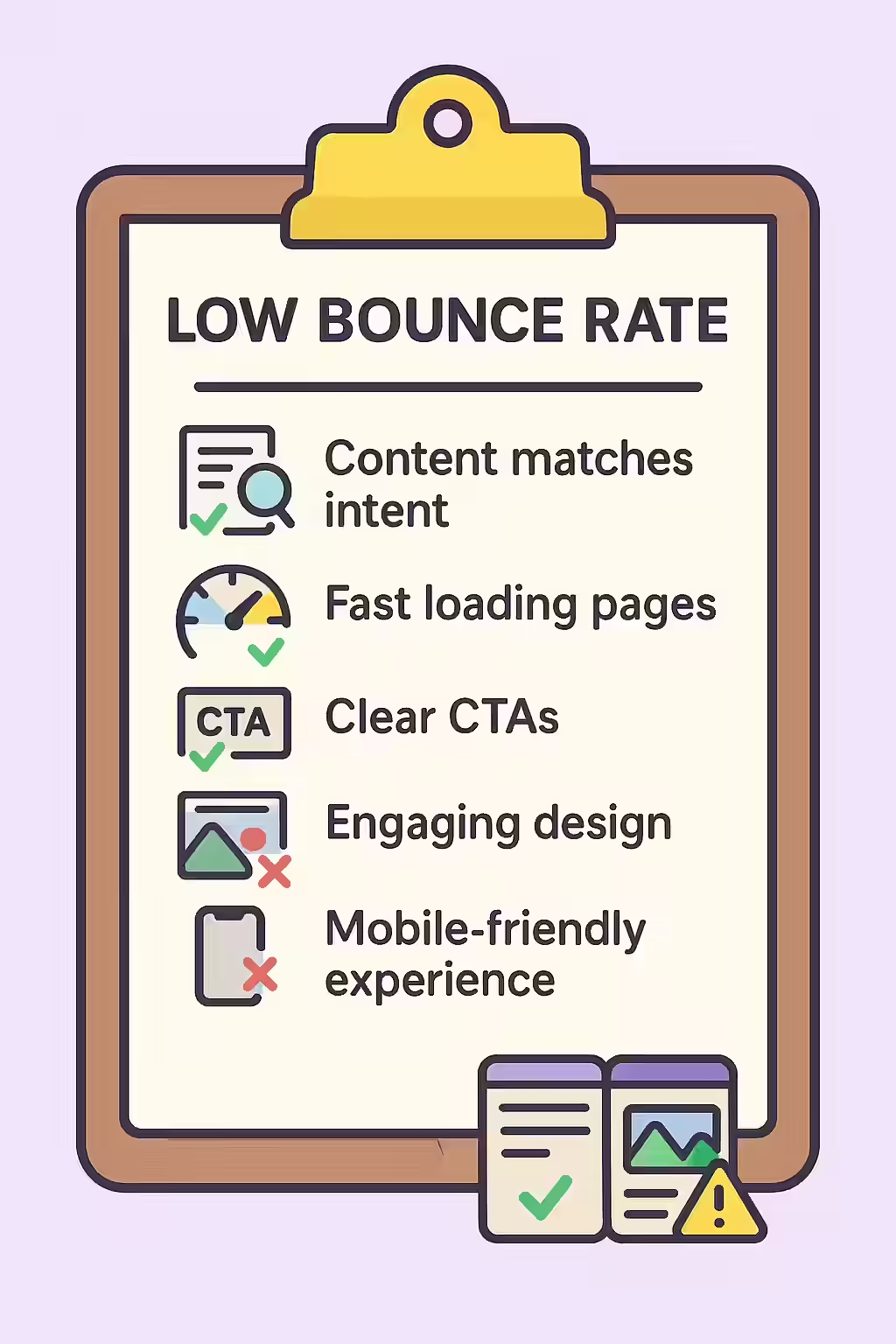
- Align Content with Search Intent: Ensure your page title and meta description accurately reflect the content on the page. A mismatch is the number one cause of bounces.
- Improve Page Load Speed: Slow-loading pages are a major cause of bounces. Optimize your images, leverage browser caching, and minify your code to make your pages as fast as possible.
- Enhance Readability: Break up large blocks of text with headings, images, and bullet points. A page that is easy to scan is more likely to hold a user’s attention. See our guide on improving readability.
- Include a Strong Call-to-Action (CTA): Give your users a clear next step. Whether it’s reading another article, signing up for a newsletter, or making a purchase, a compelling CTA encourages further interaction.
- Use Internal Linking: Guide your users to other relevant content on your site with a strong internal linking strategy.
For another excellent resource, check out this guide to bounce rate from Moz.
Frequently Asked Questions
What is bounce rate?
In Universal Analytics, bounce rate is the percentage of single-page sessions where the user left without any interaction. A high bounce rate often indicates that the page did not meet the user’s expectations.
What is Engagement Rate in Google Analytics 4?
Engagement Rate is the primary metric in GA4, replacing bounce rate. It measures the percentage of sessions that lasted longer than 10 seconds, had a key event, or had at least 2 pageviews. It’s a more positive metric that focuses on user interaction.
What is a ‘good’ bounce rate or engagement rate?
This varies widely by industry and content type. For bounce rate, anything under 40% is generally excellent, while 40-70% is average. For GA4’s Engagement Rate, a rate above 60-70% is typically considered good. However, it’s more important to focus on improving your own metrics over time than to compare to generic benchmarks.
Ready to improve your website’s bounce rate? Start your Creeper audit today and see how you can improve your website’s structure.