In the world of technical SEO, consistency is key. A canonical mismatch occurs when you send conflicting signals to search engines about which URL is the preferred version of a page. This is a major SEO issue because it creates confusion. When you tell a search engine two different things, it is forced to make its own decision, which may not be the one you want. This can lead to the wrong page being indexed and a dilution of your ranking signals.
Think of your website as a library. You want to make sure that each book has only one, unique call number. A canonical mismatch is like having a card in the card catalog that points to one call number, while the book itself has a different number on its spine. By fixing any canonical mismatches, you can create a more successful and user-friendly experience for everyone. For a deeper dive into the world of canonicalization, see our article on canonical issues.
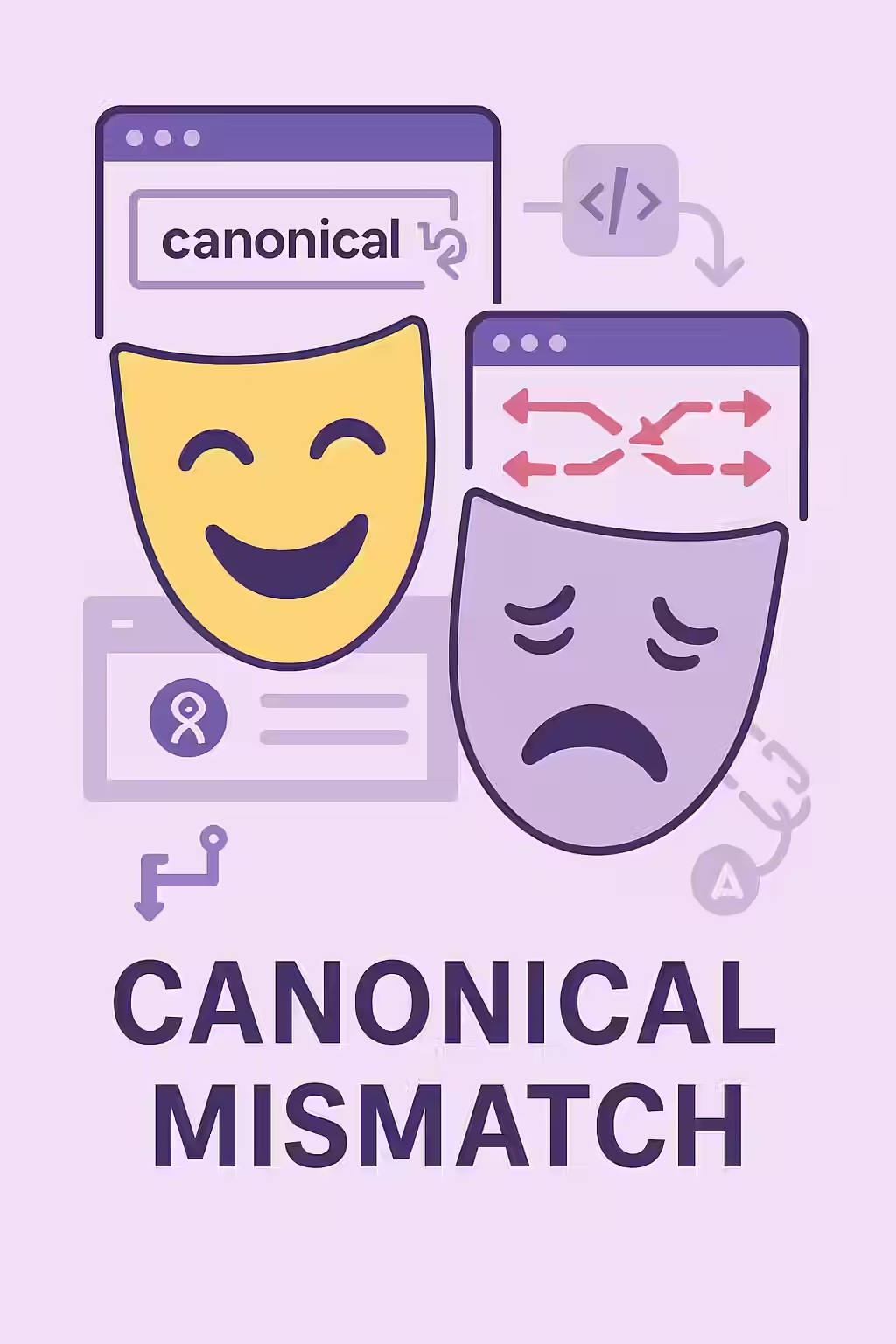
Common Types of Canonical Mismatches
Canonical mismatches can occur in several ways. Here are the most common scenarios:
- Sitemap vs. On-Page: The URL listed in your XML sitemap is different from the URL specified in that page’s `rel=”canonical”` tag.
- Redirect vs. On-Page: A page redirects to a destination URL, but that destination URL has a canonical tag pointing to a different page.
- Hreflang vs. On-Page: The URLs listed in your hreflang tags are not the same as the canonical URLs of those pages.
- Internal Link vs. On-Page: The majority of your internal links point to a non-canonical version of a page.
How to Fix Mixed Signals
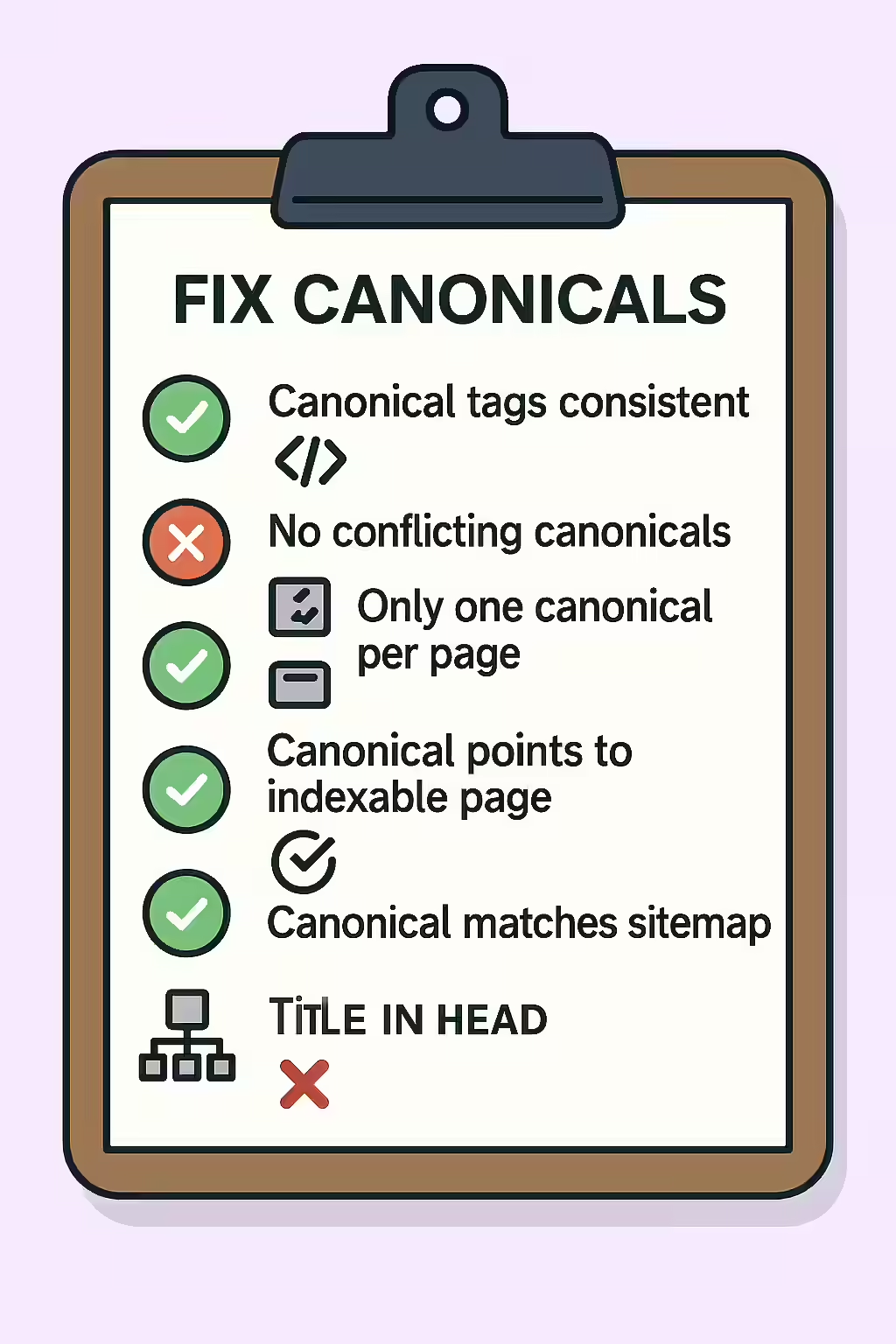
Fixing canonical mismatches is about ensuring all your signals are aligned. The goal is to point everything to a single, authoritative URL. For Google’s official guidance, see their documentation on consolidating duplicate URLs.
<!-- The Mismatch --> <!-- In sitemap.xml --> <url> <loc>https://www.example.com/page-a/</loc> </url> <!-- In the HTML of https://www.example.com/page-a/ --> <link rel="canonical" href="https://www.example.com/page-b/" /> <!-- The Fix: Align the signals --> <!-- In sitemap.xml (list the canonical URL) --> <url> <loc>https://www.example.com/page-b/</loc> </url> <!-- In the HTML of https://www.example.com/page-a/ (keep the canonical) --> <link rel="canonical" href="https://www.example.com/page-b/" />For another excellent resource, check out this guide to canonicalization from Moz.
Frequently Asked Questions
What is a canonical mismatch?
A canonical mismatch occurs when you send conflicting signals to search engines about which URL is the preferred version of a page. For example, your on-page canonical tag might point to one URL, while your sitemap points to another.
How can I check for canonical mismatches?
The best way is to use a website crawler like Creeper, which can compare signals from your on-page tags, sitemaps, and redirects. You can also use the URL Inspection Tool in Google Search Console to see which URL Google has selected as the canonical for a specific page and compare it to the one you have declared.
Why are canonical mismatches a problem?
Canonical mismatches are a problem because they confuse search engines. When you send mixed signals, you force Google to make its own choice about which page to index. This can lead to the wrong page being ranked and a dilution of your ranking signals.
Ready to fix your two-faced pages? Start your Creeper audit today and see how you can improve your website’s canonicalization.