A canonical only in rendered HTML is a `rel=”canonical”` tag that is not present in the initial HTML source code but is instead injected into the page using client-side JavaScript. While Google is capable of rendering JavaScript and discovering these canonicals, this practice is risky and can send confusing signals to search engines. For a reliable and robust SEO strategy, the canonical tag should always be present in the initial HTML sent from the server.
Think of your website as a library. You want to make sure that all the books are on the shelves and that they’re easy to find. A client-side canonical is like a book that is invisible until a librarian puts on a special pair of glasses. It’s better to have the book clearly visible from the start. For a deeper dive into the world of canonicalization, see our article on canonical issues.

The Risks of Client-Side Canonicals
Relying on JavaScript to inject your canonical tags is a dangerous game. As detailed in this guide to JavaScript SEO from Moz, anything that is not in the initial HTML source is harder for search engines to process.
- Delayed Discovery: Search engines crawl the initial HTML first. They may index the non-canonical version of a page before they get around to rendering the JavaScript and discovering the canonical tag.
- Rendering Errors: If your JavaScript fails to execute for any reason (e.g., a script error, a blocked resource), the canonical tag will never be added to the page, and search engines will never see it.
- Inconsistent Signals: This practice can lead to a canonical mismatch if you have a different canonical specified in your HTTP headers or sitemap.
How to Fix JavaScript-Injected Canonicals
The fix for this issue is to move the canonical tag from your client-side script into the “ of your initial HTML document. This ensures that search engines see the canonical signal immediately upon crawling the page. For Google’s official guidance, see their documentation on JavaScript SEO.
<!-- Before: Canonical is missing from initial HTML --> <head> <title>My Page</title> <script src="app.js"></script> <!-- app.js adds the canonical tag --> </head> <!-- After: Canonical is present in the initial HTML --> <head> <title>My Page</title> <link rel="canonical" href="https://www.example.com/canonical-url/" /> <script src="app.js"></script> </head>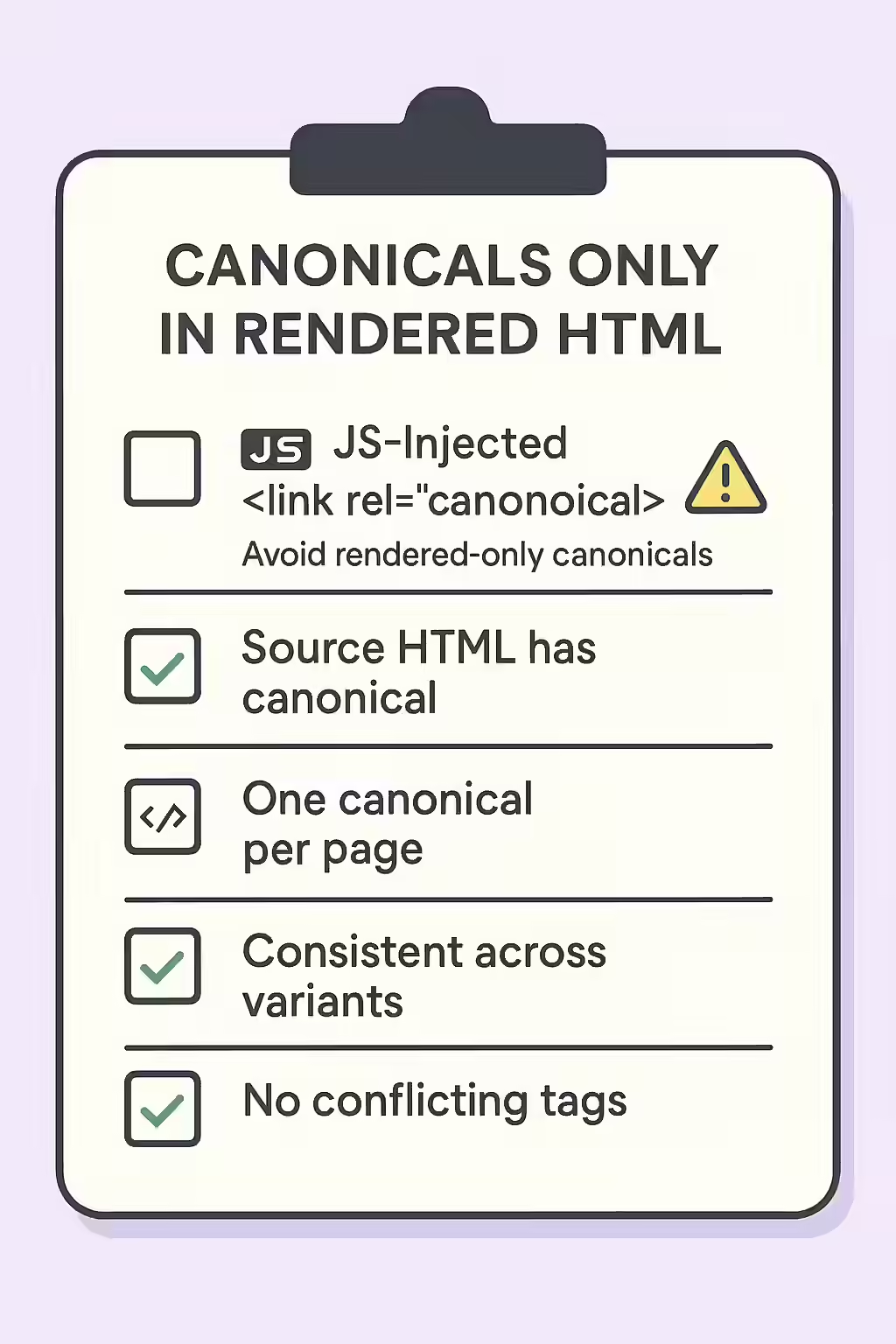
Frequently Asked Questions
What does ‘rendered HTML’ mean?
Rendered HTML is the final HTML of a page after a browser has executed all the JavaScript. This can be different from the initial HTML source code that the server sends. This issue occurs when the canonical tag is only present in the rendered HTML, not the initial source.
How can I check the rendered HTML of a page?
You can use the URL Inspection Tool in Google Search Console to see how Googlebot renders a page. For a quick check in your own browser, you can use the ‘Inspect’ tool (right-click on the page) to view the live DOM, which is the rendered HTML.
Why is a client-side canonical a problem?
A client-side canonical is a problem because it’s a less reliable signal. Search engines may crawl and index the initial HTML before they render the page, which means they might miss the canonical tag or index the wrong page first. It’s always best to include the canonical tag in the initial server response.
Ready to unhide your canonicals? Start your Creeper audit today and see how you can improve your website’s JavaScript SEO.