After you’ve tackled your canonical issues, the next step is to verify the canonical status of your pages. This is the official designation given by search engines, confirming which URL they recognize as the authoritative version. Understanding the canonical status is crucial for ensuring that your SEO efforts are having the desired effect and that the correct pages are being indexed and ranked. It’s about making sure search engines are respecting your declared canonical URL.
Think of the canonical status as the final, official stamp of approval from search engines. It’s the culmination of your canonicalization efforts, and getting it right is essential for a healthy SEO strategy. For a broader look at how search engines see your site, explore our article on indexability.
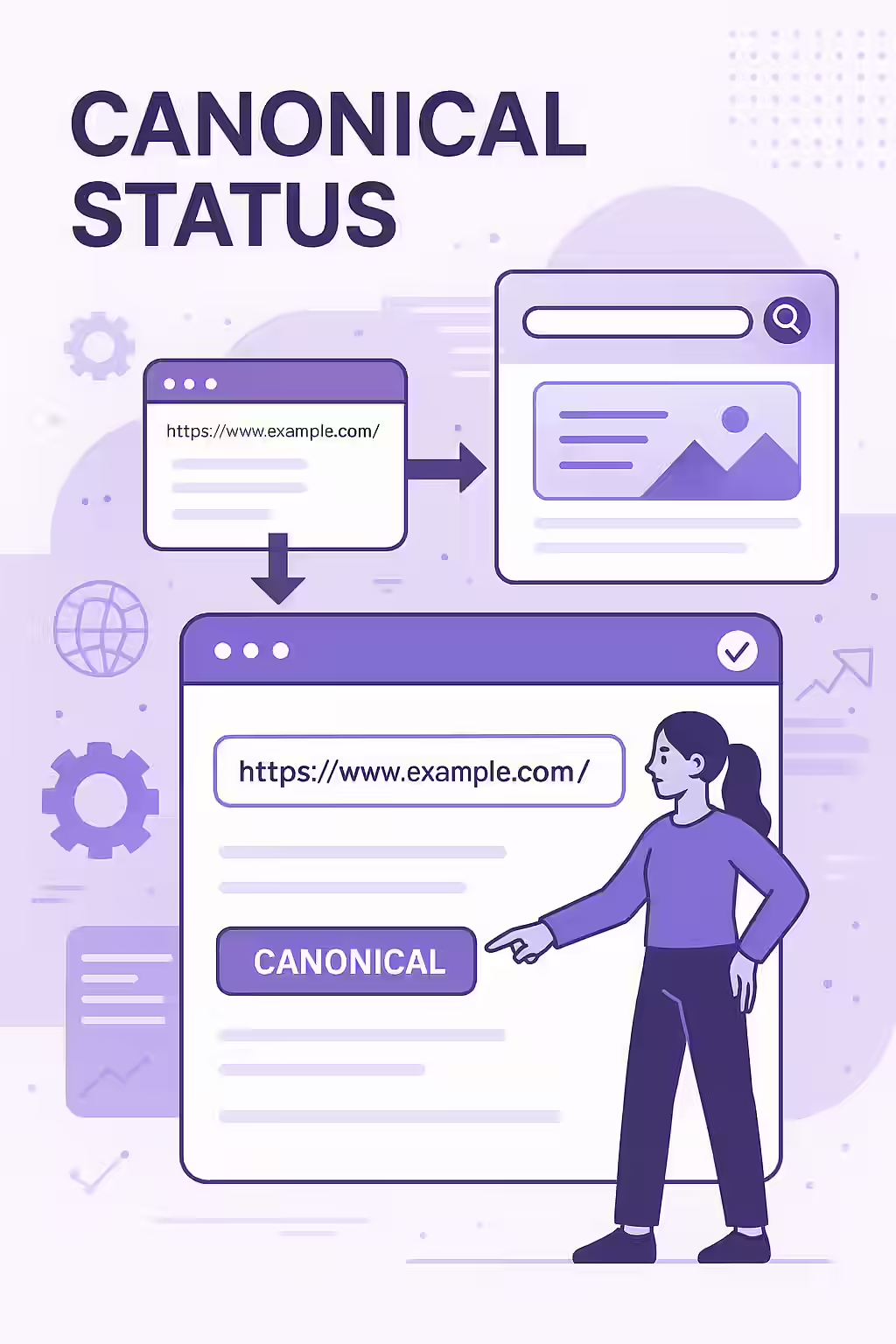
User-Declared vs. Google-Selected Canonical
The most important tool for checking canonical status is the URL Inspection Tool in Google Search Console. As explained in this guide from Search Engine Land, it provides two key pieces of information:
- User-declared canonical: This is the URL you have specified as the canonical version through signals like a `rel=”canonical”` tag, a sitemap, or redirects.
- Google-selected canonical: This is the URL that Google has chosen as the canonical version after analyzing all the signals it has found.
In a healthy setup, these two URLs should be the same.
What to Do When Google Ignores Your Canonical
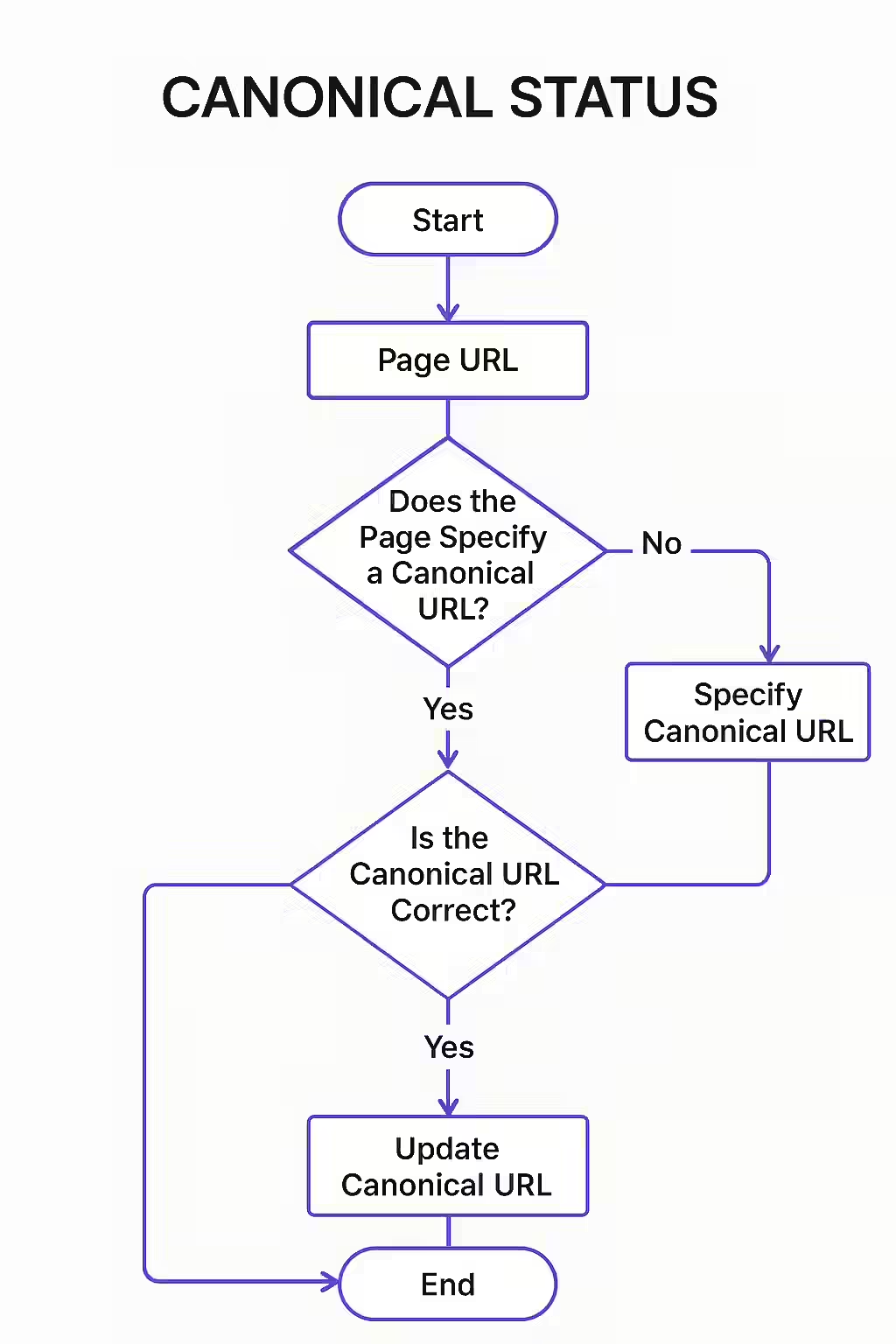
Sometimes, you will find that the user-declared canonical is not selected by Google. This means your signals are not strong or consistent enough. Here’s a checklist to fix it:
- Check for Mixed Signals: Ensure your sitemap, internal links, and redirects all point to your preferred canonical URL.
- Evaluate Content Similarity: Make sure the content on the duplicate page is substantially similar to the content on the canonical page. If the pages are too different, Google may ignore the tag.
- Strengthen Internal Linking: The strongest signal you can send is to consistently link to your preferred canonical URL from other pages on your site.
For more information on how Google handles canonicalization, refer to the Google Search Central documentation.
Frequently Asked Questions
How can I check the canonical status of a page?
The best way to check the canonical status of a page is to use the URL Inspection Tool in Google Search Console. It will show you both the ‘User-declared canonical’ and the ‘Google-selected canonical’ for any URL on your site.
What is a self-referencing canonical?
A self-referencing canonical is a canonical tag on a page that points to itself. For example, on Page A, the canonical tag would be `<link rel=”canonical” href=”https://www.example.com/page-a” />`. This is a best practice as it provides a clear signal that the page is the authoritative version of its own content.
Can a canonical tag point to a different domain?
Yes, a canonical tag can point to a different domain. This is often used in cases of content syndication, where you want to credit the original source of the content and consolidate ranking signals to the original publisher.
Want to be sure that search engines see your site the way you want them to? Use Creeper to verify your canonical status and take control of your SEO.