In the world of technical SEO, seeing a URL with the status ‘Canonicalised’ in your audit report is a very good thing. It’s the official confirmation that a duplicate page has been found, and it is correctly pointing to the master version of the content. The canonicalised meaning is simple: you’ve taken control of your duplicate content and are sending clear, consistent signals to search engines. This is a cornerstone of a well-structured and SEO-friendly website.
When a page is canonicalised, it means that it is not the version that will be indexed, but it is correctly passing its ranking signals to the main, authoritative source. For a deeper understanding of how this impacts your site’s visibility, see our article on canonical status.
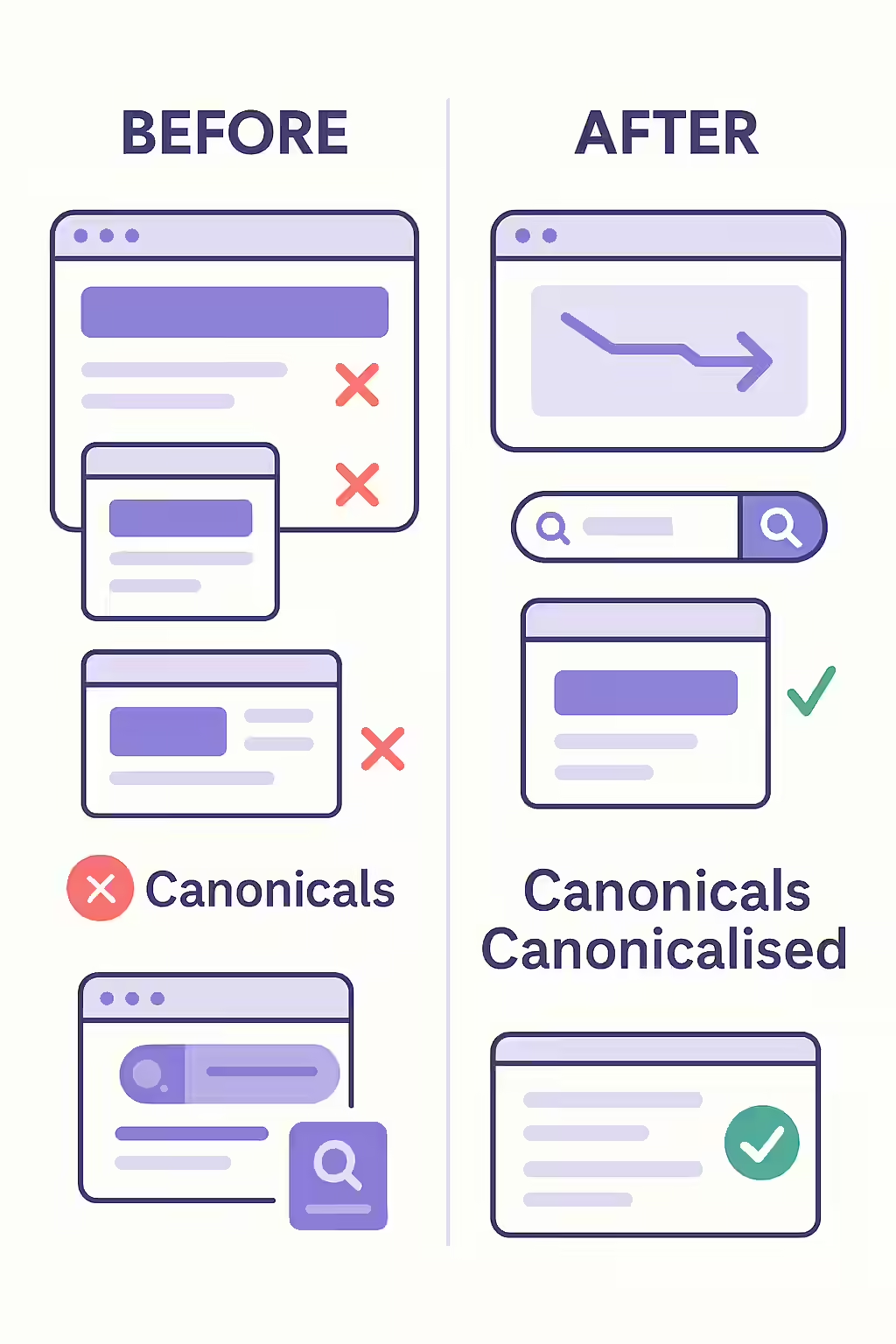
Canonical vs. Canonicalised: What’s the Difference?
It’s important to understand the distinction between these two terms in an SEO audit:
- Canonical: This is the master page. It’s the single, authoritative URL that you want search engines to index and rank. It should have a self-referencing canonical tag.
- Canonicalised: This is a duplicate page. It has a canonical tag that correctly points to the canonical URL. This is not an error; it’s a sign that your canonicalization is working as intended.
How to Verify a Canonicalised Page
A “canonicalised” status is informational, not an error to be fixed. However, you can verify that the setup is correct. For Google’s official guidance, see their documentation on consolidating duplicate URLs.
For example, you might have a product page with a URL parameter:
- URL:
https://example.com/shirts?color=blue - This page is a duplicate of the main shirts page.
- In the HTML of this page, you find the following tag:
<link rel="canonical" href="https://example.com/shirts" />
In a crawl report, the URL `https://example.com/shirts?color=blue` would be correctly reported as “Canonicalised”.
For another excellent resource on this topic, check out this guide to canonical tags from Semrush.
Frequently Asked Questions
Is ‘canonicalised’ a good or bad status?
It’s a good status. ‘Canonicalised’ means that a duplicate page has been found, but it is correctly pointing to a master version via a canonical tag. It’s an informational status, not an error that needs to be fixed.
Do ‘canonicalised’ pages waste crawl budget?
Yes, to some extent. Google still needs to crawl the canonicalised page to see the canonical tag. Over time, Google may crawl these non-canonical URLs less frequently, but a large number of them can still consume crawl budget. For true duplicates, a 301 redirect is often more efficient.
How can I ensure my pages are properly canonicalised?
The best way to ensure your pages are properly canonicalised is to be consistent with your signals. Use canonical tags correctly, maintain a clean internal linking structure, and submit an accurate sitemap to search engines.
Ready to see the power of ‘canonicalised’ for yourself? Start your Creeper audit and take control of your duplicate content.