In the world of technical SEO, a clean and readable URL is a valuable asset. While modern browsers are smart enough to handle spaces in URLs by encoding them, this practice is a sign of a poorly structured website and should be avoided. A space in a URL is not a valid character and must be encoded as `%20`. This creates URLs that are ugly, difficult to read, and less shareable, which is bad for both user experience and SEO.
Think of your website as a library. Each book has a clear, easy-to-read call number on its spine. A URL with spaces is like a call number with smudged, illegible characters. By fixing any spaces in URLs, you can create a more successful and user-friendly experience for everyone. For a deeper dive into the world of URLs, see our article on the site structure category.
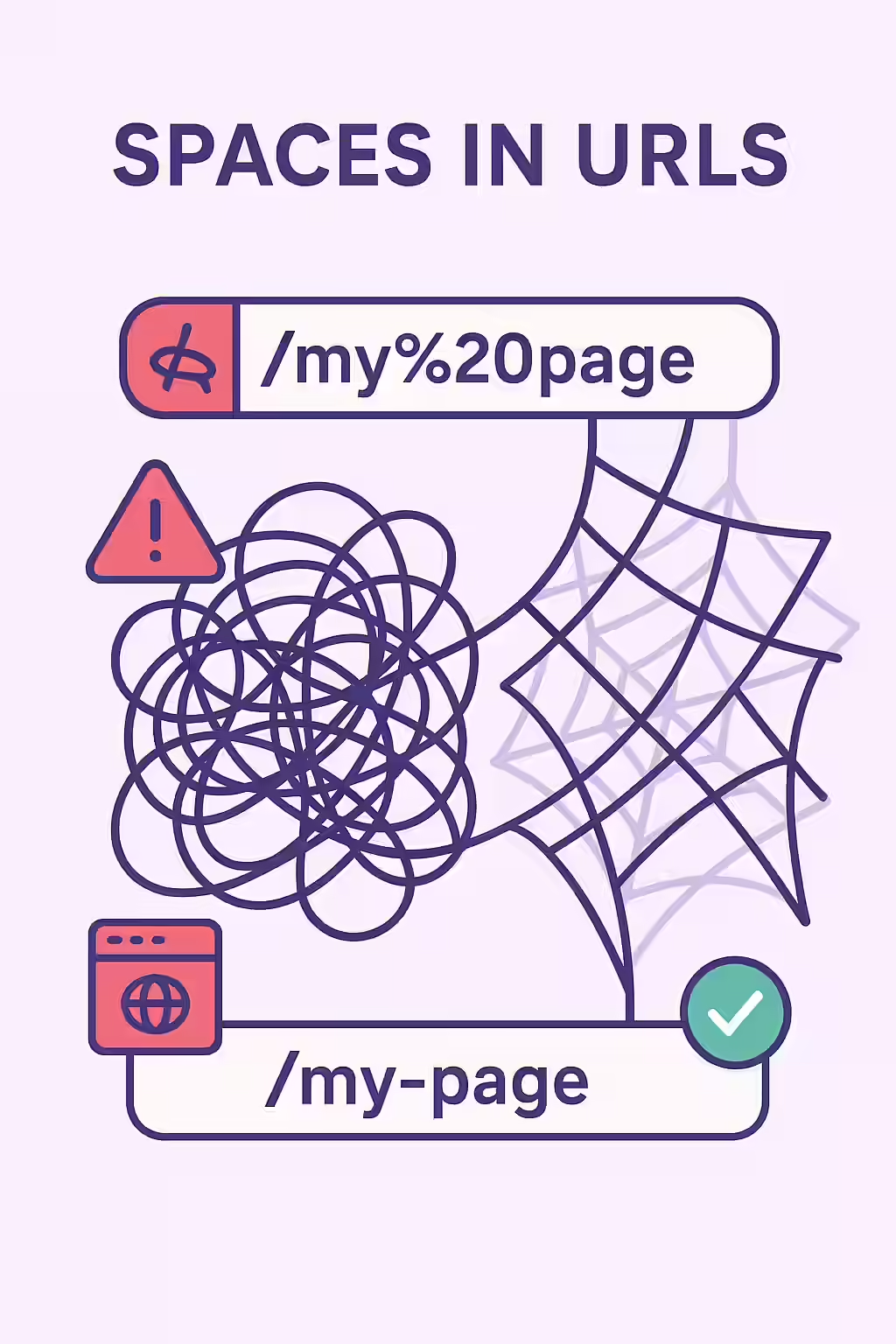
Why Spaces in URLs Are a Problem
Using spaces in your URLs is a technical anti-pattern that can cause several issues. As explained in Google’s own URL structure guide, simple, logical URLs are best.
- Readability and Shareability: A URL like `…/my-awesome-page/` is much easier for a human to read, remember, and share than `…/my%20awesome%20page/`.
- Potential for Errors: While most modern systems can handle encoded URLs, some older systems or text editors may not interpret the `%20` correctly, leading to broken links when the URL is copied and pasted.
- SEO Best Practices: Hyphens are the standard and preferred word separator for search engines. They clearly indicate that the words are separate, which helps search engines understand the topic of the page.
How to Fix URLs with Spaces
Fixing spaces in URLs is a two-step process. You must first update the URL itself, and then redirect the old URL to the new one.
- Identify and Update the URL: Use an SEO audit tool like Creeper to find all URLs that contain spaces. In your CMS, update the URL slug to replace the spaces with hyphens.
- Before:
https://example.com/my awesome page/ - After:
https://example.com/my-awesome-page/
- Before:
- Implement a 301 Redirect: This is a critical step. You must set up a permanent (301) redirect from the old URL (with the `%20`) to the new URL (with the hyphens). This will ensure that any existing links or bookmarks to the old URL will be seamlessly transferred to the new one, preserving your link equity.
For another excellent resource, check out this guide to URLs from Moz.
Frequently Asked Questions
Why do spaces in URLs become ‘%20’?
Spaces are not valid characters in URLs according to the official specifications. When a browser or other system encounters a space in a URL, it percent-encodes it as ‘%20’ to ensure it can be transmitted correctly. However, this creates a URL that is difficult for humans to read.
Are hyphens or underscores better for URLs?
Hyphens (`-`) are the standard and preferred word separator for URLs. Google’s own guidelines recommend using hyphens instead of underscores (`_`) because they are treated as word separators, which is better for readability and SEO.
How do I fix spaces in URLs?
The best way to fix spaces in URLs is to update the URL slug to use hyphens instead of spaces. After you have updated the URL, you must implement a 301 redirect from the old URL (with the spaces or ‘%20’) to the new, clean URL.
Ready to untangle your web? Start your Creeper audit today and see how you can improve your website’s URLs.