In the world of technical SEO, the `rel=”canonical”` tag is a powerful tool for consolidating duplicate content. However, for it to work, it must point to a valid, representative URL. A common mistake is to include a fragment identifier (#) in a canonical tag. This is a critical error because search engines ignore fragments when indexing, which can lead to your canonical signal being disregarded entirely.
Think of your website as a library. The canonical tag is the official call number for a book. A fragment is like adding a page number to that call number. The librarian (the search engine) is only concerned with finding the right book, not a specific page within it. By including a fragment, you are providing an incorrect and overly specific signal. For a deeper dive into the world of canonicalization, see our article on canonical issues.
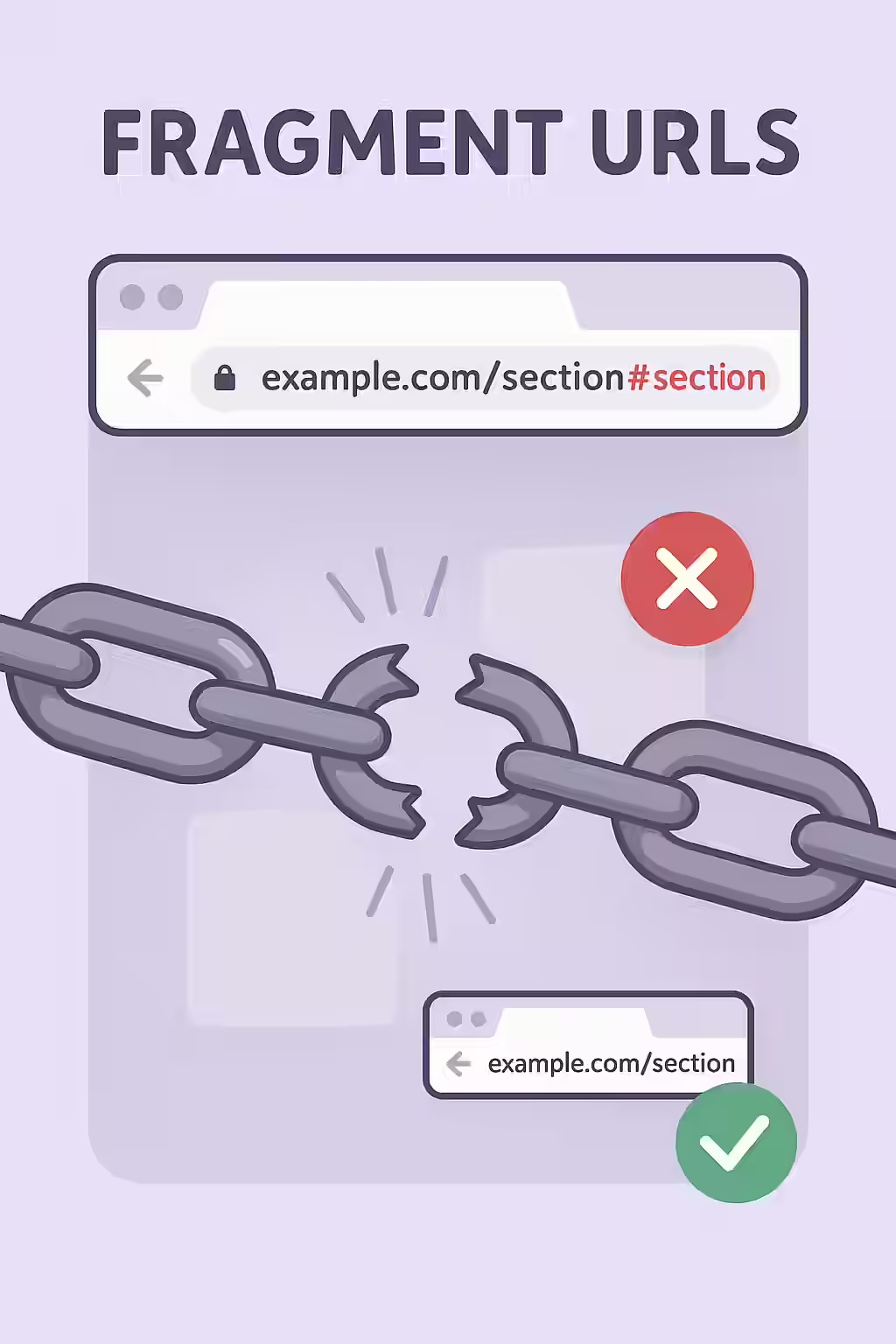
Why Search Engines Ignore Fragments in Canonicals
A fragment identifier is a client-side signal. It tells the browser to scroll to a specific part of the page after the page has loaded. The fragment itself is never sent to the server. As Google’s own documentation makes clear, the purpose of a canonical tag is to specify the preferred URL for a *page*. Since search engines index pages, not sections of pages, they process the URL up to the `#` and ignore the rest. This means your canonical tag will be interpreted as pointing to the base URL, which may not be your intention, or it may be ignored altogether.
How to Fix Fragment URLs in Canonical Tags
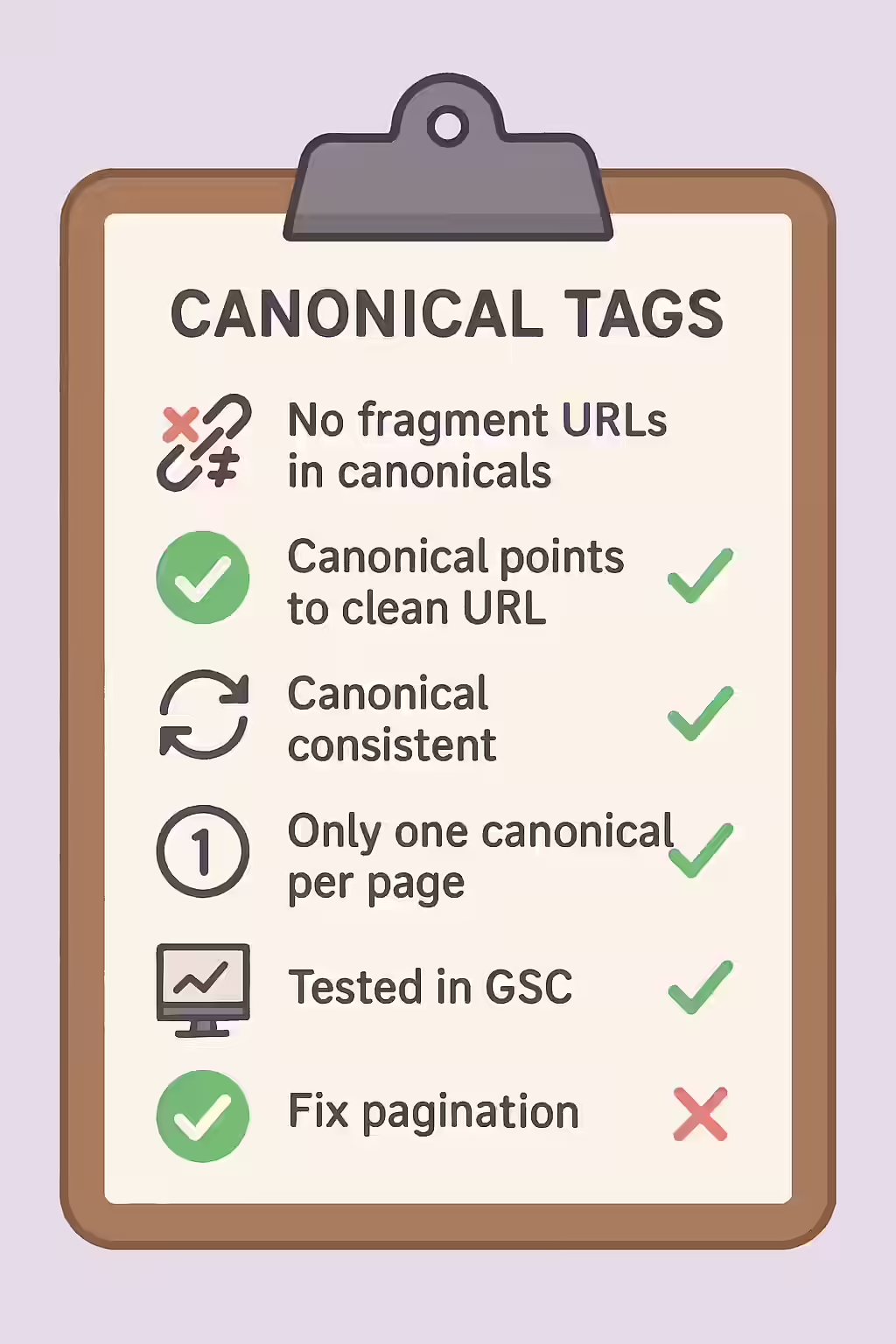
Fixing a fragment URL in a canonical tag is a simple but important task. The fix is to remove the fragment from the URL in your `rel=”canonical”` tag.
<!-- Before: Incorrect canonical with a fragment --> <link rel="canonical" href="https://www.example.com/my-page/#section-2" /> <!-- After: Correct canonical pointing to the base URL --> <link rel="canonical" href="https://www.example.com/my-page/" />For another excellent resource, check out this guide to canonicalization from Moz.
Frequently Asked Questions
What is a fragment URL in a canonical tag?
A fragment URL in a canonical tag is when the URL in your `rel=”canonical””` tag contains a hash symbol (`#`). This is an incorrect implementation because search engines ignore fragments when indexing.
Is it ever okay to use a fragment in a canonical tag?
No. A canonical tag should always point to the representative page, not a section of it. Including a fragment identifier in a canonical tag is always incorrect and will likely cause the tag to be ignored by search engines.
How do I fix fragment URLs in canonical tags?
The fix is to remove the fragment identifier (the `#` and everything after it) from the URL in your canonical tag. The tag should point to the full, clean URL of the canonical page.
Ready to fix your broken links? Start your Creeper audit today and see how you can improve your website’s canonicalization.
“