In the world of web development, technologies come and go. Unsupported plugins like Adobe Flash, Microsoft Silverlight, and Java Applets are relics of a bygone era. These technologies are no longer supported by any modern browser, and any content that relies on them will appear as a broken, empty box to your users. This is a major user experience and SEO issue, as it signals that your site is outdated and contains broken content.
Think of your website as a modern city. You want to make sure that all the buildings are up to code and that they are safe for everyone. Unsupported plugins are like buildings made with asbestos—they are no longer safe or functional and need to be replaced with modern materials. By fixing any unsupported plugins that may be present, you can create a more successful and user-friendly experience for everyone. For a deeper dive into the world of modern web development, see our article on on-page SEO.

What Are Unsupported Plugins?
For many years, plugins were required to display rich media content in browsers. However, they have been completely replaced by modern, open web standards. The main culprits you might find on older websites are:
- Adobe Flash: Once used for everything from videos to games, Flash was officially discontinued in 2020 due to massive security flaws and poor performance.
- Microsoft Silverlight: A competitor to Flash, Silverlight was primarily used for video streaming but has also been discontinued.
- Java Applets: One of the earliest plugin technologies, Java Applets were also plagued by security issues and have been unsupported for many years.
How to Modernize Your Content
Fixing content that relies on unsupported plugins requires replacing it with modern alternatives. For Google’s official guidance, see their documentation on rich media best practices.
- Identify Your Unsupported Plugins: Use an SEO audit tool like Creeper to crawl your site and identify any pages that are still trying to load content with `<object>`, `<embed>`, or `<applet>` tags.
- Replace the Content:
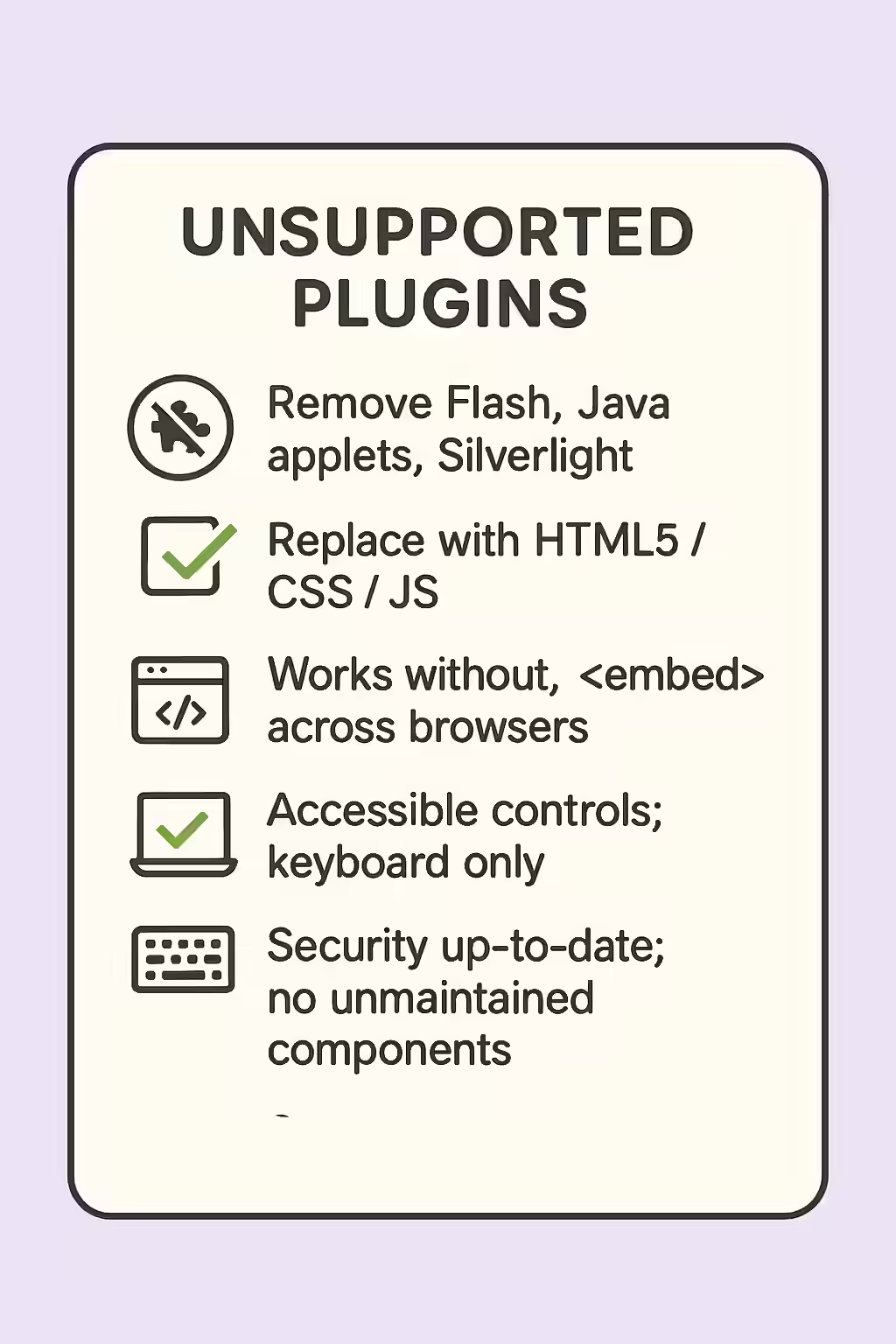
- For video and audio: Re-encode your media files into modern formats like MP4 (for video) or MP3 (for audio) and embed them using the native HTML5 `<video>` and `<audio>` elements.
- For animations and applications: There is no direct replacement. The functionality will need to be rebuilt from scratch using modern JavaScript and CSS animations.
Frequently Asked Questions
What are unsupported plugins?
Unsupported plugins are obsolete browser technologies that are no longer supported by modern browsers. The most common examples are Adobe Flash, Microsoft Silverlight, and Java Applets. Content that relies on these plugins will not render for the vast majority of users.
Why were these plugins deprecated?
These plugins were deprecated primarily due to major security vulnerabilities, poor performance, high battery consumption, and a lack of support on mobile devices. They have been replaced by modern, open web standards like HTML5, CSS3, and JavaScript.
How do I fix content that uses unsupported plugins?
The only way to fix content that relies on unsupported plugins is to rebuild it using modern web standards. For example, Flash videos should be re-encoded as MP4s and embedded with the HTML5 `<video>` tag. Flash animations can be recreated using CSS or JavaScript.
Ready to bring your website into the 21st century? Start your Creeper audit today and see how you can improve your website’s mobile experience.