In the world of mobile-first indexing, a website that doesn’t adapt to different screen sizes is a major liability. Content not sized correctly is a common mobile-friendliness issue where the content on your page is wider than the viewport, forcing users to scroll horizontally to see it. This is a frustrating user experience and a negative signal to search engines, which can harm your rankings.
Think of your website as a museum. You want to make sure that all the paintings are the right size for the frames. The same is true for your website. By fixing any content not sized correctly, you can create a more successful and user-friendly experience for everyone. For a deeper dive into the world of SEO, see our article on on-page SEO.
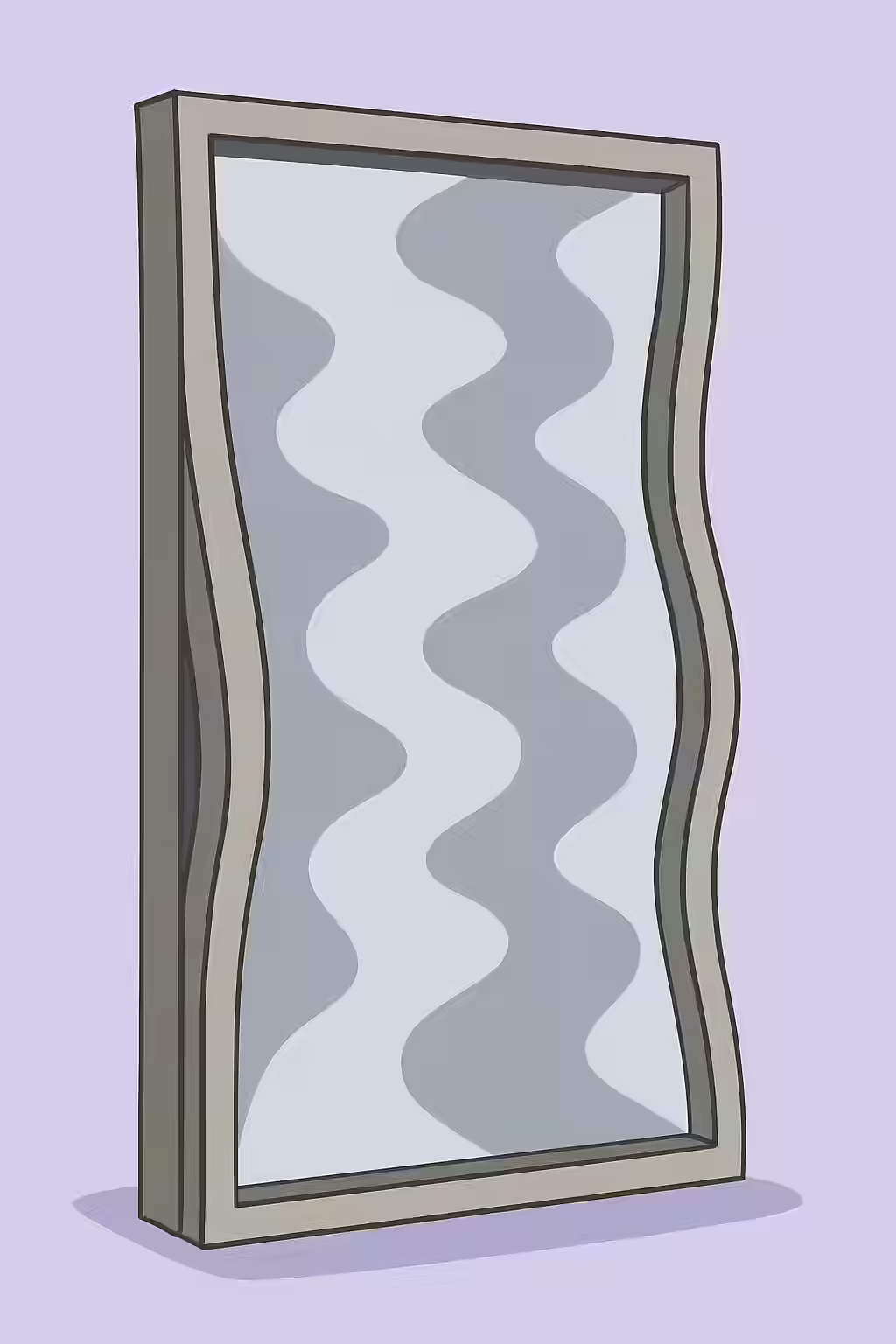
Common Causes of Incorrectly Sized Content
This issue is almost always caused by using fixed-width elements in your CSS. Here are the most common culprits:
- Missing Meta Viewport Tag: Without “, mobile browsers will try to render the page at its desktop width and then shrink it down, leading to tiny text and a poor experience.
- Fixed-Width Elements: Using absolute pixel values for containers (e.g., `width: 980px;`) will prevent the container from adapting to smaller screens.
- Large, Non-Responsive Images: An image with a fixed width that is larger than the viewport will overflow its container and force horizontal scrolling.
How to Ensure Your Content is Responsive
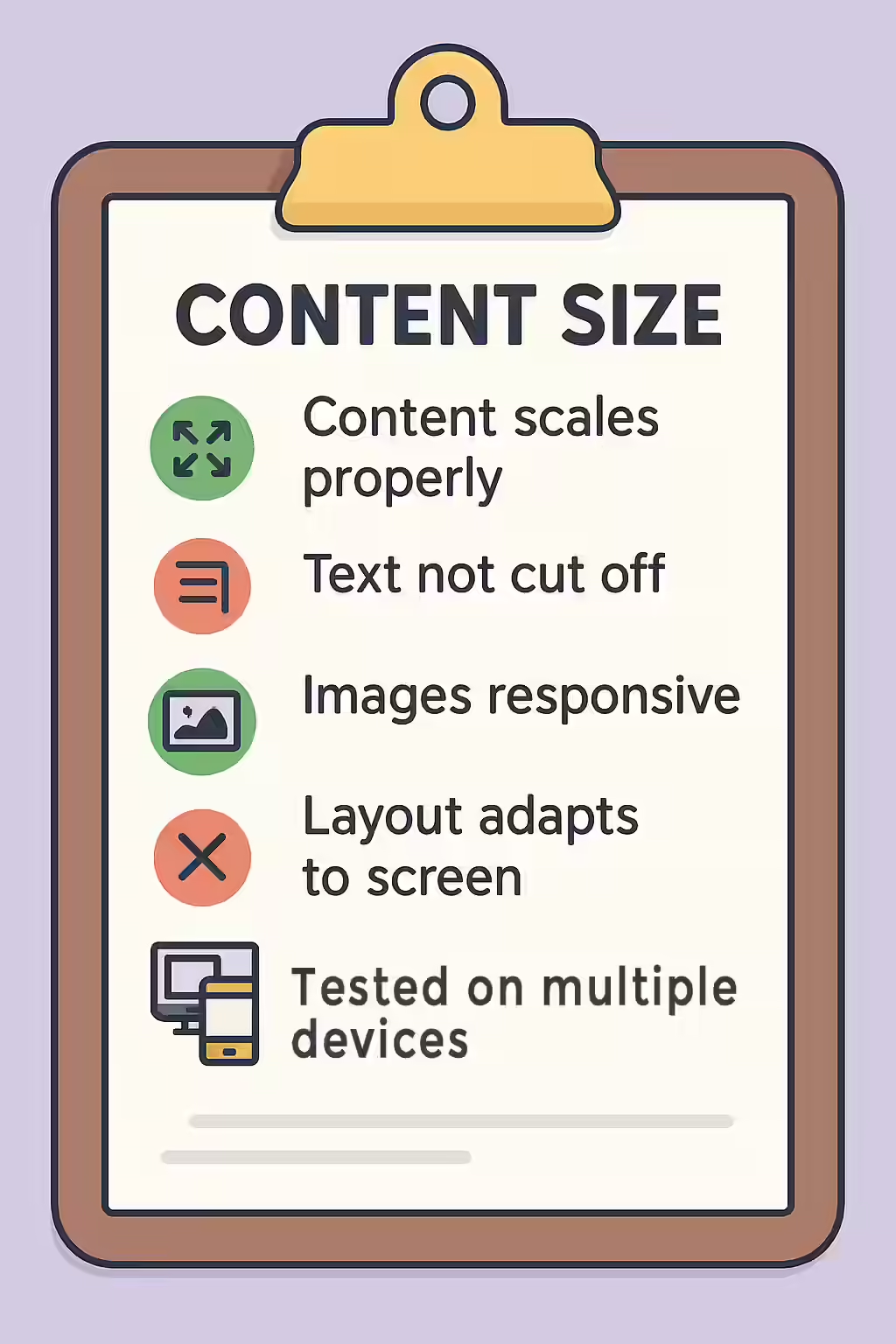
Fixing content not sized correctly is about embracing responsive design principles. For a complete overview, see the MDN guide to responsive design.
/* Before: Fixed-width container */ .container { width: 980px; } /* After: Responsive, percentage-based container */ .container { width: 100%; max-width: 980px; /* Optional: Set a max-width for larger screens */ }The key is to use relative units like percentages for your containers and to ensure your images have a `max-width: 100%;` so they never overflow their containers.
For more on the importance of a well-structured website, check out this guide to content not sized to viewport from Google.
Frequently Asked Questions
What is content not sized correctly?
Content not sized correctly is when an element on your page is wider than the screen’s viewport, forcing the user to scroll horizontally to see all the content. This is a major mobile-friendliness issue.
How can I test for this issue?
The easiest way to test for this is to use the ‘Responsive Design Mode’ in your browser’s developer tools. This allows you to simulate how your page will look on different screen sizes. You can also use Google’s Mobile-Friendly Test tool.
Why is content not sized correctly a problem?
Content not sized correctly is a problem because it creates a frustrating user experience on mobile devices. It’s also a negative signal for Google’s mobile-first indexing, which can harm your rankings.
Ready to fix your funhouse mirrors? Start your Creeper audit today and see how you can improve your website’s mobile experience.