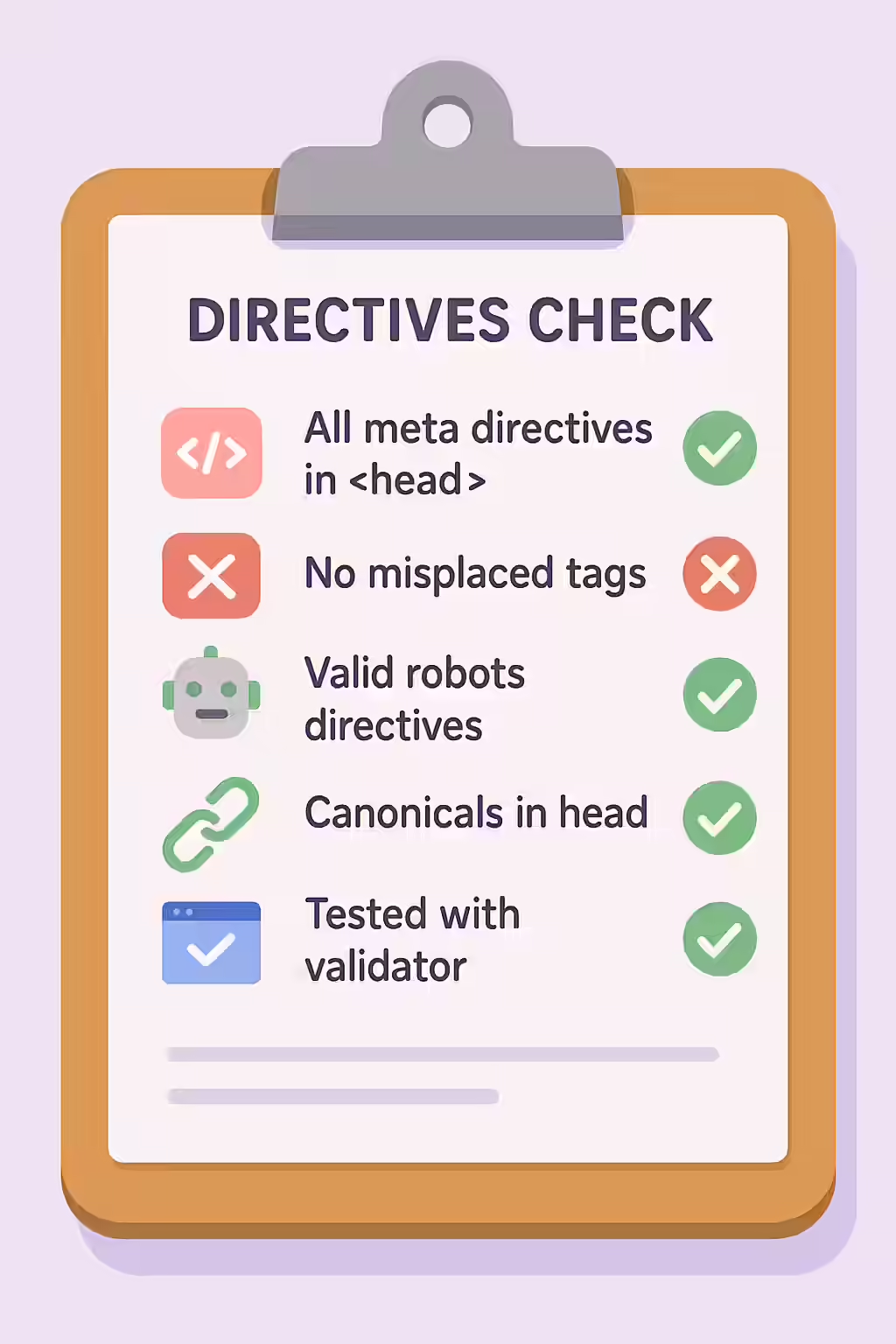
In the world of technical SEO, the “ section of your HTML is the command center for search engine directives. This is where you place critical instructions like the `rel=”canonical”` tag, the `meta name=”robots”` tag, and the `meta name=”description”`. When these directives are placed outside the head and in the “ of the page, it’s a major structural error. Search engines are not expecting to find these instructions in the body, and they may be ignored, leading to serious indexing and duplicate content issues.
Think of your website as a library. The “ is the card catalog, where the librarian (the search engine) looks for all the important metadata about a book. If you put the call number in the middle of Chapter 5, the librarian will never find it. By ensuring all your directives are in the correct place, you can create a more successful and crawlable website. For a deeper dive into the world of directives, see our article on the meta robots and directives category.

Why Directives Must Be in the “
The HTML specification is very clear: metadata content, which includes “ and “ tags, belongs in the “. As detailed in this guide to special tags from Google, search engines are optimized to process the “ of a document quickly to find these critical instructions before they even begin to render the content of the “.
- Reliability: Placing directives in the “ is the only way to guarantee that they will be seen and processed correctly by search engines.
- Performance: It allows search engines to make decisions about a page (e.g., whether to index it or which URL is canonical) without having to render the entire document.
How to Fix Directives Outside the Head
Fixing this issue is a simple but important task. It involves editing your HTML to move any misplaced directives from the “ to the “.
<!-- Before: Canonical tag is incorrectly in the body --> <html> <head> <title>My Page</title> </head> <body> <link rel="canonical" href="https://www.example.com/" /> <h1>Welcome</h1> </body> </html> <!-- After: Canonical tag is correctly in the head --> <html> <head> <title>My Page</title> <link rel="canonical" href="https://www.example.com/" /> </head> <body> <h1>Welcome</h1> </body> </html>For another excellent resource, check out this guide to on-page SEO from Moz.
Frequently Asked Questions
What are directives?
In the context of SEO, directives are instructions for search engines that are placed in the HTML of a page. This includes tags like `<meta name=”robots””>`, `<link rel=””canonical””>`, and `<meta name=””description””>`.
What happens if a directive is in the <body> of the page?
If a directive is in the `<body>`, search engines may not see it. Google’s crawlers are optimized to look for these specific tags in the `<head>` section. If they are in the body, they may be ignored, which can lead to serious indexing and canonicalization issues.
How do I fix directives outside the head?
The fix is to edit your HTML to ensure that all `<meta>` and `<link>` tags that are intended as directives for search engines are located within the `<head>` section of the document. This often involves editing your theme or template files.
Ready to fix your out-of-place pages? Start your Creeper audit today and see how you can improve your website’s structure.
“