Unlike their server-side cousins, the 5xx errors, 4xx client errors indicate that the problem lies with the user’s request, not the server. However, that doesn’t mean you can ignore them. 4xx errors, especially the infamous 404 Not Found, can create a frustrating user experience and harm your SEO. Understanding and fixing these errors is a crucial part of any technical SEO strategy.
Think of a 4xx error as a user asking for a book that doesn’t exist in your library. While it’s not your fault that the book isn’t there, you can still provide a helpful response, such as suggesting a similar book or pointing them to the catalog. In the world of SEO, this means redirecting broken links and providing a custom 404 page. For a deeper dive into how to manage your site’s links, see our article on link structure. You can also learn about pages with no response and browse the full list of Response Codes category pages.
Your Guide to a More Forgiving Website
Fixing 4xx errors is all about providing a better experience for your users. Here’s how to handle the most common 4xx client errors:
| Code | Meaning | How to Fix It |
|---|---|---|
| 404 Not Found | The server can not find the requested resource. | Redirect the broken URL to a relevant, live page on your site using a 301 redirect. You should also create a custom 404 page that helps users find what they’re looking for. |
| 403 Forbidden | The client does not have access rights to the content. | If the user should have access, check your file permissions and security settings. If the content is intentionally restricted, this is the correct response. |
| 401 Unauthorized | The client must authenticate itself to get the requested response. | This is a normal part of the login process for protected content. No action is needed unless users are being incorrectly prompted for authentication. |
The SEO Power of a User-Friendly Experience
By fixing your 4xx errors, you’re not just improving your SEO; you’re also creating a better experience for your users. This can lead to increased engagement, lower bounce rates, and more conversions. For more on the importance of user experience, check out this guide to page experience from Google.
Don’t let 4xx errors frustrate your users and harm your SEO. By taking a proactive approach to identifying and fixing these issues, you can build a stronger, more user-friendly website. For more on how to create a winning on-page strategy, see our article on on-page SEO. For another great resource on 4xx errors, check out this article from Moz.
Frequently Asked Questions
What is the most common 4xx error?
The 404 Not Found error is by far the most common 4xx error. It occurs when a user tries to access a page that doesn’t exist.
Are 4xx errors bad for SEO?
Yes, 4xx errors are bad for SEO. They create a poor user experience and can prevent search engines from crawling and indexing your site effectively.
How do I fix 4xx errors?
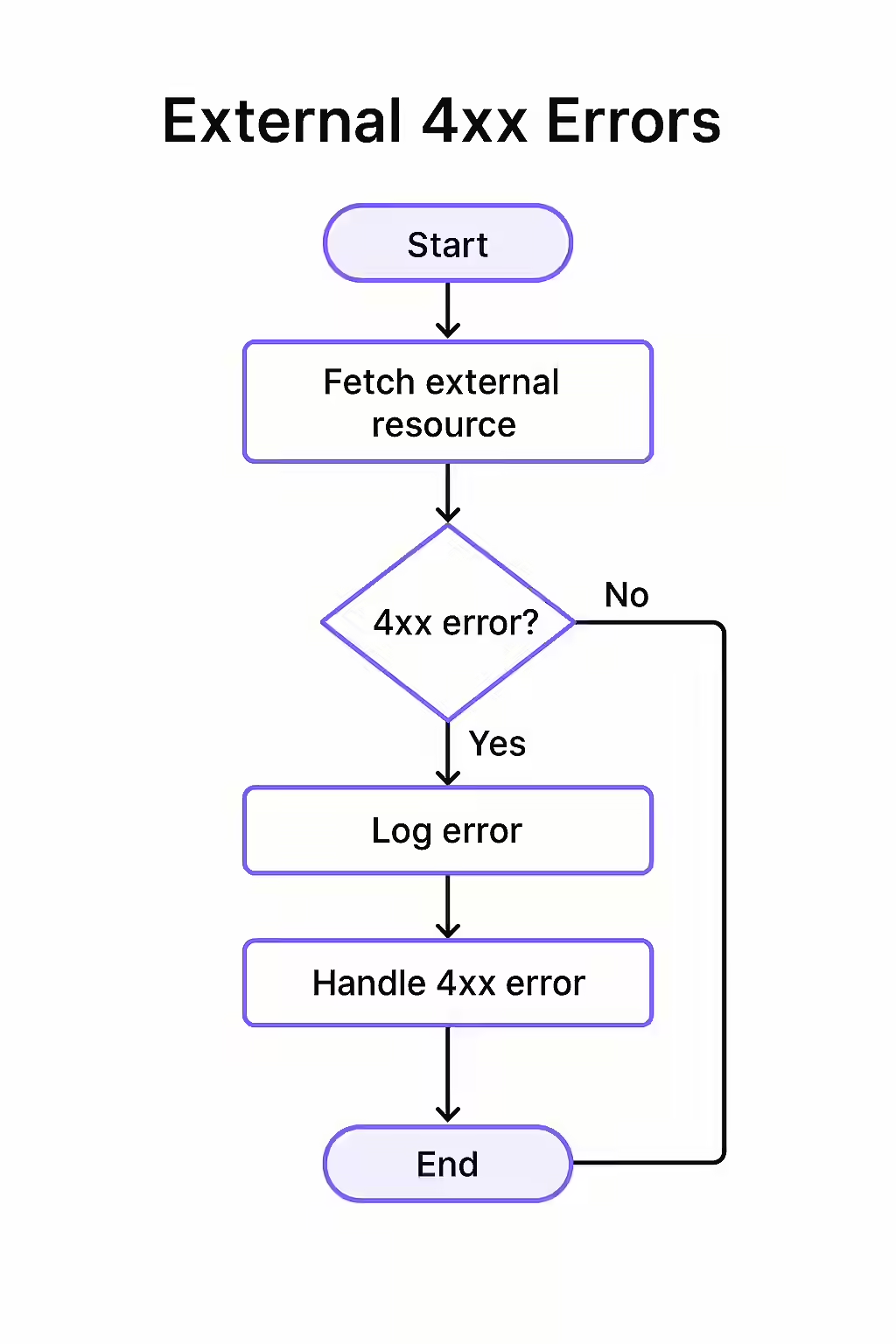
The best way to fix 4xx errors is to redirect the broken URL to a relevant, live page on your site using a 301 redirect. This will preserve any link equity and provide a better experience for your users.
Are your users getting lost on your site? Start your Creeper audit today and fix those frustrating 4xx errors.