For search engines to fully understand your webpage, they need to be able to see it the way a user does. This means they need to access all the resources that make up your page, including CSS, JavaScript, and image files. An external blocked resource is a file that is hosted on a different domain but is blocked by that domain’s `robots.txt` file. This is a critical SEO issue because it can prevent search engines from rendering your page correctly, which can lead to a host of problems with indexing and mobile-friendliness.
Think of your website as a painting. The HTML is the canvas, but the CSS and JavaScript are the paints that create the final picture. If the search engine can’t access the paints, it can’t see the masterpiece. By fixing any external blocked resources, you can ensure that search engines see your site in all its glory. For a deeper dive into how search engines crawl your site, see our article on crawl depth.
Why Blocked Resources Are a Problem for SEO
In the age of mobile-first indexing, Google needs to render your pages to assess their layout and user experience. As detailed in this post from the Google Search Central blog, blocking CSS and JavaScript is a practice that can significantly harm your site’s performance.
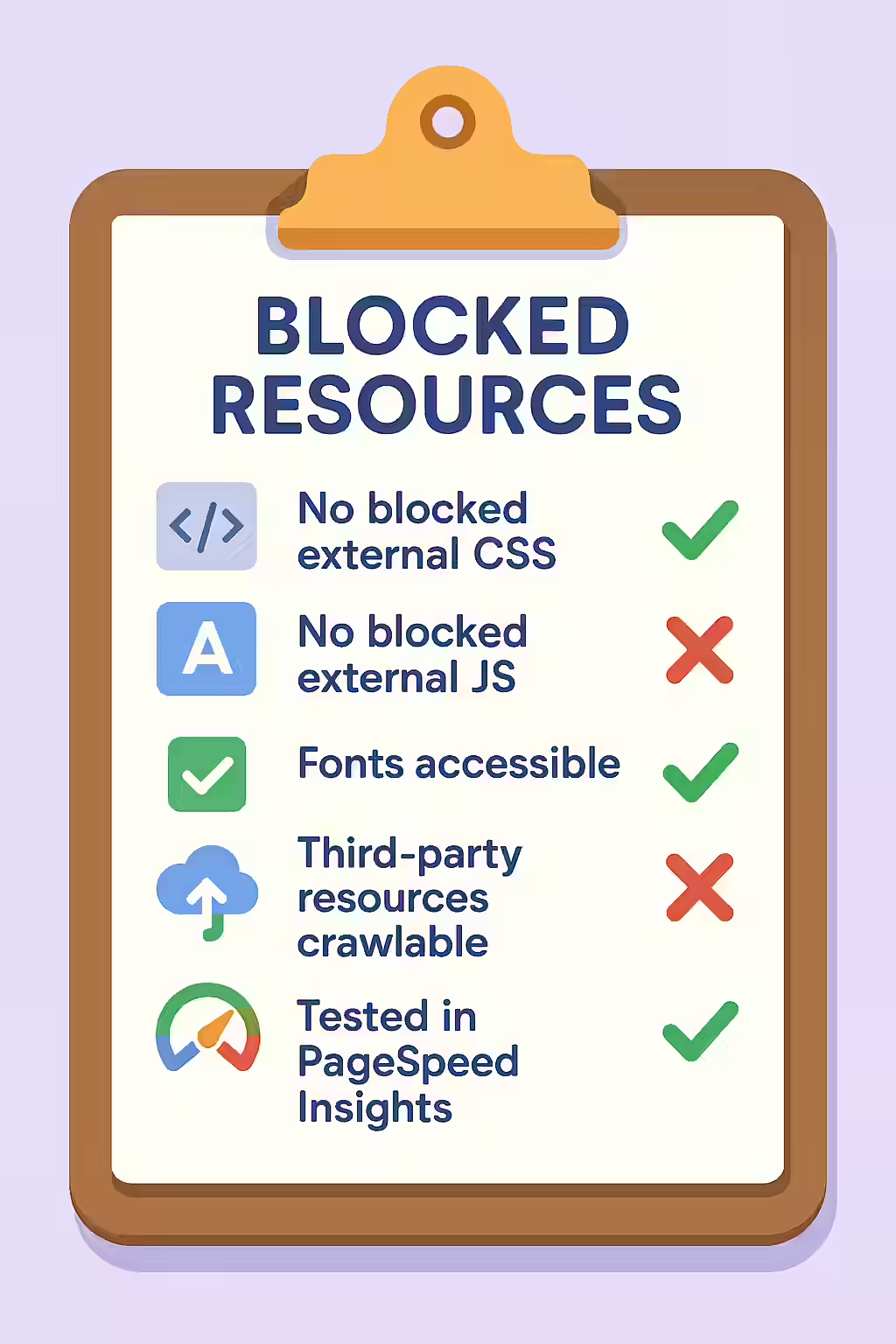
- Mobile-Friendliness: If Google can’t access your CSS, it can’t determine if your page is mobile-friendly, which is a key ranking signal.
- Content Discovery: If your JavaScript is blocked, any content or links that are loaded by that script may not be discovered or indexed.
- Inaccurate Rendering: A page without its styling can look completely different to a search engine, which can lead to it being misinterpreted.
How to Unblock Your Resources
Fixing external blocked resources requires editing the `robots.txt` file on the domain that is hosting the resource. For a complete guide to this file, see the Google’s documentation on robots.txt.
# Before: Blocking all CSS and JS files User-agent: * Disallow: /wp-content/themes/my-theme/css/ Disallow: /wp-content/themes/my-theme/js/ # After: Allowing access to all resources User-agent: * Disallow:If you don’t have control over the external domain’s `robots.txt` file, you may need to contact the site owner or consider hosting the resources on your own domain.
Frequently Asked Questions
What are external blocked resources?
External blocked resources are files like CSS, JavaScript, or images that are hosted on a different domain but are blocked by that domain’s robots.txt file. This is a major SEO issue, as it can prevent search engines from rendering your pages correctly.
Why is it a problem if Google can’t access my CSS files?
If Google can’t access your CSS files, it can’t ‘see’ your page the way a user does. This can lead to it misinterpreting your page’s layout and mobile-friendliness, which can negatively impact your rankings.
How do I fix external blocked resources?
If you control the external domain, you can edit its robots.txt file to unblock the resources. If you don’t control the external domain, you may need to contact the site owner or consider hosting the resources on your own domain.
Ready to unblock your pages? Start your Creeper audit today and see how you can improve your website’s response codes.