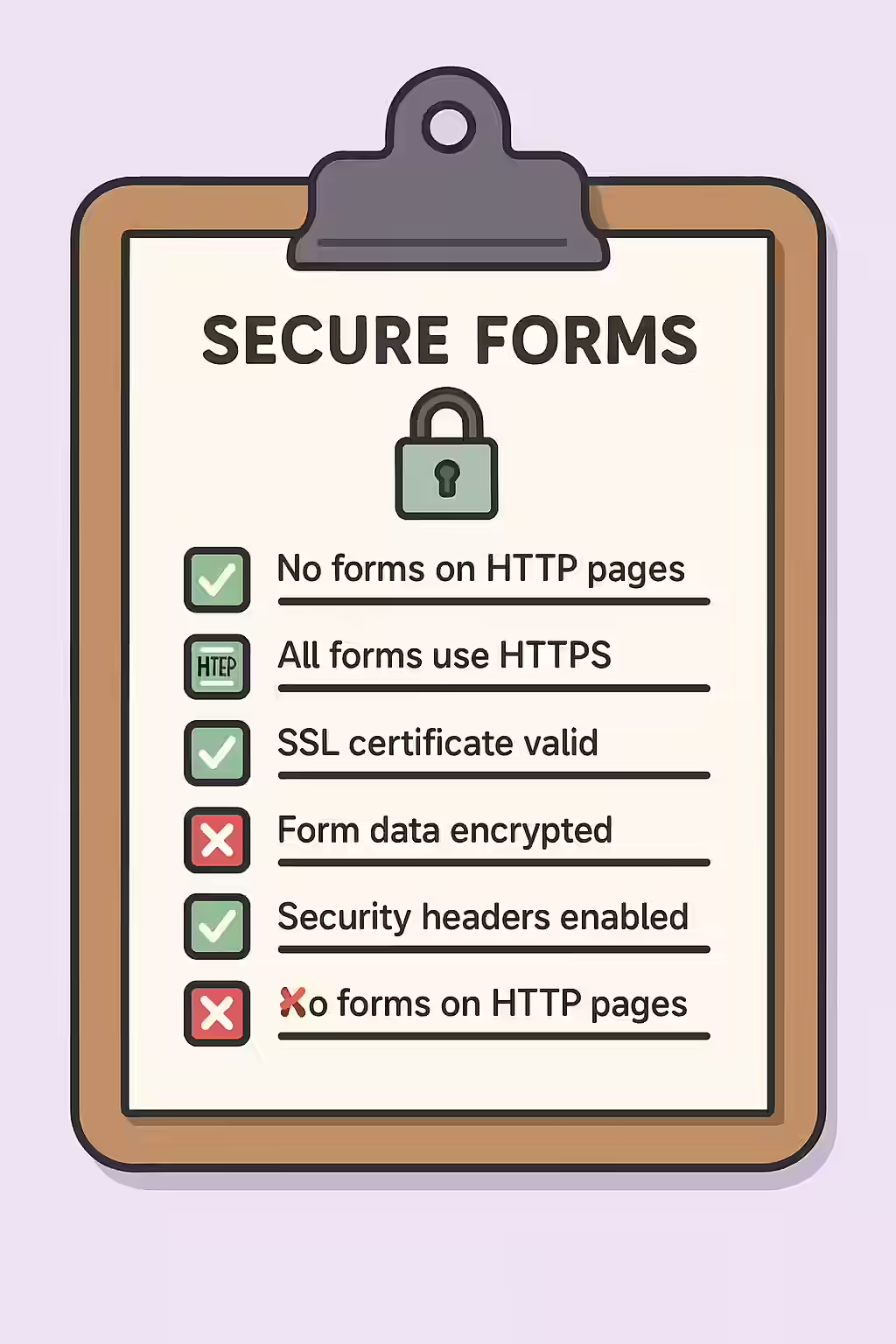
In the modern web, security is non-negotiable. Having a form on an HTTP URL is a major security vulnerability and a significant red flag for both users and search engines. When a form is on an unencrypted HTTP page, any data submitted through that form—including passwords, personal information, and credit card numbers—is sent in plain text and can be easily intercepted by attackers. This is a critical issue that must be fixed by migrating your entire site to HTTPS.
Think of your website as a bank. An HTTP form is like an unarmored truck carrying cash in clear bags. By switching to HTTPS, you’re putting that cash in a locked, armored vehicle. For a deeper dive into the world of website security, see our article on the security category.

Why Every Page Should Be HTTPS
For years, Google has been pushing for “HTTPS everywhere” as a baseline for web security. As detailed in this guide from Google, HTTPS is a confirmed, lightweight ranking signal.
- Security: HTTPS encrypts all communication between the user’s browser and your server, protecting sensitive data from being stolen.
- User Trust: Modern browsers now explicitly mark HTTP pages as “Not Secure,” which can erode user trust and increase bounce rates.
- SEO: HTTPS is a ranking signal, and it’s a prerequisite for many modern web technologies that can improve performance, such as HTTP/2.
The Only Fix: Migrate to HTTPS
The solution for a form on an HTTP URL is not just to secure that single page, but to migrate your entire website to HTTPS. This is a one-time process that provides a permanent solution.
- Get an SSL Certificate: Obtain and install an SSL certificate on your web server. Many hosting providers offer free certificates.
- Redirect HTTP to HTTPS: Implement site-wide 301 redirects to ensure that all traffic to your HTTP URLs is automatically redirected to the secure HTTPS versions.
- Update All Internal Links: Crawl your site to find and update any internal links that still point to HTTP URLs.
- Update Your Sitemap and Google Search Console: Submit your new HTTPS sitemap to Google Search Console and register the HTTPS version of your site as a new property.
For another excellent resource, check out this guide to HTTPS from AIOSEO.
Frequently Asked Questions
What is the difference between HTTP and HTTPS?
HTTP (Hypertext Transfer Protocol) is the standard protocol for transferring data on the web. HTTPS (Hypertext Transfer Protocol Secure) is the secure version of HTTP, which encrypts the data sent between the user’s browser and the server. This is essential for protecting sensitive information.
My form just submits to an HTTPS URL. Is that enough?
No. Even if your form’s `action` attribute points to an HTTPS URL, the page that the form is on must also be served over HTTPS. Otherwise, a ‘man-in-the-middle’ attacker could intercept the initial page load and change the form’s destination before the user even submits it.
How do I move my site to HTTPS?
To move your site to HTTPS, you need to obtain and install an SSL certificate on your server. Many hosting providers now offer free SSL certificates through services like Let’s Encrypt. Once the certificate is installed, you’ll need to configure your server to redirect all HTTP traffic to HTTPS.
Ready to secure your pages? Start your Creeper audit today and see how you can improve your website’s security.