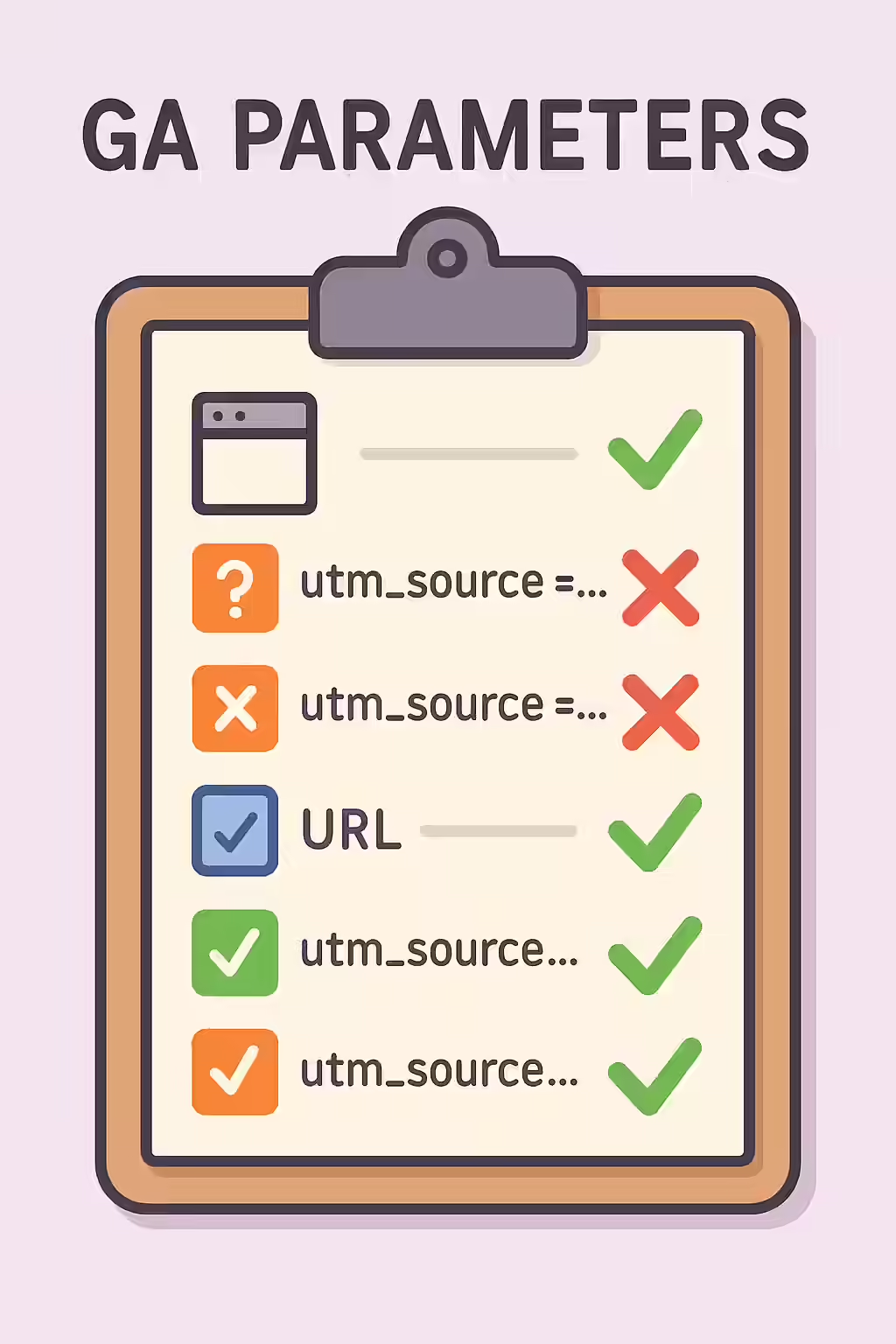
In the world of digital marketing, GA tracking parameters (also known as UTM codes) are essential for measuring the effectiveness of your campaigns. However, a common and critical mistake is to use these parameters on your internal links. This is a major SEO issue because it creates multiple, duplicate versions of your URLs, which can confuse search engines and dilute your ranking signals. This guide will explore why you should never use tracking parameters for internal links and how to fix this common problem.
Think of your website as a library. Tracking parameters are like putting a different colored sticker on a book every time someone checks it out from a different branch. The librarian (the search engine) will see the same book with many different stickers and may get confused about which is the original. By keeping your internal URLs clean and free of parameters, you can create a more successful and crawlable website. For a deeper dive into the world of URLs, see our article on the URL parameters.

Why Tracking Parameters on Internal Links Are a Problem
Using UTM codes for internal links is a well-known anti-pattern that can cause several SEO issues. As detailed in this guide to UTM codes from Moz, they are for external campaign tracking only.
- Duplicate Content: Every unique URL with a tracking parameter is seen by search engines as a separate page. This can lead to massive duplicate content issues.
- Split Ranking Signals: If other sites link to different versions of your URL (some with parameters, some without), your link equity will be split between them, diluting the ranking power of the page.
- Wasted Crawl Budget: Search engines will waste their limited crawl budget by crawling the same page multiple times with different parameters.
How to Fix Internal Links with Tracking Parameters
The fix for this issue is to remove all tracking parameters from your internal links. For tracking internal clicks, you should use event tracking in Google Analytics instead. For Google’s official guidance, see their documentation on custom campaigns.
- Identify and Remove the Parameters: Use an SEO audit tool like Creeper to find all internal links that contain tracking parameters. Go through your content and remove them.
- Implement Self-Referencing Canonicals: Ensure that every page has a self-referencing canonical tag. This will help to consolidate any ranking signals that may have been split by the parameterized URLs.
Frequently Asked Questions
What are GA tracking parameters?
GA tracking parameters, also known as UTM codes, are tags that you add to a URL to track the source, medium, and campaign of your marketing efforts in Google Analytics. They are essential for measuring the ROI of your campaigns.
Why shouldn’t I use tracking parameters on internal links?
You should not use tracking parameters on internal links because they create duplicate versions of your URLs, which can lead to duplicate content issues and split your ranking signals. For internal tracking, it’s better to use event tracking in Google Analytics.
How do I fix internal links with tracking parameters?
The fix is to remove the tracking parameters from your internal links. You should also ensure that your pages have a self-referencing canonical tag to consolidate any ranking signals that may have been split.
Ready to untangle your web? Start your Creeper audit today and see how you can improve your website’s URLs.