The H1 tag is arguably the most important heading on your page. It serves as the primary title, giving both users and search engines a clear, concise summary of the page’s content. When multiple pages on your site share the same H1 tag, you create an “echo” that confuses search engines and dilutes your SEO efforts. These duplicate H1 tags are a common on-page SEO issue that can prevent your pages from ranking to their full potential.
Think of your website as a library and each page as a book. The H1 tag is the title on the book’s cover. If you have ten different books all with the exact same title, you’re making it incredibly difficult for a librarian (or a search engine) to know which book to recommend for a specific query. This guide will show you how to give each page a unique title, ensuring your content is properly understood and valued. For a deeper dive into headings, see our articles on H1 length and H1 setup.

Why Duplicate H1s Confuse Search Engines
The primary problem with duplicate H1 tags is that they can cause keyword cannibalization. This occurs when multiple pages on your site compete for the same search query. By using the same H1, you’re telling Google that these pages are about the exact same topic. As a result, Google may struggle to determine which page is the most authoritative, potentially splitting the ranking signals between them or ranking a less relevant page higher.
A unique H1 on every page acts as a clear signpost, helping search engines to differentiate your content and rank each page for its most relevant and specific keywords. For more best practices, check out this excellent guide to H1 tags from Search Engine Journal.
Crafting Unique and Powerful H1 Tags
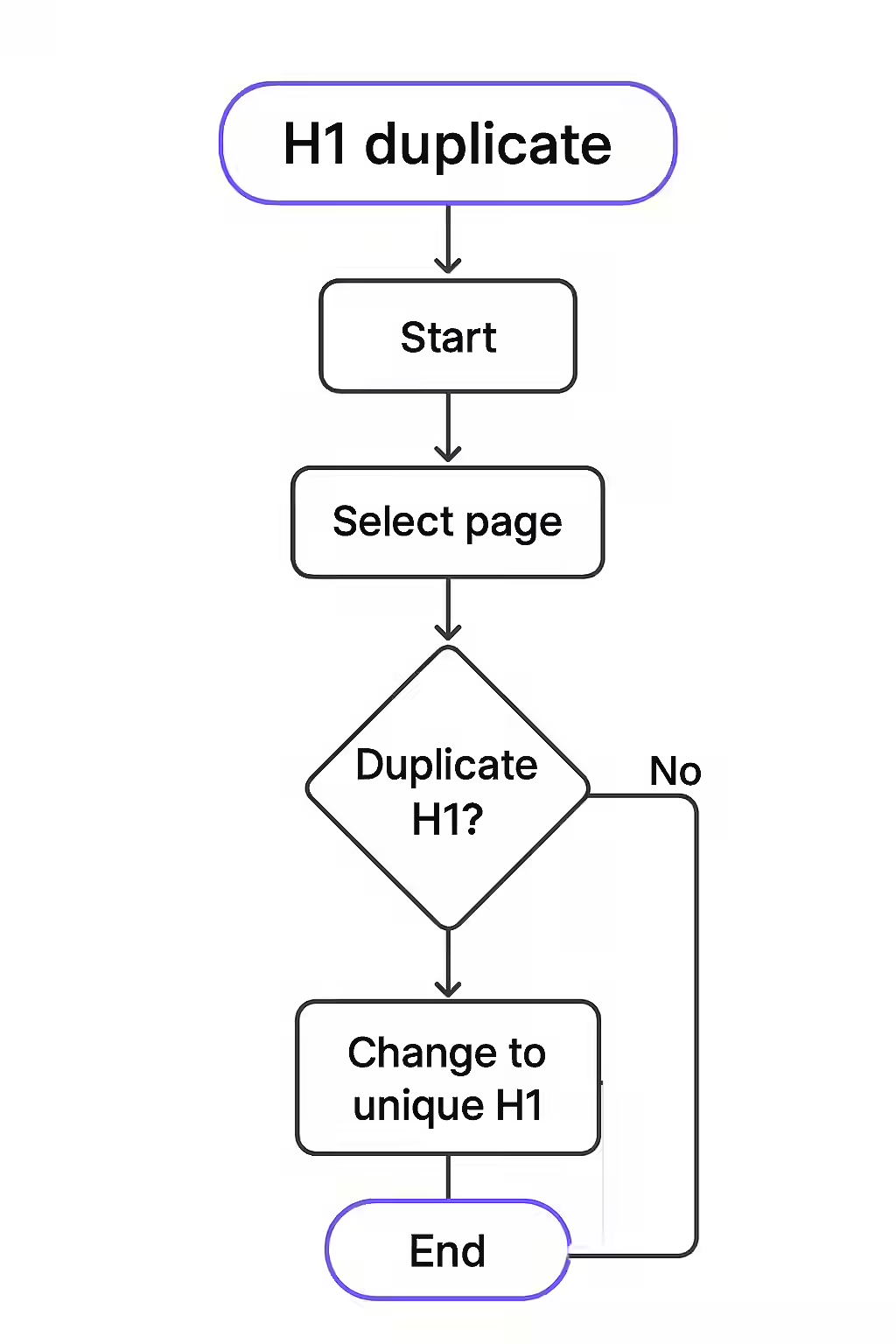
Fixing duplicate H1 tags is a straightforward process of rewriting them to be specific and descriptive. Here’s how to approach it:
- Identify the Duplicates: The first step is finding all the pages that share H1 tags. An SEO audit tool like Creeper can crawl your entire site and generate a report of all duplicate H1s.
- Analyze the Page’s Content: For each page with a duplicate H1, take a moment to understand its specific purpose. What is the main topic? What user query is it trying to answer?
- Rewrite for Uniqueness and Clarity: Craft a new H1 that accurately reflects the page’s content. Incorporate the page’s primary keyword naturally.
- Bad (Duplicate):
<h1>Our Services</h1>(Used on 5 different service pages) - Good (Unique):
<h1>Comprehensive Technical SEO Audits</h1>,<h1>Local SEO Services for Small Businesses</h1>
- Bad (Duplicate):
- Ensure Consistency with the Title Tag: Your H1 should align closely with the page’s title tag. While they don’t have to be identical, they should convey the same core message. This creates a cohesive experience for users and reinforces your topic for search engines.
Don’t let duplicate H1 tags hold your website back. By taking the time to create unique and descriptive H1 tags for every page, you can build a stronger, more successful website. For another great resource on H1 tags, check out this article from Moz.
Frequently Asked Questions
Is it okay to have the same H1 tag as the title tag?
Yes, it’s perfectly fine and often recommended. Having your H1 tag match or closely mirror your title tag creates a strong, consistent signal for both users and search engines about the page’s topic. Learn more about how they relate by reading about page titles that are the same as the H1.
How can I find duplicate H1 tags on my website?
The most effective method is to use a website crawler like Creeper. It will scan your entire site and provide a report listing all pages that share the same H1 tag, allowing you to address the issue systematically.
How important is fixing duplicate H1s compared to other SEO issues?
Fixing duplicate H1s is an important on-page SEO task, but its priority depends on the scale. A few duplicates on non-critical pages is a minor issue. However, site-wide, template-generated duplicates on thousands of important pages (like products or articles) should be a high priority, as it can significantly impact how search engines understand and rank your content.
How do I fix duplicate H1 tags?
The best way to fix duplicate H1 tags is to rewrite them to be unique and descriptive for each page. Your H1 tag should accurately summarize the specific content of that page, incorporating relevant keywords naturally.
Is your website an echo chamber? Start your Creeper audit today and make sure your H1 tags are unique and descriptive.