When it comes to H1 tags, size matters. Too long, and your heading may be difficult for users to scan. Too short, and you may be missing out on a valuable opportunity to include relevant keywords. The key is to find the ‘Goldilocks’ length: not too long, not too short, but just right. This guide will explore the ideal h1 length and how to create H1 tags that are both descriptive and SEO-friendly.
Think of your H1 tag as a newspaper headline. It should be concise, attention-grabbing, and informative. A good headline will entice people to read the article, and a good H1 tag will do the same for your web page. For a deeper dive into the world of on-page SEO, see our article on on-page SEO.
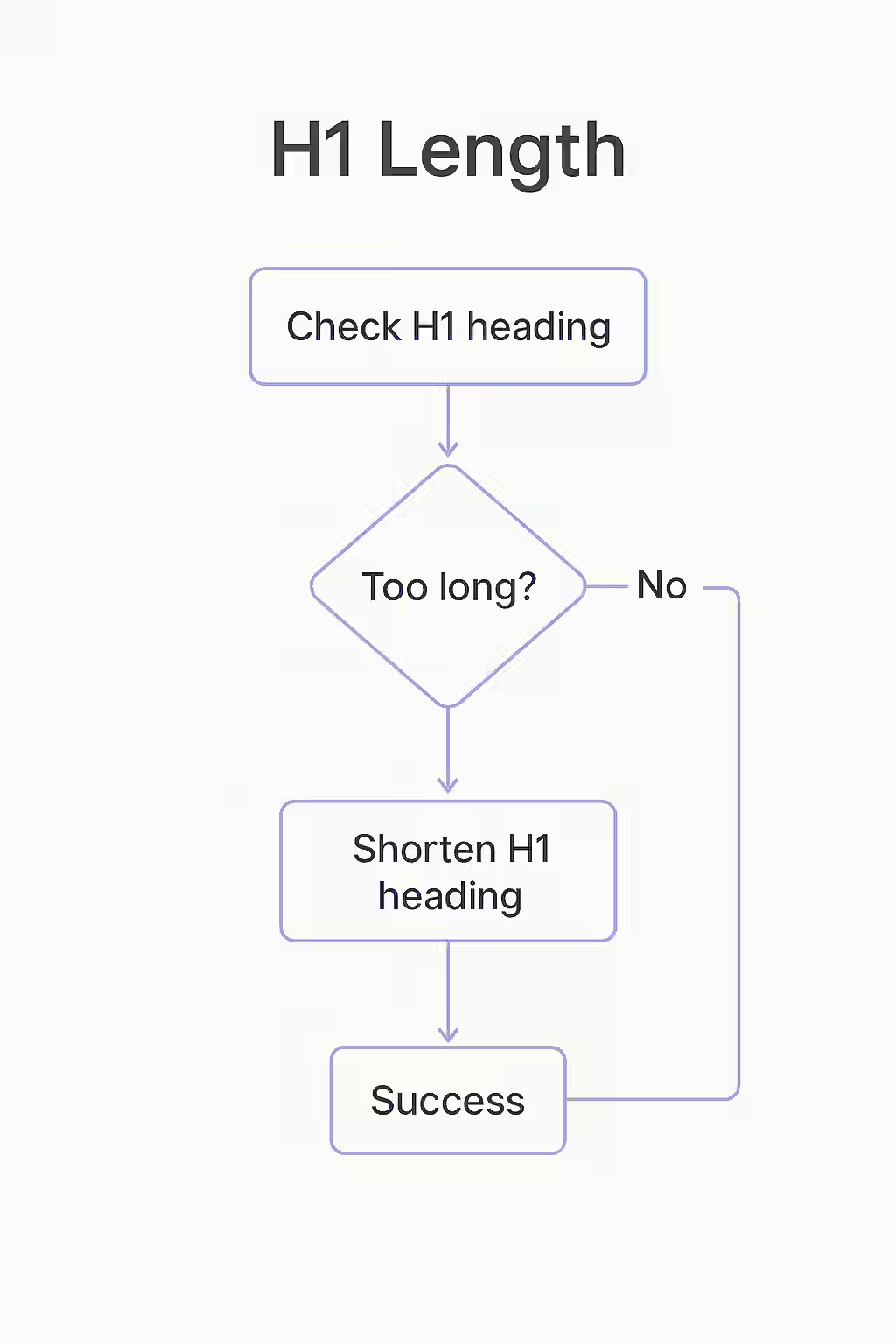
Best Practices for H1 Length
While there is no official character limit for H1 tags, it’s a good practice to keep them between 20 and 70 characters. Here’s why:
- Be Descriptive: A 20-70 character H1 tag gives you enough space to accurately describe the content of your page and include your target keywords.
- Be Concise: A short, clear H1 tag is easier for users to read and understand.
- Front-Load Your Keywords: Place your most important keywords at the beginning of your H1 tag. This can help to improve your rankings for those keywords.
- Match Your Title Tag: The ideal length for a title tag is also in the 20-70 character range. By keeping your H1 tag and title tag similar, you can create a more consistent experience for both users and search engines.
For more on the importance of on-page SEO, check out this guide to on-page SEO from Moz. For another great resource on H1 tag length, check out this article from Search Engine Journal.

Frequently Asked Questions
What is the ideal length for an H1 tag?
There is no official character limit for H1 tags, but it’s a good practice to keep them between 20 and 70 characters. This is long enough to be descriptive, but short enough to be easily readable.
What’s the difference between H1 length and title tag length?
While the recommended character counts are similar, the title tag has a hard pixel limit in the SERPs, so it’s more likely to be truncated. The H1 tag is displayed on your page, so you have more flexibility. However, it’s a good practice to keep them closely aligned for a consistent user experience.
What happens if my H1 tag is too short?
If your H1 tag is too short, you may be missing out on an opportunity to include relevant keywords and provide valuable context to both users and search engines.
Is your H1 tag ‘just right’? Start your Creeper audit today and make sure your H1 tags are the perfect length.