In the world of SEO, brevity is a virtue. This is especially true when it comes to your H1 tags. While there is no official character limit, an h1 over 70 characters is generally considered to be too long. A long H1 tag can be difficult for users to read, and it can dilute the focus of your main keywords. This guide will explore the dangers of long H1 tags and how to fix them.
Think of your H1 tag as a newspaper headline. It should be concise, attention-grabbing, and informative. A long, rambling H1 tag is like a headline that takes up half the page. It’s confusing for users and it’s a missed opportunity to make a strong impression. For a deeper dive into the world of on-page SEO, see our article on on-page SEO.
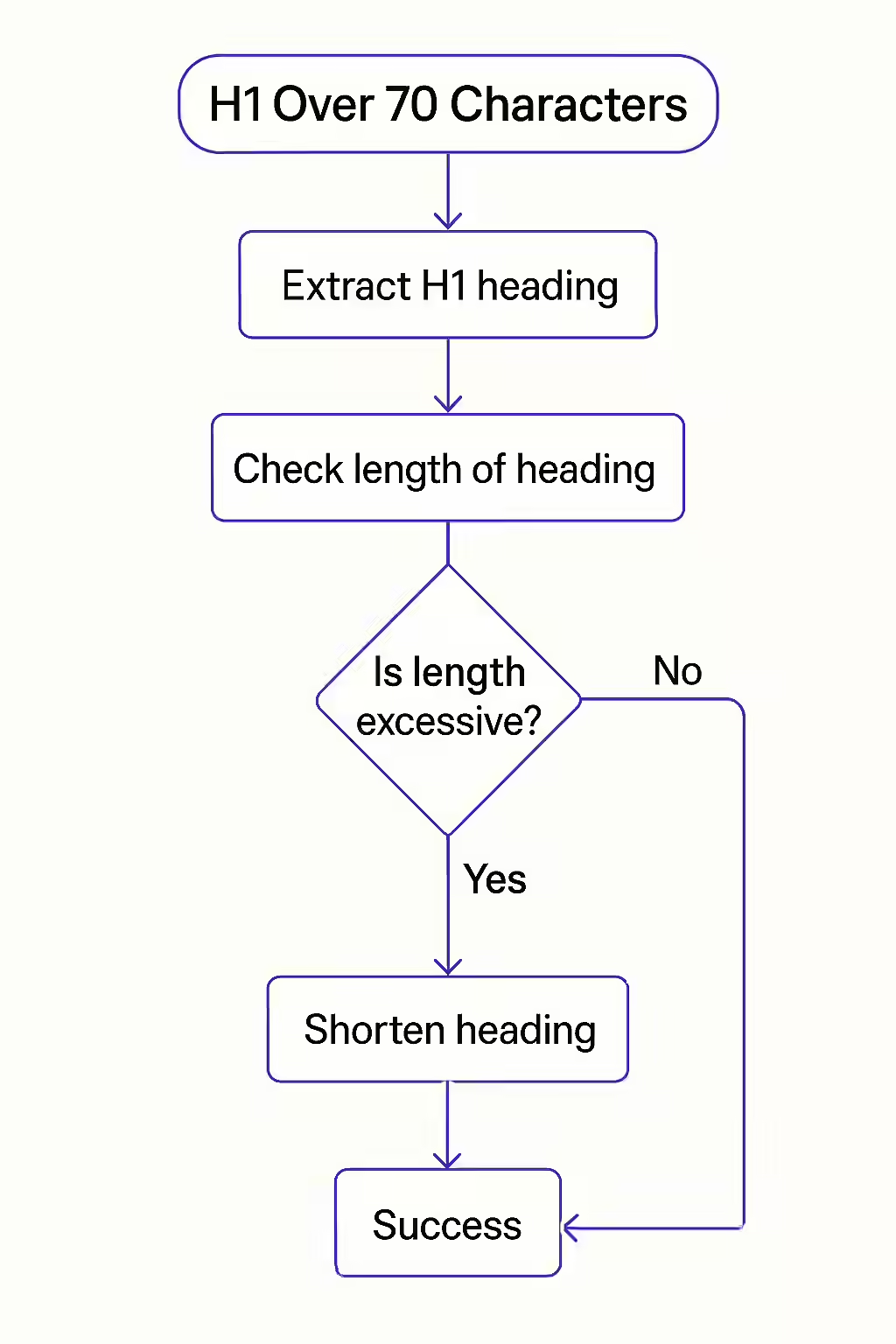
Your Guide to a More Concise and Effective Website
Fixing long H1 tags is a simple but important task. Here’s how to do it:
- Identify Your Long H1 Tags: Use an SEO audit tool like Creeper to crawl your site and identify any pages with H1 tags over 70 characters.
- Rewrite Your H1 Tags: For each page with a long H1 tag, rewrite the H1 tag to be more concise. Your H1 tag should be a short, descriptive summary of your page’s content.
- Focus on Your Target Keywords: While you don’t want to keyword stuff, it’s a good idea to include your most important keywords in your H1 tag.
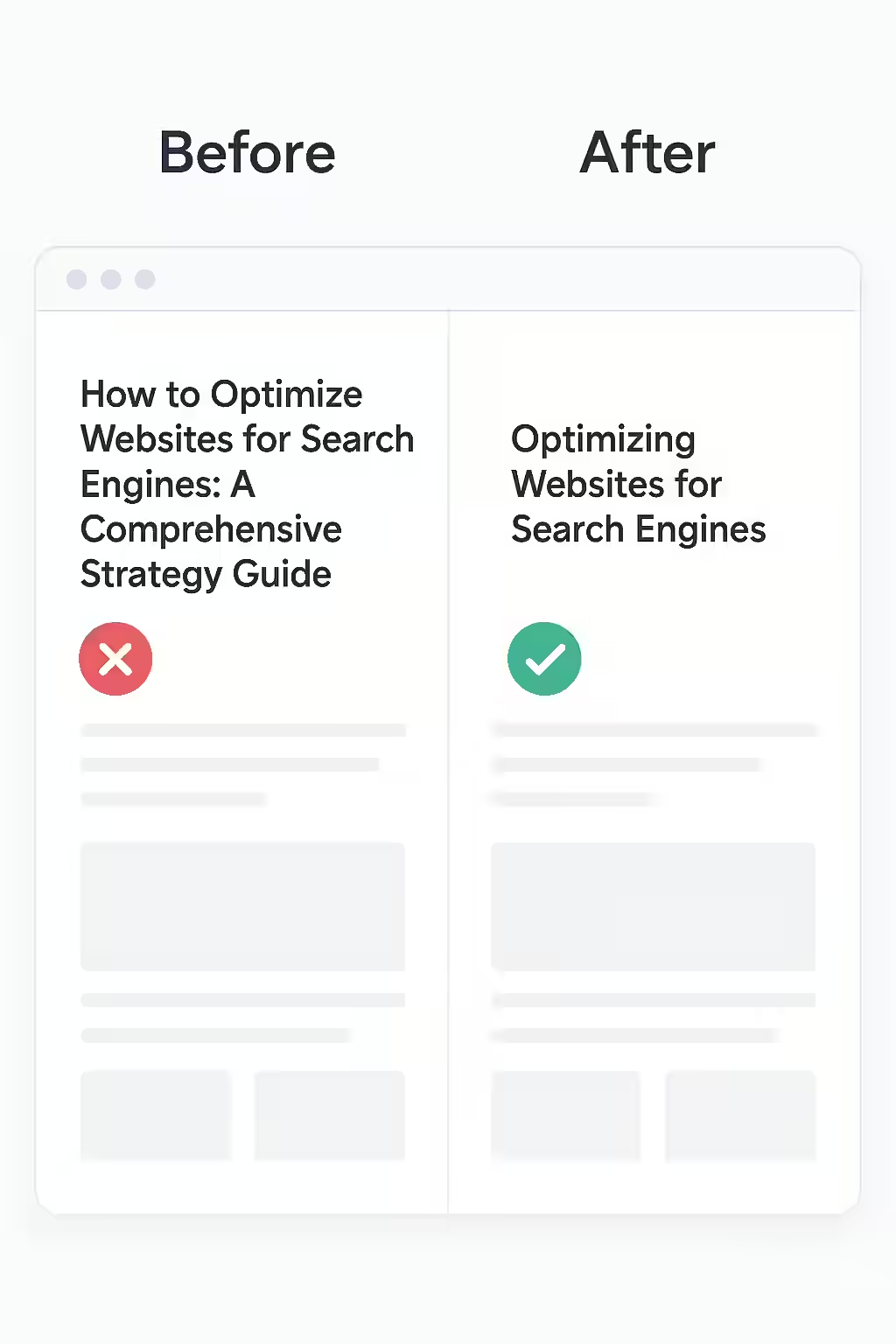
H1 Length in Action: Before and After
Before: `<h1>A Comprehensive and In-Depth Guide to All of the Best Practices for Technical Search Engine Optimization in 2025</h1>` (135 characters)
After: `<h1>A Complete Guide to Technical SEO Best Practices (2025)</h1>` (60 characters)
Just as an overly long H1 can be a problem, so can an H1 that is too short. For more on the importance of on-page SEO, check out this guide to on-page SEO from Backlinko. For another great resource on H1 tags, check out this article from Moz.
Frequently Asked Questions
Is there a penalty for long H1 tags?
There is no official penalty for long H1 tags, but they can be a sign of a low-quality page. They can also be difficult for users to read and may dilute the focus of your main keywords.
Is the 70-character limit a strict rule?
No, it’s a guideline, not a strict rule. The goal is to be concise and descriptive. If your H1 is 75 characters but is a perfect, user-friendly description of your page, it’s likely fine. The 20-70 character range is a helpful target to aim for.
How do I fix long H1 tags?
The best way to fix long H1 tags is to simply rewrite them to be more concise. Your H1 tag should be a short, descriptive summary of your page’s content that includes your primary keyword.
Are your H1 tags too long? Start your Creeper audit today and make sure your H1 tags are concise and effective.