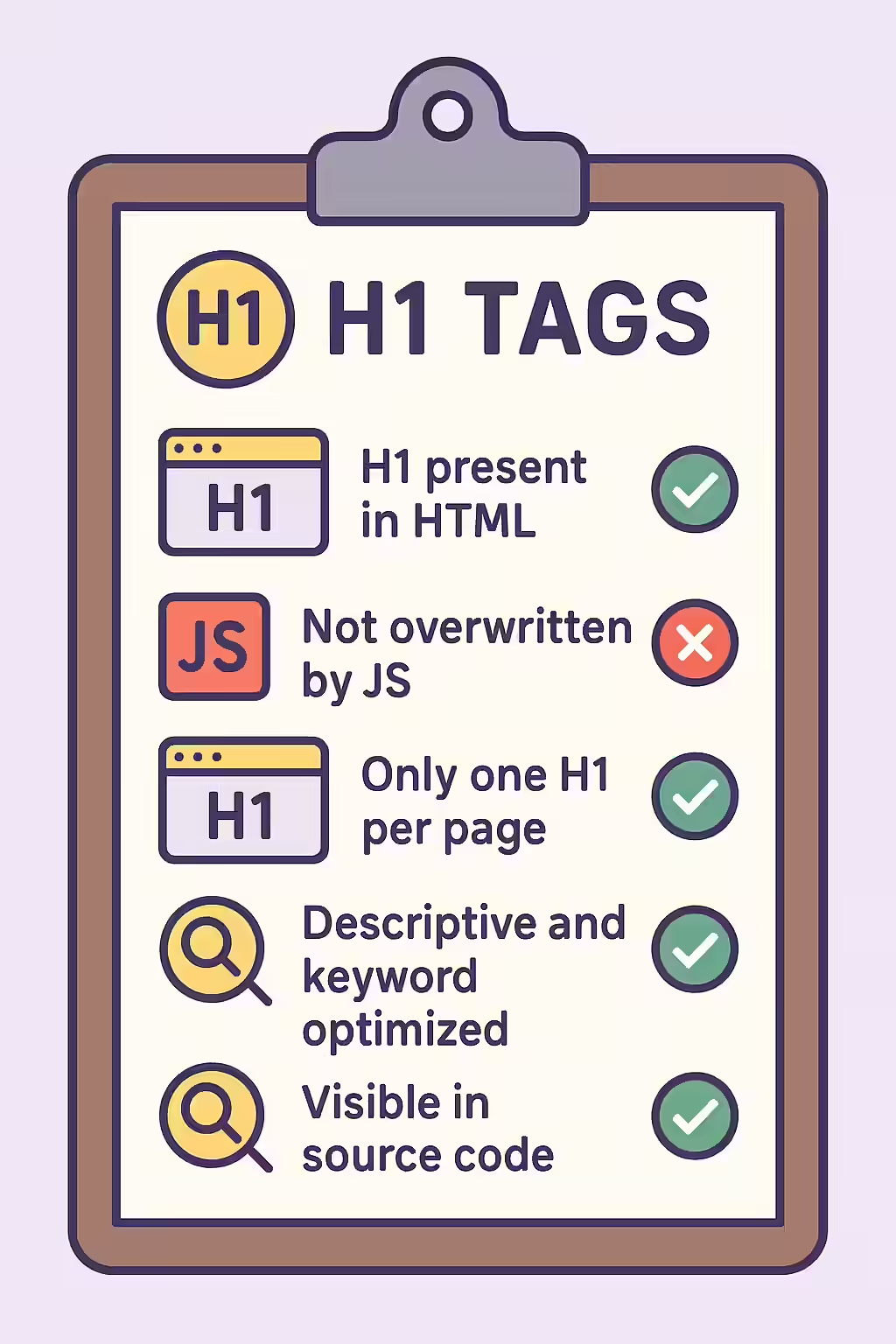
The `<h1>` tag is the single most important on-page heading for defining a page’s topic. An H1 updated by JavaScript is a heading that has one value in the initial HTML source code, but is then changed to a different value by a script after the page loads. This is a risky practice for SEO because it sends mixed signals to search engines and can lead to confusion about your page’s primary topic.
Think of your website as a library. A changing H1 is like a book that has one title on the cover, but a different title on the title page inside. This makes it difficult for the librarian (the search engine) to categorize the book correctly. By ensuring your H1 is consistent, you can create a more successful and user-friendly experience for everyone. For a deeper dive into the world of on-page SEO, see our article on on-page SEO.

The Risk of a Changing Headline
Relying on JavaScript to update your H1 tag is a dangerous game. As detailed in this guide to JavaScript SEO from Moz, anything that is not in the initial HTML source is harder for search engines to process.
- Mixed Signals: Google may index the initial H1 first, and then see a different H1 after rendering. This can lead to confusion about the page’s primary topic and dilute your ranking signals.
- Potential for Cloaking: While likely unintentional, a significant difference between the initial and rendered H1 could be perceived as cloaking, which is a violation of Google’s guidelines.
How to Provide a Consistent `<h1>`
The fix for this issue is to ensure that the final, user-facing H1 is present in the initial HTML document. This ensures that search engines see the correct heading immediately upon crawling the page. For Google’s official guidance, see their documentation on JavaScript SEO.
<!-- Before: H1 is changed by JavaScript --> <head> <title>My Page</title> <script> window.onload = function() { document.getElementById('page-title').textContent = 'The Real Page Title'; }; </script> </head> <body> <main> <h1 id="page-title">Generic Title</h1> </main> </body> <!-- After: The final H1 is in the initial HTML --> <head> <title>My Page</title> </head> <body> <main> <h1 id="page-title">The Real Page Title</h1> </main> </body>For more on the proper use of H1 tags, see our guide on H1 setup.
Frequently Asked Questions
What is an H1 updated by JavaScript?
An H1 updated by JavaScript is when the text content of the `<h1>` tag in the initial HTML source is different from the text content of the `<h1>` tag after the browser has executed JavaScript. This creates two different versions of your main headline.
Why would a developer update an H1 with JavaScript?
This often happens in single-page applications (SPAs) or on dynamic pages where a generic H1 is loaded in the initial HTML, and then client-side JavaScript fetches and inserts the specific page title into the H1 tag after the page has loaded.
Why is a changing H1 a problem for SEO?
A changing H1 is a problem because it sends mixed signals to search engines. Google may index the initial H1 first and then see a different one after rendering, which can lead to confusion about the page’s primary topic and dilute your ranking signals.
Ready to unhide your headlines? Start your Creeper audit today and see how you can improve your website’s JavaScript SEO.