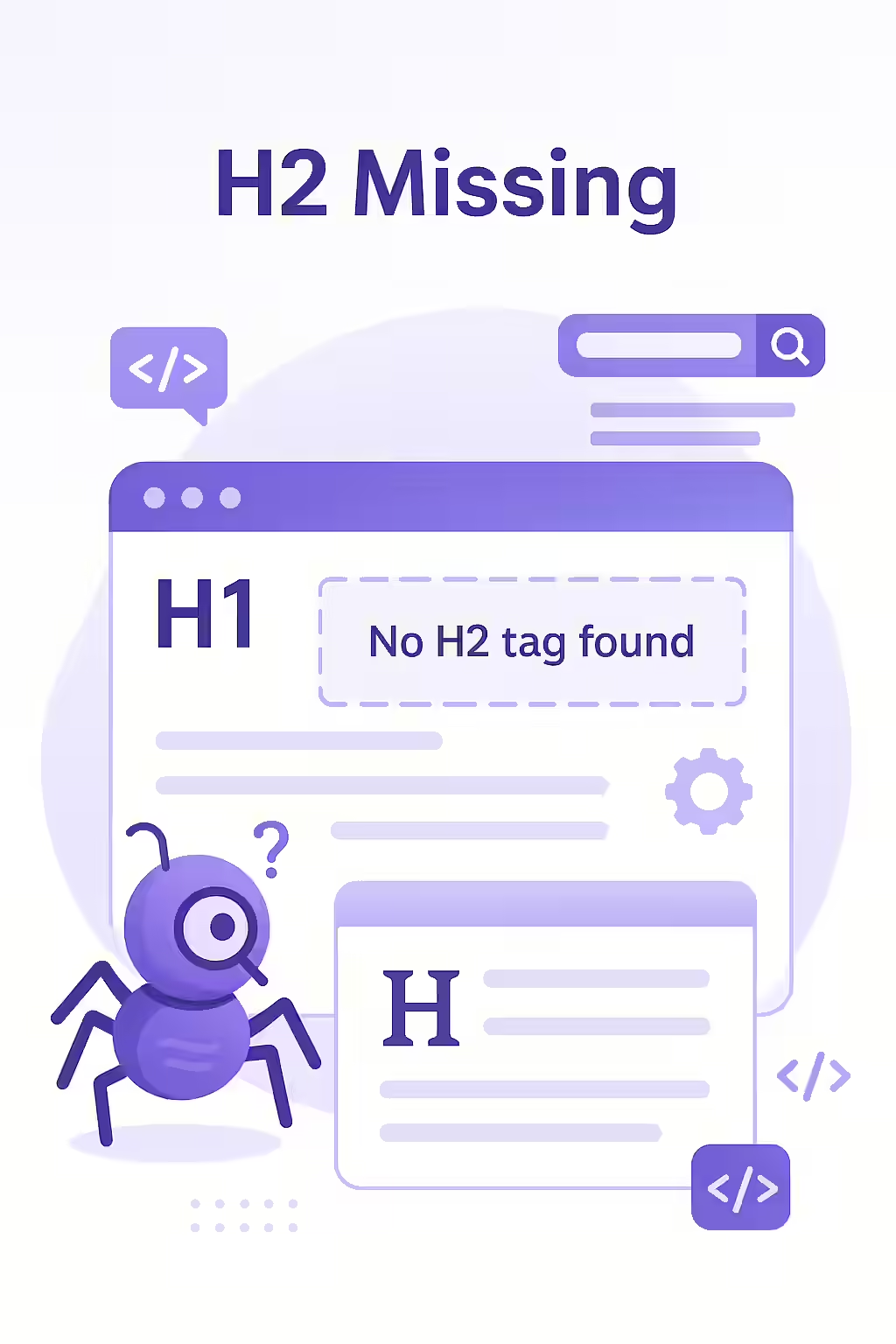
H2 tags are the unsung heroes of on-page SEO. They may not get as much attention as the H1 tag, but they play a crucial role in how both users and search engines understand your content. When you have a page with missing H2 tags, you’re essentially presenting your users with a wall of text. This can be a major turn-off, and it can also make it more difficult for search engines to understand the structure and hierarchy of your content. This guide will explore the importance of H2 tags and how to fix pages that are missing them.
Think of your H2 tags as the signposts that guide your users through your content. They break up your text into smaller, more manageable sections, and they help users to find the information they’re looking for. Without H2 tags, your content can be a confusing and frustrating experience. For a deeper dive into the world of on-page SEO, see our article on on-page SEO.
Your Guide to a More Structured and Readable Website
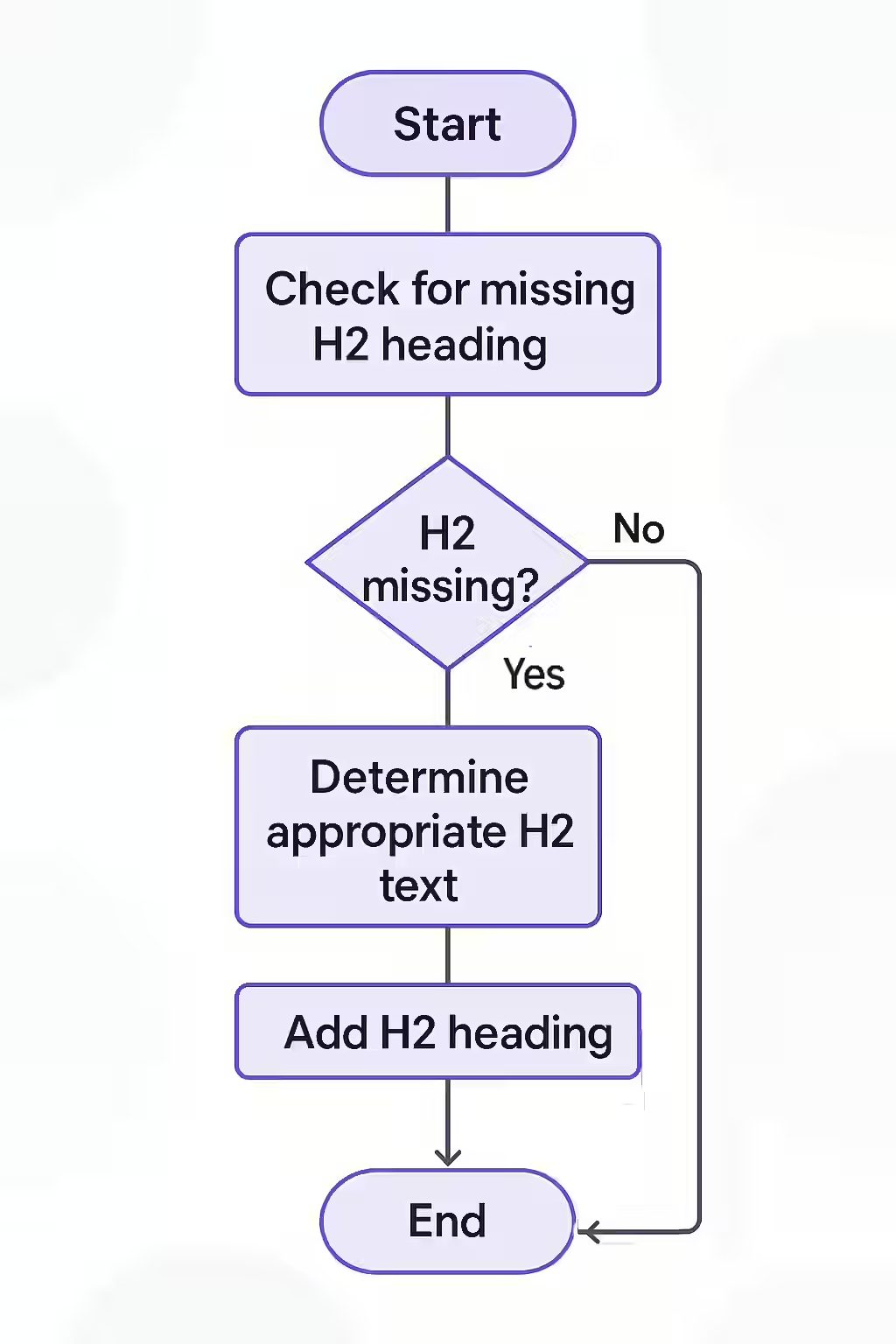
Fixing missing H2 tags is a simple but important task. Here’s how to do it:
- Identify Your Pages with Missing H2 Tags: Use an SEO audit tool like Creeper to crawl your site and identify any pages that are missing H2 tags.
- Break Up Your Content into Logical Sections: For each page that is missing H2 tags, break up the content into logical sections. Each section should focus on a specific topic or idea.
- Give Each Section a Unique and Descriptive H2 Tag: Your H2 tags should accurately reflect the content of the section they introduce.
H2s in Action: Before and After
Before:
<h1>Our Company</h1> <p>A long paragraph about our history...</p> <p>Another long paragraph about our mission...</p>After:
<h1>Our Company</h1> <h2>Our History</h2> <p>A long paragraph about our history...</p> <h2>Our Mission</h2> <p>Another long paragraph about our mission...</p>It’s also crucial to ensure your headings are in a logical order. For more on this, see our guide on why heading levels should only increase by one. For more on the importance of on-page SEO, check out this guide to headings and SEO from Yoast. For another great resource, check out this article from Moz.
Frequently Asked Questions
Is it okay to have a page with no H2 tags?
While it’s not a critical error, it’s a missed opportunity. H2 tags help to break up your content and make it more readable, and they also provide important context to search engines.
How many H2 tags should a page have?
There is no set number. You should use as many H2 tags as are needed to break your content into logical, easy-to-read sections. For a long blog post, this could be 5-10 H2s. For a short page, it might only be one or two.
How do I fix missing H2 tags?
The best way to fix missing H2 tags is to simply add them to your content. Break up your content into logical sections and give each section a unique and descriptive H2 tag.
Is your content missing a few chapters? Start your Creeper audit today and make sure your pages have a clear and logical heading structure.