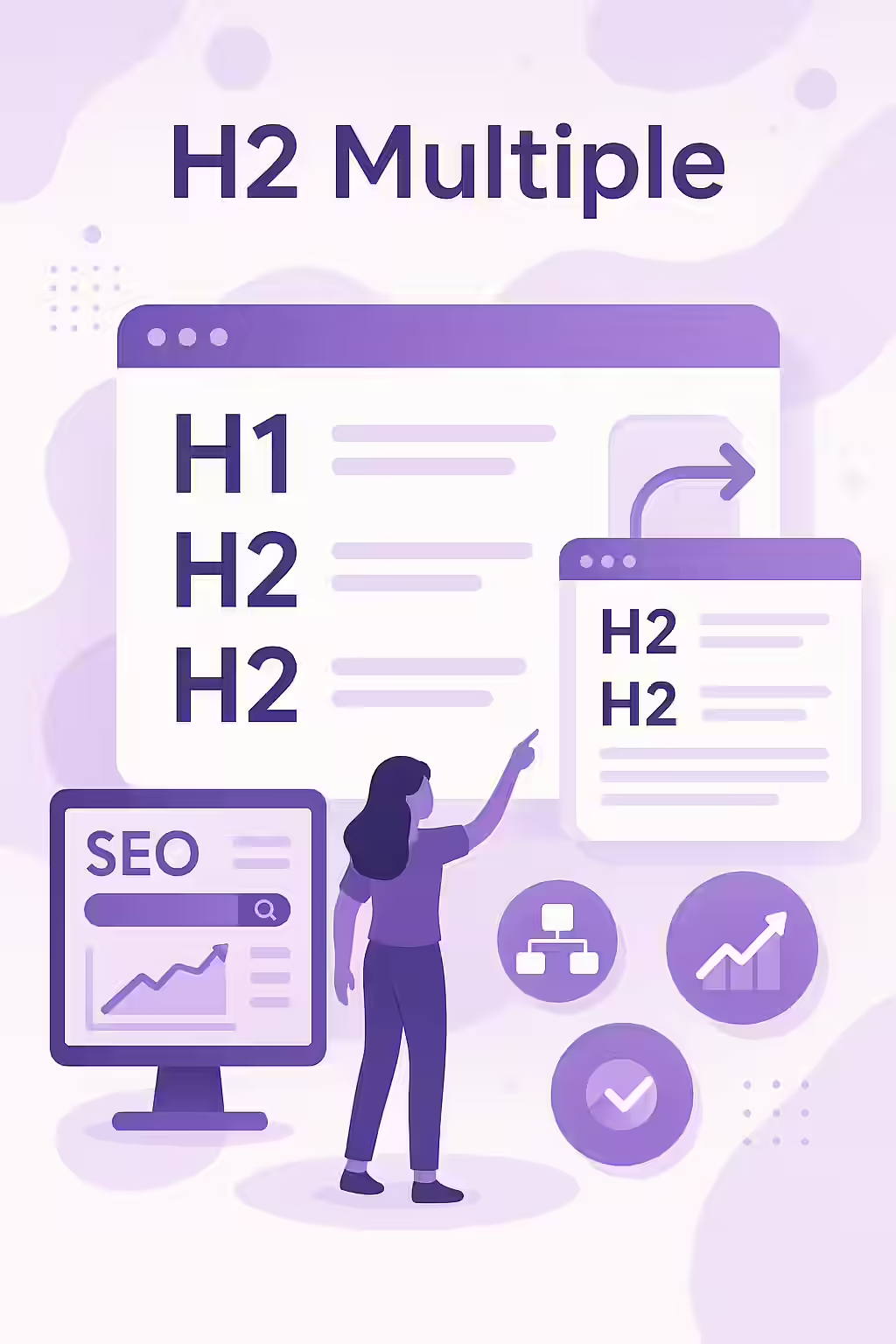
When it comes to H2 tags, there’s a common misconception that you should only have one per page. But the truth is, it’s not only okay to have multiple H2 tags on a page, it’s actually a good practice for SEO. H2 tags are the subheadings of your webpage, and they play a crucial role in how both users and search engines understand your content. This guide will explore the benefits of using multiple H2 tags and how to do it in a way that benefits your SEO.
Think of your H2 tags as the chapter titles in a book. A book with only one chapter would be a confusing and frustrating experience for the reader. The same is true for your web pages. By using multiple H2 tags to break up your content into smaller, more manageable sections, you can create a better experience for your users and send a strong signal to search engines about the structure and hierarchy of your content. For a deeper dive into the world of on-page SEO, see our article on on-page SEO.
Best Practices for Using Multiple H2s
Using multiple H2 tags is a simple but effective way to improve your SEO. Here’s how to do it:
- Break Up Your Content into Logical Sections: For each page, break up the content into logical sections. Each section should focus on a specific topic or idea.
- Give Each Section a Unique and Descriptive H2 Tag: Your H2 tags should accurately reflect the content of the section they introduce. Avoid duplicate H2s on the same page.
- Use a Clear and Consistent Heading Structure: Make sure that you’re using a logical and consistent heading structure throughout your site. Your H1 tag should be the main heading of the page, followed by H2 tags for subheadings, H3 tags for sub-subheadings, and so on.
The SEO Power of a Well-Structured Page
A well-structured page with a clear and logical heading structure is a powerful tool for SEO. It can help to improve your rankings for relevant keywords, and it can also improve the user experience by making your content more accessible and easier to understand. For more on the importance of on-page SEO, check out this guide to headings and SEO from Yoast. For another great resource, check out this article from Moz.
Frequently Asked Questions
Is it bad to have multiple H2 tags on a page?
No, it’s not bad to have multiple H2 tags on a page. In fact, it’s a good practice to use H2 tags to break up your content into smaller, more manageable sections.
How many H2 tags should I have on a page?
There is no magic number of H2 tags that you should have on a page. The important thing is to use them to create a clear and logical heading structure for your content. A long article might have ten or more, while a short page might only have one or two.
What is the difference between an H1 tag and an H2 tag?
The H1 tag is the main heading of the page, while H2 tags are subheadings. You should only have one H1 tag per page, but you can have multiple H2 tags.
Is your content a wall of text? Start your Creeper audit today and see how you can improve your heading structure.