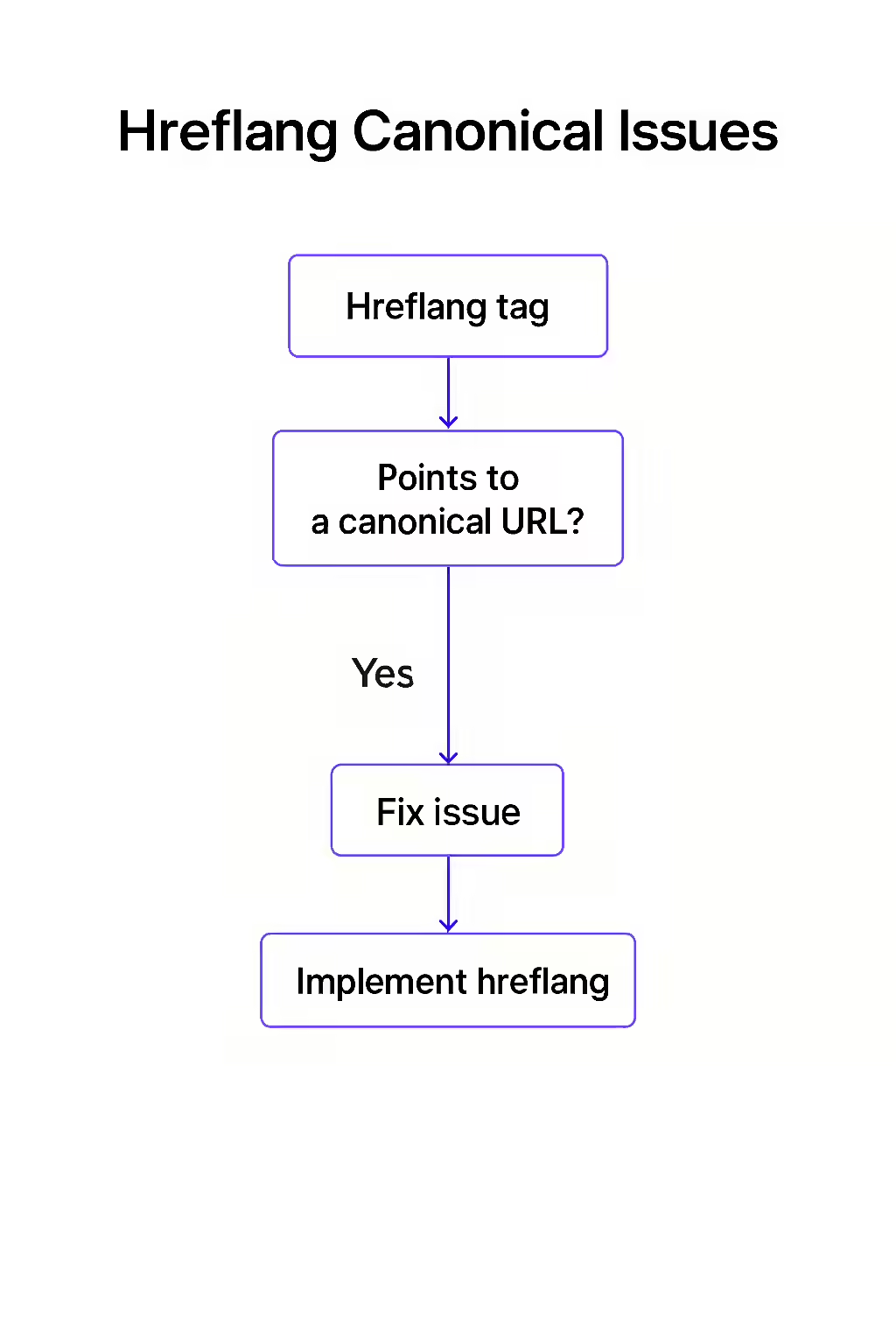
For a successful international SEO strategy, your `hreflang` and canonical tags must work in harmony. A critical error, known as an hreflang canonical issue, occurs when a page’s `hreflang` tag points to a URL that is not the canonical version of that page. This sends a conflicting signal to search engines, telling them to show one page to international users, while a canonical tag on that same page tells them to index a different one. This confusion can cause your `hreflang` implementation to fail.
Think of it as giving someone a map to a specific office in a building, but the sign on the office door directs them to a different room. The conflicting instructions make it unclear which is the correct final destination. For a broader look at international SEO, see our guide on the localization category.
Why Every Hreflang Link Must Be a Canonical URL
The purpose of `hreflang` is to provide a definitive map of your international content. Every entry on that map must be a final, authoritative destination. As Google’s documentation on canonicalization makes clear, you should always use canonical URLs in your signals.
- It Prevents Signal Dilution: Pointing directly to the canonical URL ensures that all ranking signals are consolidated correctly and efficiently.
- It Improves Crawl Efficiency: It saves search engines from having to crawl a non-canonical URL, read its canonical tag, and then crawl a second URL.
- It Avoids Confusion: It provides a clean, unambiguous signal that is easy for search engines to understand and act on, increasing the likelihood that your `hreflang` tags will be respected.
A Step-by-Step Guide to Fixing the Conflict
The goal is to ensure that every URL in your `hreflang` annotations is the final, canonical version of that page. This can also be a sign of a canonical mismatch.
<!-- On page https://example.com/us/page --> <link rel="canonical" href="https://example.com/us/page" /> <link rel="alternate" hreflang="en-gb" href="https://example.com/gb/page-with-parameter" /> <!-- Incorrect --> <!-- On page https://example.com/gb/page-with-parameter --> <link rel="canonical" href="https://example.com/gb/page" /> <!-- The Fix --> <!-- On page https://example.com/us/page --> <link rel="canonical" href="https://example.com/us/page" /> <link rel="alternate" hreflang="en-gb" href="https://example.com/gb/page" /> <!-- Correct -->For more on the importance of a well-structured website, check out this guide to hreflang from Moz.
Frequently Asked Questions
What is a canonical tag?
A canonical tag (`rel=”canonical””`) is an HTML element that tells search engines which version of a page is the ‘master’ or preferred version. It’s used to consolidate duplicate or very similar content to a single URL.
Should the self-referencing hreflang tag also be canonical?
Yes. Every URL in an hreflang set, including the self-referencing one, must be the canonical version of that page. If the page you are on has a canonical tag pointing to a different URL, then that page should not have a self-referencing hreflang tag at all.
Why is it a problem to use a non-canonical URL in an hreflang tag?
It creates an unnecessary and confusing chain for search engines. The hreflang tag points them to a URL that then tells them to look at a *different* URL for the canonical version. This is an inefficient and incorrect implementation that can cause the hreflang signal to be ignored.
Are your international signals crossed? Start your Creeper audit today to find and fix conflicting SEO directives.
“