When you’re managing a website with an international audience, the `hreflang` attribute is your best friend. It tells search engines which version of a page to show to users based on their language and region. But what happens when a user doesn’t match any of your specified language-region combinations? Without a fallback, they could be sent to a completely irrelevant page. This is where the `hreflang=”x-default”` attribute comes in—it’s the crucial ‘catch-all’ that ensures a good user experience for every visitor, no matter where they are.
Think of the `x-default` tag as your website’s international diplomat. It gracefully handles visitors from unsupported regions, directing them to a neutral ground where they can choose their preferred language or view a default version of the site. Omitting this tag is like leaving these users stranded at the border, which can lead to high bounce rates and negative SEO signals. For a broader look at international SEO, see our article on the localization category.
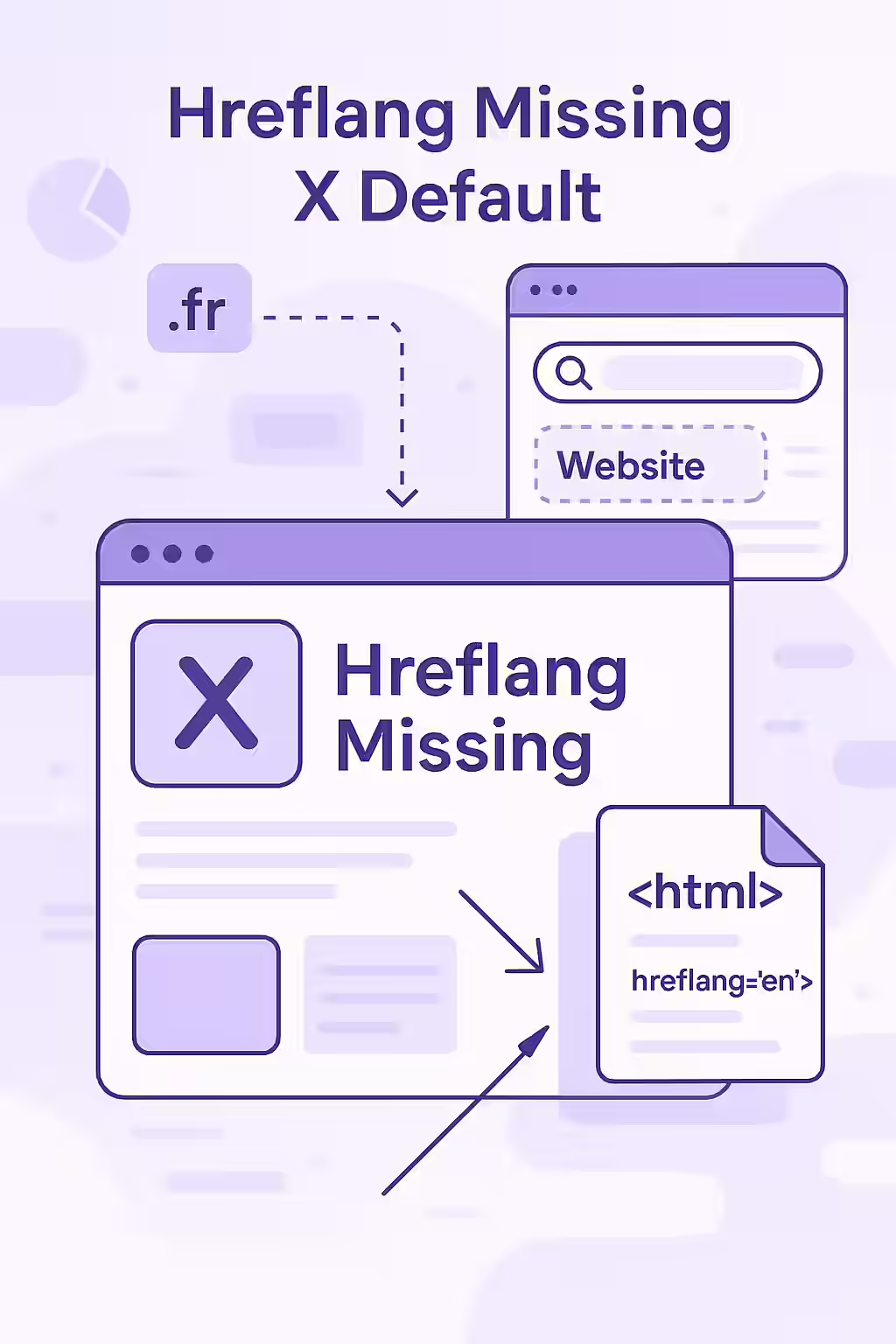
How to Correctly Implement the ‘x-default’ Attribute
Adding the `x-default` tag is a straightforward process. It should be included in the `hreflang` annotations on all alternate versions of a page. The goal is to create a complete, reciprocal set of tags. For more on this, see the official Google documentation.
Before: Missing `x-default`
<link rel="alternate" href="https://example.com/en-gb" hreflang="en-gb" /> <link rel="alternate" href="https://example.com/en-us" hreflang="en-us" /> <link rel="alternate" href="https://example.com/es-es" hreflang="es-es" />After: `x-default` Added
<link rel="alternate" href="https://example.com/en-gb" hreflang="en-gb" /> <link rel="alternate" href="https://example.com/en-us" hreflang="en-us" /> <link rel="alternate" href="https://example.com/es-es" hreflang="es-es" /> <link rel="alternate" href="https://example.com/" hreflang="x-default" />In this example, the `x-default` tag points to the generic homepage, which could be a language selector page. This is a common and effective best practice. For more on common `hreflang` mistakes, such as hreflang language issues, check out this guide from Ahrefs.
Frequently Asked Questions
What is the purpose of the x-default hreflang attribute?
The ‘x-default’ hreflang attribute specifies a default or fallback page for users when no other language or regional version of your content matches their browser settings. It’s essential for guiding international users to the most appropriate page.
Can my x-default page also be a language-specific page?
Yes. For example, if your primary audience is in the United States, you can use your `en-us` page as your `x-default` page. You would simply have two hreflang tags pointing to the same URL: one with `hreflang=”en-us”` and one with `hreflang=”x-default”`.
What kind of page should I use for my x-default URL?
The best page for an ‘x-default’ tag is typically a country or language selector page. This allows users to choose their preferred version of the site. Alternatively, you can use a generic English-language page or a page that dynamically adapts to the user’s location.
Is your international SEO strategy missing a key player? Use Creeper to audit your hreflang tags and ensure you have a fallback for every user.