HTTP (Hypertext Transfer Protocol) is the fundamental protocol for transferring data across the web. It’s the language browsers use to request information from servers. However, HTTP is unencrypted. Its secure successor, HTTPS (Hypertext Transfer Protocol Secure), is now the standard for all modern websites. Understanding the difference and properly implementing HTTPS is no longer optional—it’s essential for SEO, user trust, and data security.
Think of HTTP as a postcard: anyone who intercepts it can read the contents. HTTPS is like a sealed, armored briefcase. It uses an SSL/TLS certificate to create an encrypted connection, ensuring that the data exchanged between a user’s browser and your server remains private and unaltered. For a deeper dive into the world of web protocols, see this guide to HTTP from MDN.
The Full Spectrum of SEO and User Trust Benefits
Migrating from HTTP to HTTPS offers significant advantages that go far beyond a minor ranking boost. It’s a foundational element of a trustworthy and technically sound website.
- Ranking Signal: Google confirmed HTTPS as a lightweight ranking signal years ago. In a competitive landscape, it can be a deciding factor.
- User Trust and Credibility: Modern browsers like Chrome actively label all HTTP URLs as “Not Secure.” This warning can deter visitors and damage your brand’s credibility.
- Data Integrity and Security: HTTPS prevents man-in-the-middle attacks, where an attacker could intercept and alter the data between your site and the user.
- Access to Modern Browser Features: Many new browser technologies, such as service workers for offline apps and push notifications, require a secure HTTPS connection.
A Checklist for a Seamless HTTP to HTTPS Migration
A successful migration requires careful planning and execution to avoid common pitfalls. For a detailed technical overview, Google’s documentation on securing your site with HTTPS is the definitive resource.
- Acquire and Install an SSL Certificate: Obtain an SSL/TLS certificate from a trusted authority and install it on your server.
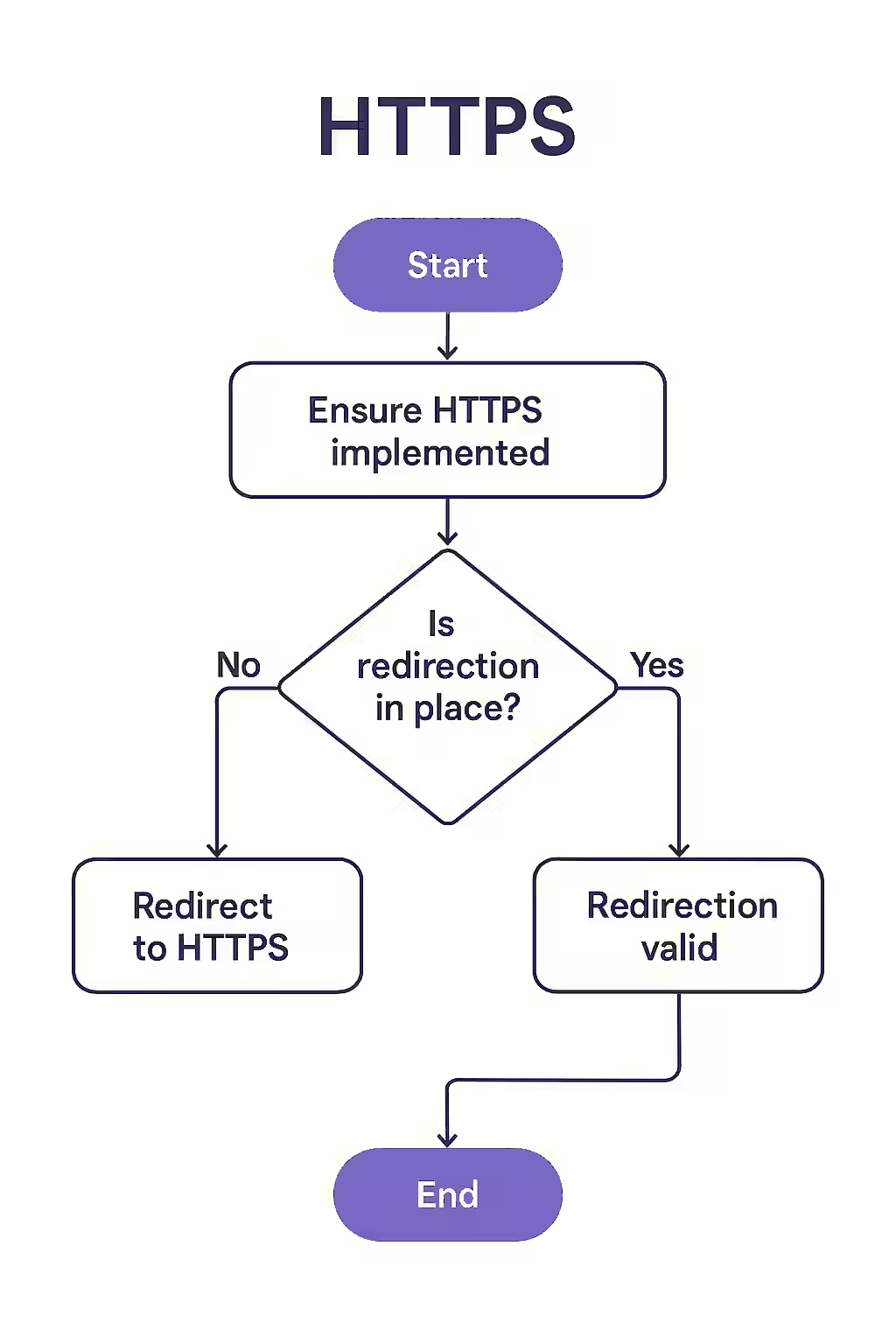
- Implement 301 Redirects: Configure server-side, permanent 301 redirects for all HTTP pages to their HTTPS equivalents. This is crucial for passing link equity.
- Update All Internal Links: Crawl your site to find and update all internal links, canonical tags, and hreflang tags to use absolute HTTPS URLs.
- Update Sitemaps and Robots.txt: Ensure your XML sitemap lists HTTPS URLs and your robots.txt file is accessible over HTTPS.
- Update Google Search Console: Add the HTTPS version of your site as a new property in GSC and monitor for any migration-related issues or changes in HTTP status codes.
Frequently Asked Questions
What are the different types of SSL certificates?
There are three main types: Domain Validated (DV), which is the most common and easiest to get; Organization Validated (OV), which requires some vetting of the organization; and Extended Validation (EV), which requires a thorough vetting process and used to display the company name in the address bar.
Can I get an SSL certificate for free?
Yes. Non-profit organizations like Let’s Encrypt provide free, domain-validated SSL/TLS certificates that are trusted by all major browsers. Many modern hosting providers offer free, one-click Let’s Encrypt integration.
What is mixed content?
Mixed content occurs when a secure HTTPS page attempts to load insecure resources (like images, scripts, or stylesheets) over an HTTP connection. This breaks the security of the page, can cause browsers to block the insecure content, and results in prominent security warnings for users. Fixing mixed content is a critical step after an HTTPS migration.
Ready to make the switch to HTTPS? Start your Creeper audit today and ensure your migration is seamless and secure.