Every time your browser requests a webpage, a server responds with a three-digit HTTP status code. This code is a crucial piece of communication that indicates the outcome of the request. For SEOs, understanding these codes is fundamental. They tell you if your content is being served correctly, if it has moved, or if there’s an error preventing users and search engines from accessing it. Monitoring these codes is a cornerstone of technical SEO.
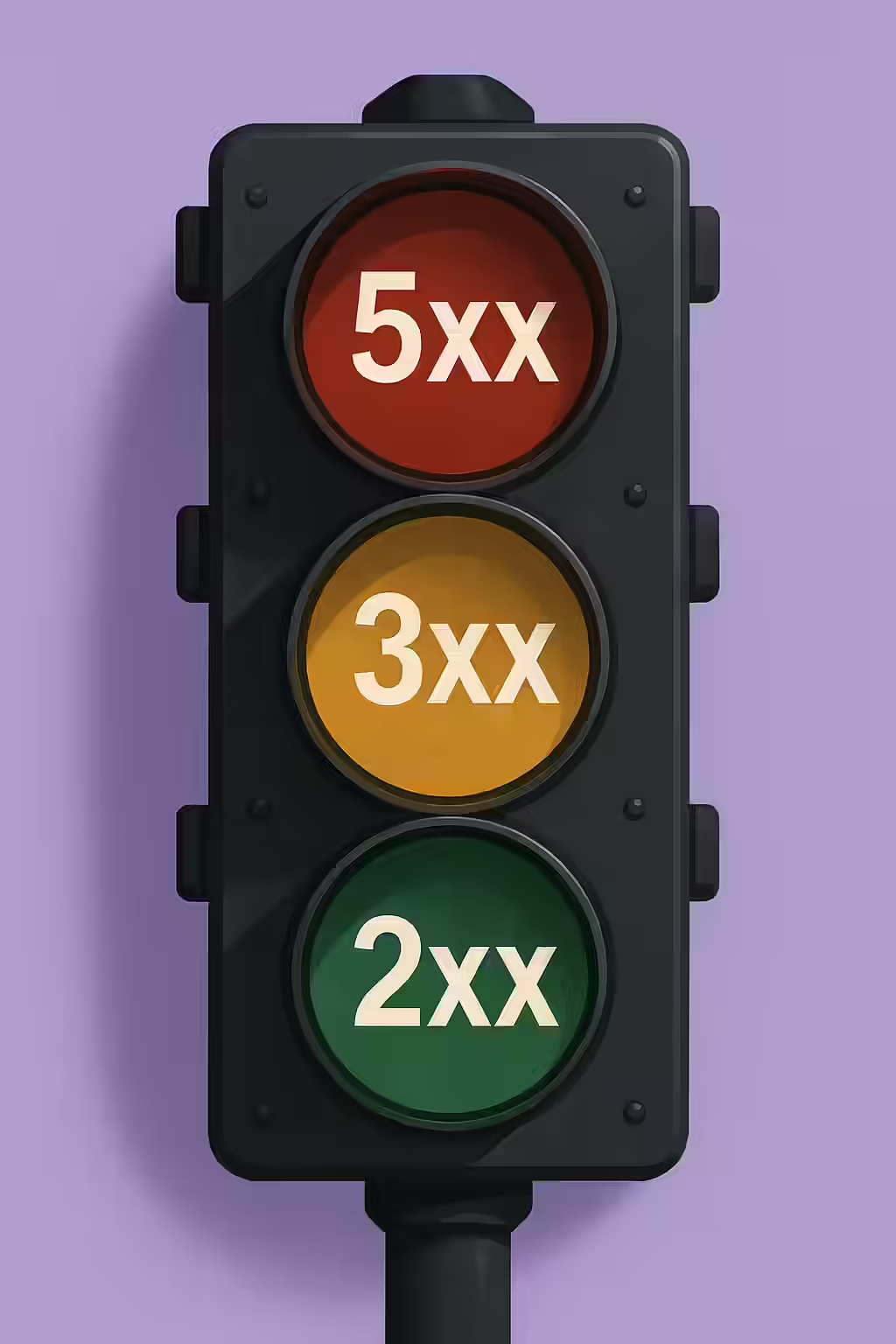
Think of status codes as traffic signals for your website’s content. A green light (2xx) means everything is working, a yellow light (3xx) signals a detour, and a red light (4xx or 5xx) means there’s a roadblock. Ignoring these signals can lead to wasted crawl budget, poor user experience, and significant ranking drops. For a complete technical reference, the official IANA registry is the ultimate source.
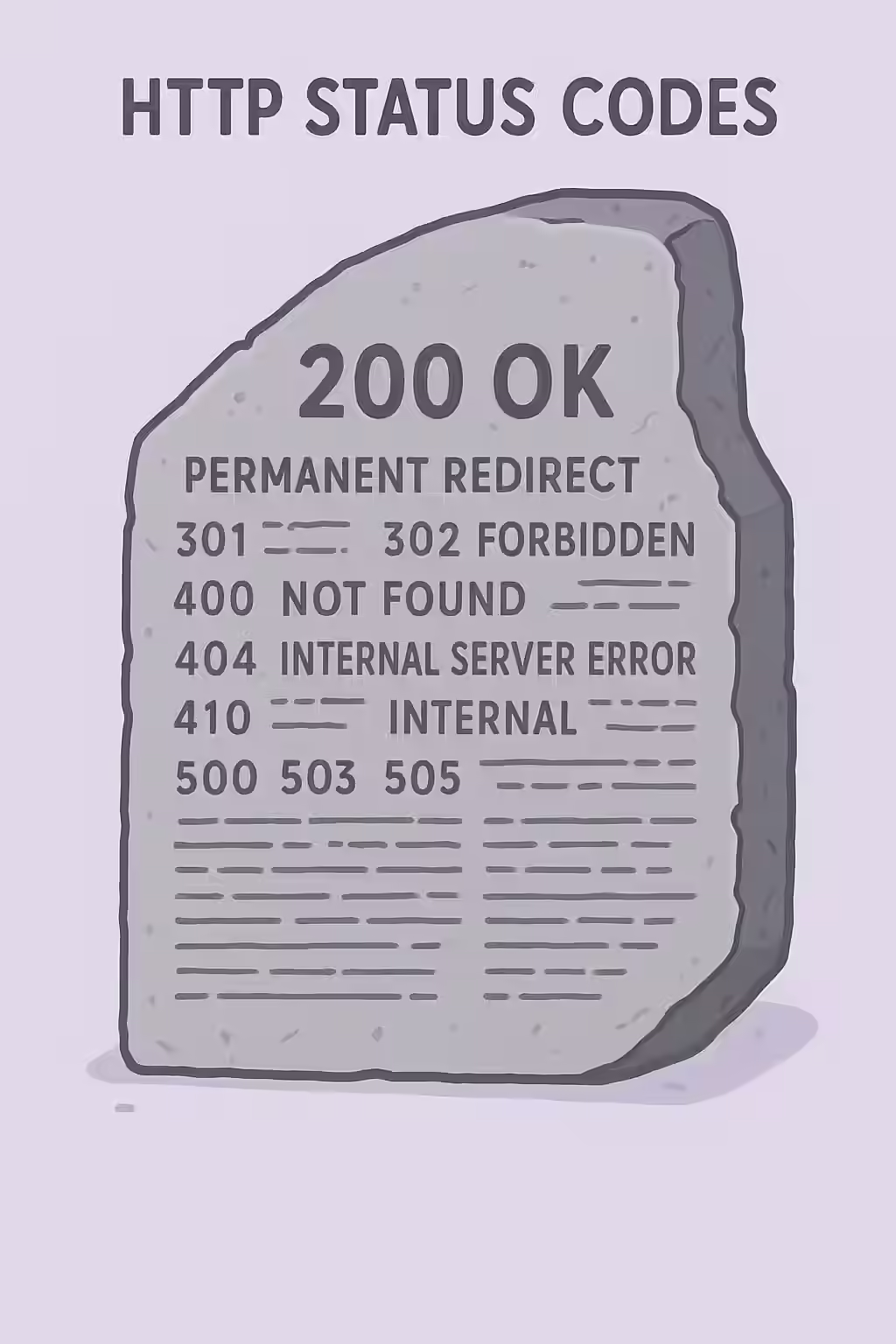
2xx Success Codes: The Green Light
This class of codes indicates that the server successfully received, understood, and accepted the request. For SEO, `200 OK` is the goal for all healthy, accessible pages. See our guide on 2xx status codes for more.
3xx Redirection Codes: The Detours
Redirection codes are used when a resource has been moved. They are essential for preserving link equity and maintaining a good user experience during site changes. However, they must be used correctly. For a deeper dive, visit our page on 3xx redirection codes.
| Code | Name | SEO Implication |
|---|---|---|
| 301 | Moved Permanently | The best choice for SEO, as it passes the most link equity to the new URL. |
| 302 | Found (Temporary) | Should only be used for truly temporary moves. Passes less link equity than a 301. |
4xx Client Error Codes: The User’s Roadblock
These codes indicate that there was a problem with the request itself, often a broken link. These are critical to fix, as they waste crawl budget and frustrate users. Learn more in our guide to 4xx client errors.
| Code | Name | SEO Implication |
|---|---|---|
| 404 | Not Found | The server can’t find the requested page. Internal links to 404s are a major issue. |
| 410 | Gone | A more permanent version of 404, telling Google the page is gone forever. |
5xx Server Error Codes: The Server’s Fault
A 5xx error means the request was valid, but the server failed to complete it. These are urgent errors that signal an unreliable website to search engines, which may respond by crawling your site less frequently. See our guide on 5xx server errors.
| Code | Name | SEO Implication |
|---|---|---|
| 500 | Internal Server Error | A generic server error. Indicates a problem with your server’s configuration. |
| 503 | Service Unavailable | The server is temporarily down, often due to maintenance or overload. |
The SEO Power of a Fluent Website
A website that is fluent in the language of HTTP status codes is a more successful website. By understanding and responding to these codes, you can create a better experience for your users and send a strong signal to search engines that your site is a valuable and well-maintained resource. For more on the importance of a well-structured website, check out this guide to HTTP status codes from Moz. This is a key part of a successful on-page SEO strategy.
Frequently Asked Questions
What’s the difference between a 404 and a 410 status code?
A 404 code means ‘Not Found,’ indicating the server can’t find the requested resource, but it might be available in the future. A 410 code means ‘Gone,’ which is a more permanent signal that the resource has been intentionally removed and will not be coming back. Google may de-index a 410 page slightly faster than a 404.
Should I redirect all my 404 pages to the homepage?
No, this is a poor practice for user experience and SEO. It can confuse users who were looking for a specific page. The best approach is to 301 redirect a broken URL to the most relevant replacement page. If no relevant page exists, it’s better to let it serve a custom 404 page.
How can I check the status code of a page?
You can use your browser’s developer tools (Network tab), a free online tool like httpstatus.io, or an SEO crawler like Creeper to check the status codes of all your pages in bulk. Google Search Console’s URL Inspection tool also provides this information for specific URLs.
Is your website speaking the right language? Start your Creeper audit today and make sure your HTTP status codes are sending the right signals.