In the mobile-first era, readability is paramount. An illegible font size is one of the most common and damaging mobile usability issues. If users have to pinch-to-zoom to read your text, your design has failed them. This isn’t just a design flaw; it’s a critical SEO problem. Google Search Console will flag pages with “Text too small to read,” which can negatively impact your rankings and user engagement.
Think of your content as a conversation with your user. If you’re whispering, they won’t bother straining to hear; they’ll just leave. Small text creates friction, increases bounce rates, and signals a poor user experience to search engines. For a broader look at mobile-friendliness, see our guide on the on-page SEO category.
The ‘Big Three’ of Legible Text: Size, Spacing, and Contrast
Fixing illegible text goes beyond just increasing the font size. It involves a holistic approach to readability, focusing on three key areas. As a starting point, review the WCAG guidelines for readability.
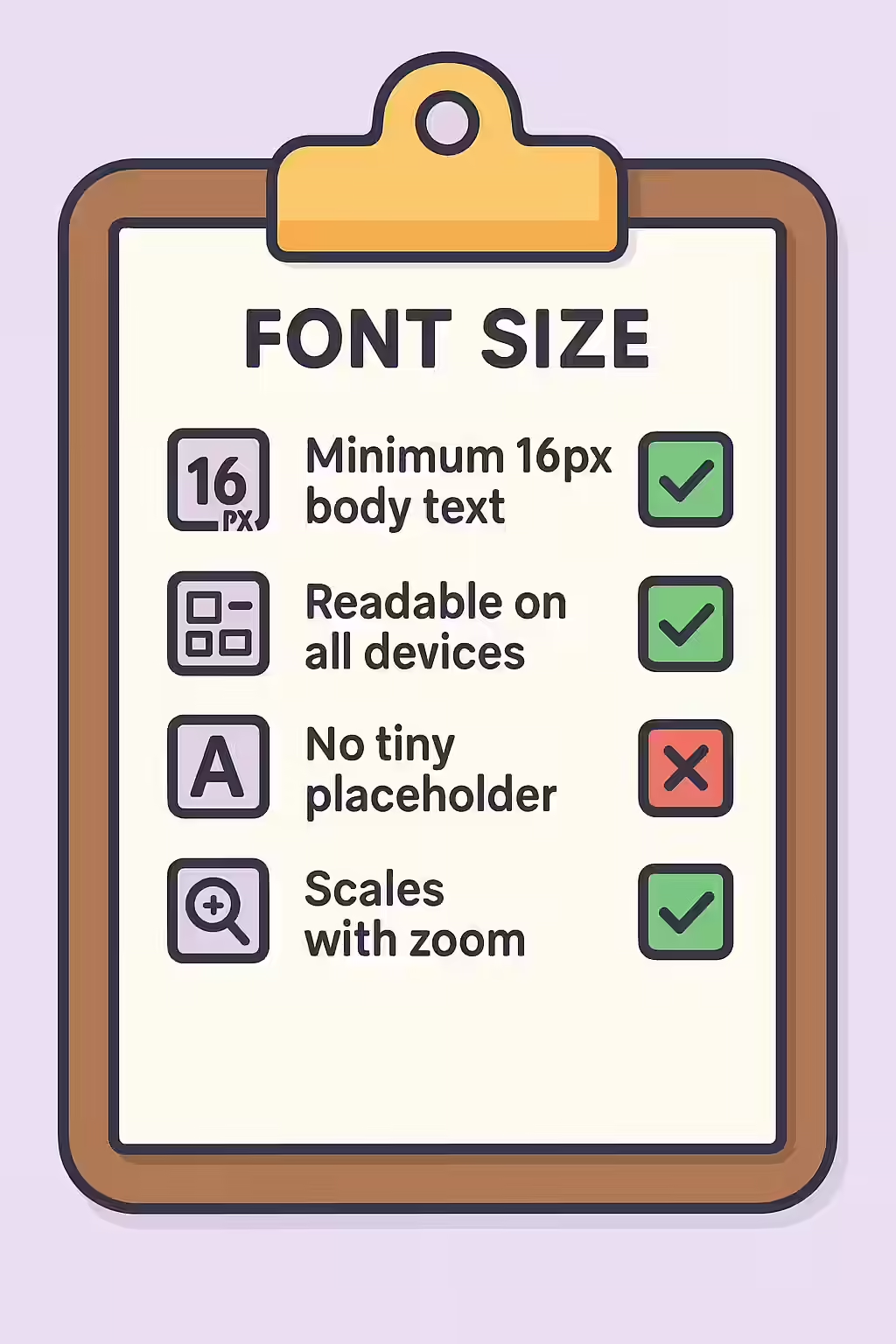
- Font Size: A baseline of 16px is the widely accepted standard for body text on mobile devices. This provides a comfortable reading experience without requiring users to zoom.
- Line Height (Leading): The space between lines of text is just as important as the text size. A `line-height` of approximately 1.5 (or 150%) of the font size provides enough white space for text to breathe.
- Color Contrast: Text must have sufficient contrast against its background to be readable, especially for users with visual impairments. Use a tool like the WebAIM Contrast Checker to ensure you meet at least the WCAG AA standard.
How to Audit and Fix Your Font Sizes
The most effective way to find and fix these issues is by using Google’s own tools and then making simple CSS adjustments. This is a core part of improving your site’s overall accessibility.
Example: Setting a Base Font Size in CSS
/* Before: Small, cramped text */ body { font-size: 12px; line-height: 1.2; } /* After: Readable, accessible text */ body { font-size: 16px; /* Or 1rem */ line-height: 1.5; }Improving your text’s readability is a high-impact change that benefits every single user, making it a crucial part of any content readability strategy. For more on this, see the Google guide to mobile-friendly pages.
Frequently Asked Questions
What is the best font size for mobile?
While there is no single ‘best’ size, a baseline of 16px for body text is a widely accepted best practice for readability on mobile devices. The key is that users should not have to pinch-to-zoom to read your content comfortably. Headings should be proportionally larger.
Should I use px or rem for font sizes?
Using relative units like `rem` is a modern best practice for accessibility. A `rem` is relative to the root font size, which allows users to scale the text size in their browser settings. However, using a base of `16px` is a good starting point for most sites.
My text looks fine on my desktop, but Google says it’s too small. Why?
This is a classic mobile-first indexing issue. Google primarily evaluates your page based on how it renders on a small mobile screen. You must test your design on a real mobile device or use browser developer tools to simulate one. A missing or improperly configured meta viewport tag can also cause this problem.
Is your text too small to read? Start your Creeper audit today and ensure your website is accessible and mobile-friendly.