An indexable page is a page that you have explicitly allowed search engines to crawl and add to their massive database, the index. For your key content pages, this is the desired state—it’s the fundamental prerequisite for appearing in search results. If a page isn’t indexable, it’s invisible to search engines and has zero chance of ranking for any keywords.
Think of your website as a public library. An indexable page is a book that is on a public shelf, has a card in the catalog, and is ready to be found by visitors. A non-indexable page is like a book in the back office, intentionally kept out of public view. Ensuring your important pages are indexable is the first and most critical step in any SEO campaign. For a broader look at this topic, see our main guide on the indexability category.

The Technical Checklist for an Indexable Page
For a page to be considered indexable by search engines, it must meet several technical criteria. A failure in any of these areas can prevent your page from being indexed. For Google’s official perspective, their guide on crawling and indexing is an essential resource.
| Check | Requirement for Indexability |
|---|---|
| HTTP Status Code | The page must return a `200 OK` status code. Any other code, like a 4xx error or 5xx error, will prevent indexing. |
| Meta Robots Tag | The page must NOT contain a `noindex` directive in the meta robots tag. |
| Robots.txt File | The page’s URL must NOT be disallowed by a rule in your site’s `robots.txt` file. |
| Canonical Tag | The page should have a self-referencing canonical tag. |
Example: A Self-Referencing Canonical
<!-- On page https://example.com/my-page/ --> <head> <link rel="canonical" href="https://example.com/my-page/" /> </head>For more on this topic, this guide from Ahrefs provides excellent insights into the indexing process. You can also learn more about your site’s indexability distribution.
Frequently Asked Questions
What is the difference between ‘indexable’ and ‘indexed’?
‘Indexable’ means that a page is *allowed* to be indexed according to your site’s rules (robots.txt, meta tags, etc.). ‘Indexed’ means that Google has actually crawled the page and added it to its index. A page can be indexable but not yet indexed, which is a common issue for new content.
What is the role of a sitemap in indexability?
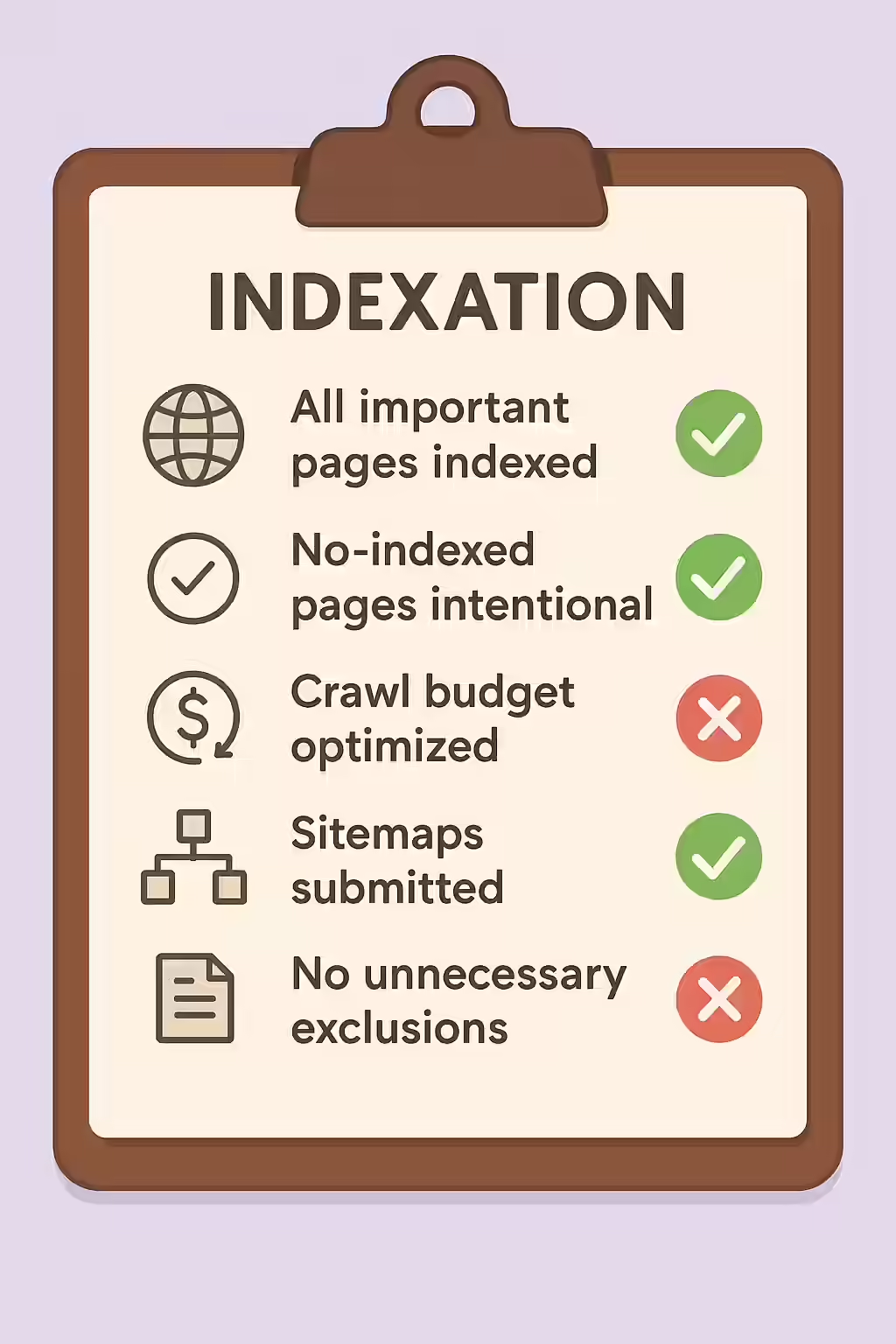
An XML sitemap is a file that lists all the important pages on your website. Submitting a sitemap to search engines is a strong signal that you consider these pages to be high-quality and worthy of being crawled and indexed. It’s a crucial tool for discovery, especially for large sites.
Should every page on my site be indexable?
No, and this is a key part of a good SEO strategy. Low-value pages like admin login areas, internal search results, or thank-you pages should be made non-indexable (usually with a ‘noindex’ tag) to focus your site’s crawl budget and authority on the content you actually want to rank.
Ready to open the door to your website? Start your Creeper audit today and ensure all your important pages are indexable.