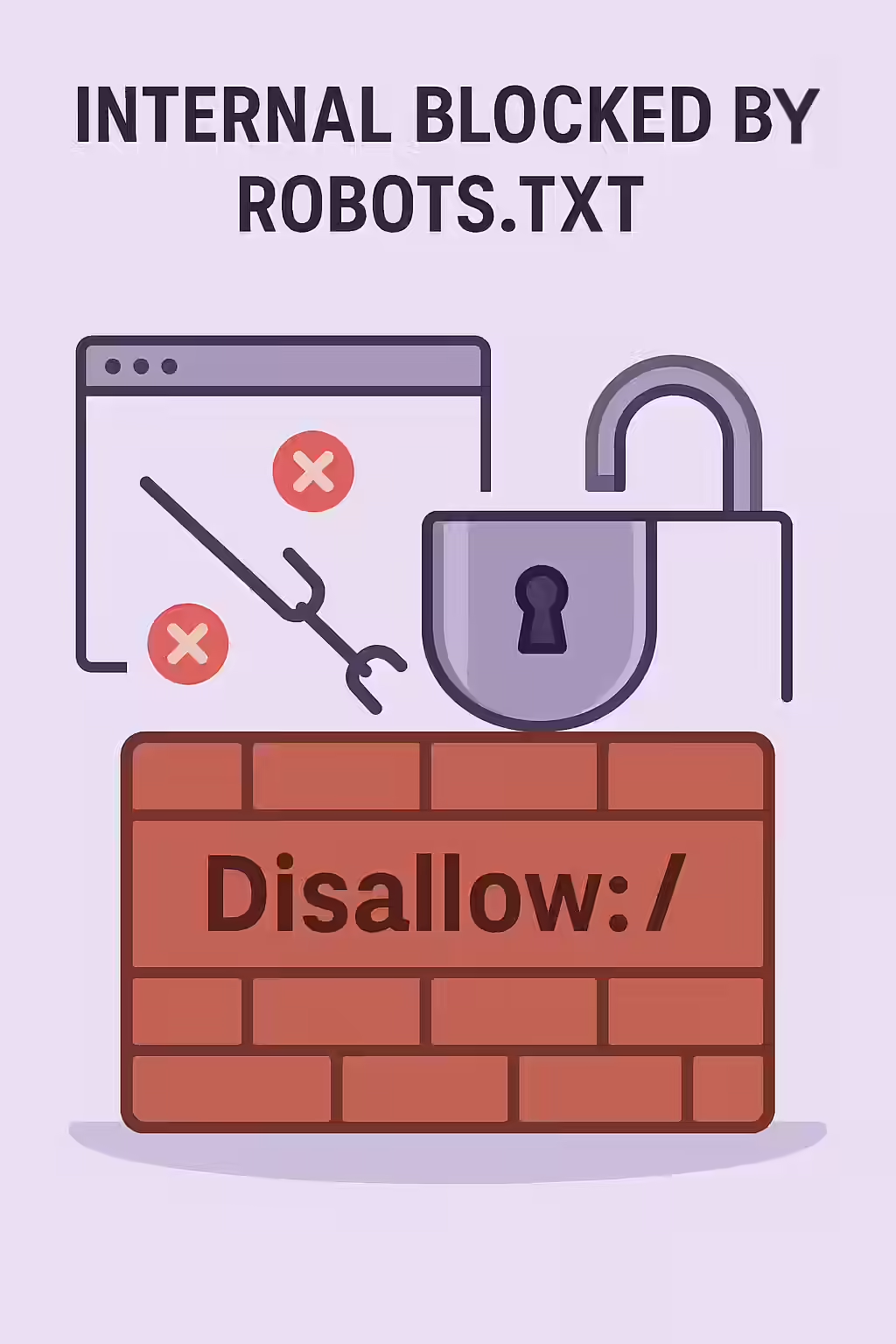
The `robots.txt` file is a powerful tool for guiding search engine crawlers, but a single incorrect line can have devastating consequences for your SEO. An internal page blocked by robots.txt is a URL on your own site that you have inadvertently forbidden search engines from crawling. This is a critical error because if a page cannot be crawled, its content cannot be seen, and it will not be indexed or ranked for any of its keywords.
Think of your `robots.txt` file as a set of instructions for a librarian who is cataloging your library. A `Disallow` directive is like a sign that says “Staff Only.” If you accidentally put that sign on the door to your main reading room, the librarian will never go inside to see the valuable books you have on display. For a broader look at this topic, see our main guide on the indexability category.
Crawl Control vs. Indexing Control
It is crucial to understand that `robots.txt` is a tool for managing crawler traffic, not for controlling indexing. While blocking a page from being crawled will usually prevent it from being indexed, this is not guaranteed. If a blocked page has many external links pointing to it, it may still appear in search results. As Google’s own documentation makes clear, the only way to reliably prevent a page from being indexed is to use a `noindex` tag.
Example: Fixing an Overly Broad Rule
# Before: Blocks all pages in the /blog/ directory User-agent: * Disallow: /blog/ # After: Only blocks the /blog/admin/ subdirectory User-agent: * Disallow: /blog/admin/A Step-by-Step Guide to Unblocking Your Content
Fixing an incorrect `robots.txt` block is a simple but urgent task. The goal is to remove the `Disallow` directive that is preventing access to your important content. For more on this topic, this guide from Ahrefs provides an excellent overview of the `robots.txt` syntax and best practices.
- Identify Blocked Pages: Use an SEO audit tool like Creeper to crawl your site. It will respect your `robots.txt` file and report which internal, linked pages it was not allowed to crawl.
- Test with Google’s robots.txt Tester: Go to the robots.txt Tester in Google Search Console. Enter the URL of a blocked page to see exactly which line in your file is causing the block.
- Edit Your `robots.txt` File: Access the `robots.txt` file in the root directory of your website. Locate the incorrect `Disallow` rule and either remove it or make it more specific so that it no longer applies to the pages you want indexed.
Frequently Asked Questions
Is robots.txt the right way to prevent a page from being indexed?
No. The `robots.txt` file is for managing crawl traffic, not for managing indexing. While a blocked page usually won’t be indexed, it can still appear in search results if it’s linked to from other sites. The correct way to prevent indexing is to use a ‘noindex’ meta tag.
How do wildcards (*) work in robots.txt?
The asterisk (`*`) is a wildcard that can be used to match any sequence of characters. For example, `Disallow: /products/*` would block crawlers from accessing any URL in the `/products/` directory. A `User-agent: *` is a common way to set rules for all bots.
How can I test my robots.txt file for errors?
Google provides a free robots.txt Tester tool within Google Search Console. You can paste your file’s contents into the tool and test specific URLs to see if they would be allowed or disallowed by the current rules.
Have you put up the wrong signs for search engines? Start your Creeper audit today to find and fix any pages blocked by your robots.txt file.