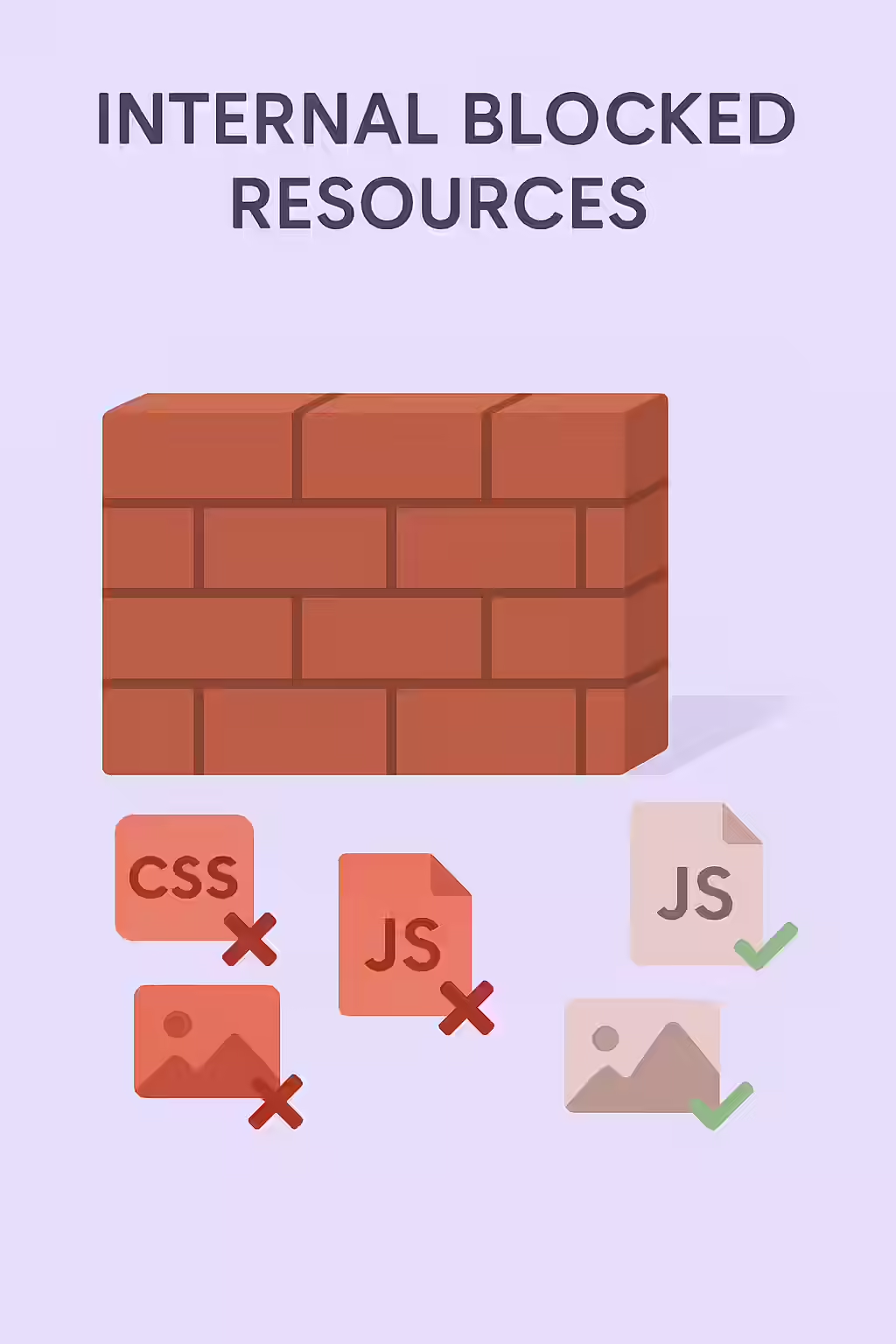
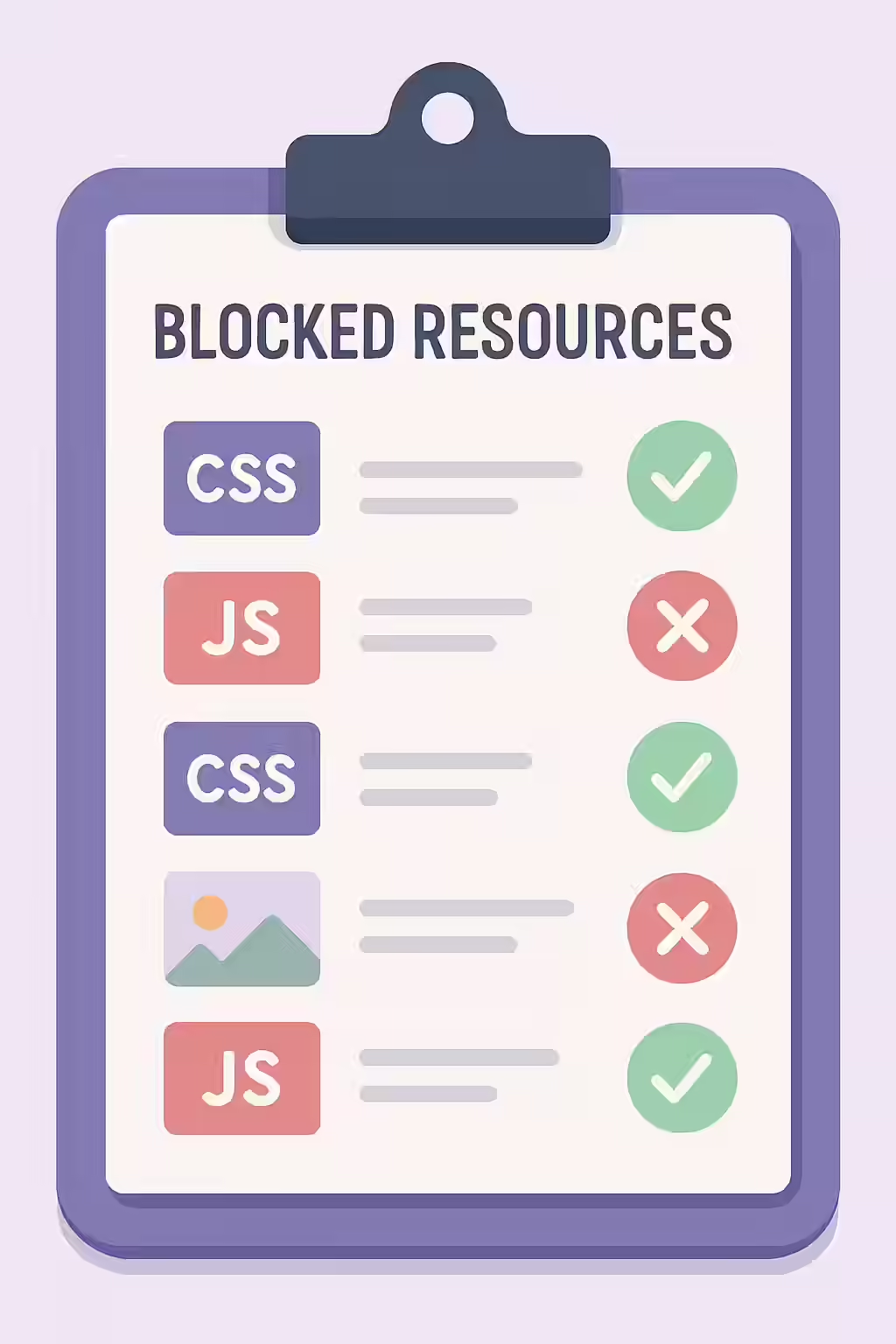
Modern websites are complex, relying on numerous CSS, JavaScript, and image files to function correctly. An internal blocked resource is any of these files that a page needs to render, but which has been disallowed for crawling in your `robots.txt` file. This is a critical SEO error because if Googlebot cannot access these resources, it cannot see your page the way a user does. This can lead to it missing key content, misunderstanding your page layout, and ultimately, ranking your page poorly or not at all.
Think of your HTML as a blueprint and your resources (CSS, JS) as the construction materials. If you give the building inspector (Googlebot) the blueprint but lock the gate to the materials depot, they can’t verify that the building is sound. They will see a broken, unstyled page and may conclude it offers a poor user experience. For a broader look at this topic, see our main guide on the indexability category.
Why You Must Allow Google to See Everything
In the early days of the web, blocking CSS and JS was a common practice to “save crawl budget.” This is now a dangerously outdated idea. As Google has explicitly stated, their systems need to render pages just as a user’s browser does to understand them. Blocking resources can lead to:
- Failed Mobile-Friendliness Test: If Google can’t load your CSS, it can’t determine if your layout is responsive, which can harm your mobile rankings.
- Missed Content: If your main content is loaded via JavaScript, blocking that JS file will cause Google to see a blank page.
- Negative Quality Signals: A broken rendered page is a strong signal of a poor user experience, which can negatively impact rankings.
A Step-by-Step Guide to Unblocking Your Resources
Fixing blocked resources involves auditing your `robots.txt` file and removing any directives that prevent access to essential files. For a deep dive into `robots.txt`, this guide from Ahrefs is an excellent resource.
Example: Unblocking CSS and JS Directories
# Before: Blocking all CSS and JS files User-agent: * Disallow: /css/ Disallow: /js/ # After: Allowing access to all resources User-agent: * Allow: /For more on this topic, see our guide on pages blocked by robots.txt.
Frequently Asked Questions
Is it ever okay to block resources in robots.txt?
It is almost never a good idea to block CSS or JavaScript files. You should also avoid blocking images unless you have a specific reason, and even then, the noimageindex directive is often a better choice. Blocking API endpoints or other non-essential resources may be acceptable, but you should test thoroughly to ensure it doesn’t impact rendering.
Is it okay to block third-party scripts?
You should generally not block third-party scripts that are essential for rendering your page’s main content or layout. However, blocking third-party tracking or advertising scripts that are not critical to the user experience is usually acceptable and will not harm your SEO.
How can I see my page the way Googlebot does?
The best tool for this is the URL Inspection tool in Google Search Console. After running a live test on a URL, you can view a screenshot of the rendered page and the final HTML that Googlebot sees. This will immediately reveal if blocked resources are preventing your content from displaying correctly.
Is Google seeing a half-loaded version of your site? Start your Creeper audit today to find and unblock critical resources.