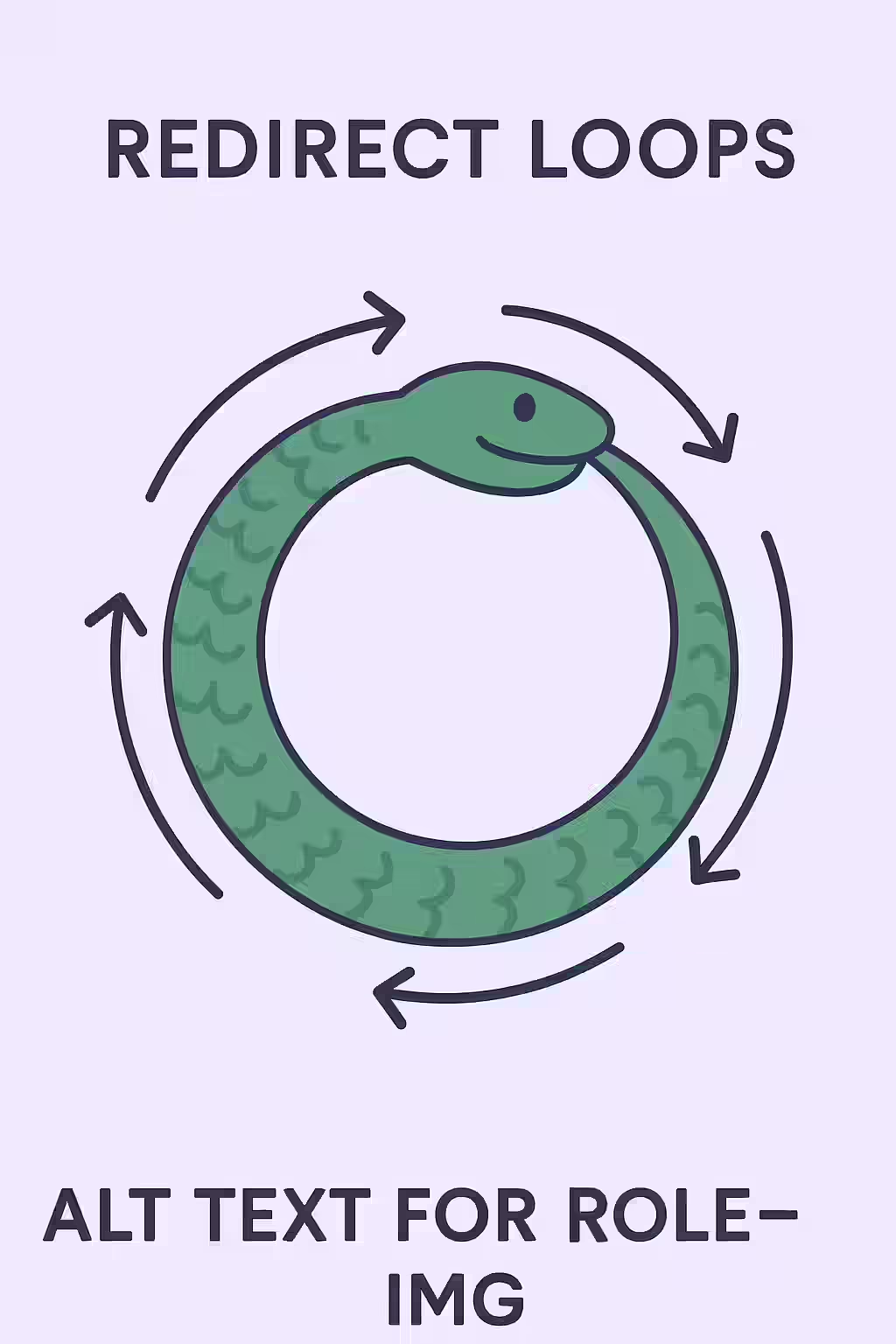
While a redirect chain is inefficient, an internal redirect loop is a critical, page-breaking error. A loop occurs when a URL redirects to another URL, which in turn redirects back to the first URL in the sequence (e.g., Page A -> Page B -> Page A). This creates an infinite loop that can never be resolved, making the page completely inaccessible to both users and search engine crawlers.
Think of a redirect loop as a circular road with no exits. A car (a user or a search engine bot) that enters this road will drive around forever, never reaching its destination. Browsers and crawlers are programmed to detect this and will quickly give up, resulting in an error message for the user and a complete failure to crawl for the search engine. For a broader look at redirects, see our guide on the 3xx redirection status codes.
The Severe SEO Impact of Redirect Loops
A redirect loop is one of the most severe technical SEO errors you can have. Unlike a redirect chain, which might eventually resolve, a loop is a definitive dead end. For a deep dive into this topic, this guide from Ahrefs on redirects is an excellent resource.
- Complete Inaccessibility: The page will never load for a user, resulting in a 100% bounce rate for anyone who lands on the initial URL.
- Crawling Failure: Search engine bots will abandon the crawl as soon as they detect the loop, meaning the page and any pages linked from it will not be indexed.
- Wasted Crawl Budget: Every time a bot attempts to crawl the looping URL, it wastes crawl budget that could have been used on your healthy pages.
A Step-by-Step Guide to Breaking the Loop
Fixing a redirect loop requires identifying and correcting the faulty redirect rule on your server. For Google’s perspective on this, their guide on redirects and Google Search is a must-read.
Example: Fixing a Conflicting Rule in `.htaccess`
# Before: Conflicting rules creating a loop Redirect 301 /page-a /page-b Redirect 301 /page-b /page-a # After: Correcting the final destination Redirect 301 /page-a /final-page Redirect 301 /page-b /final-pageBy fixing redirect loops, you ensure that every URL on your site resolves to a valid, accessible page, which is a key part of a successful on-page SEO strategy.
Frequently Asked Questions
What is the most common cause of a redirect loop?
A very common cause is a conflict between two different redirect rules. For example, a rule that forces all pages to HTTPS (`http:// -> https://`) and another rule that forces a page to a non-www version (`https://www. -> https://`) can sometimes conflict and create a loop if not implemented carefully in the server configuration.
Can JavaScript redirects cause a loop?
Yes. If Page A has a JavaScript redirect to Page B, and Page B has a JavaScript redirect back to Page A, this will create a loop that will cause the browser to fail, just like a server-side loop.
How can I find redirect loops on my site?
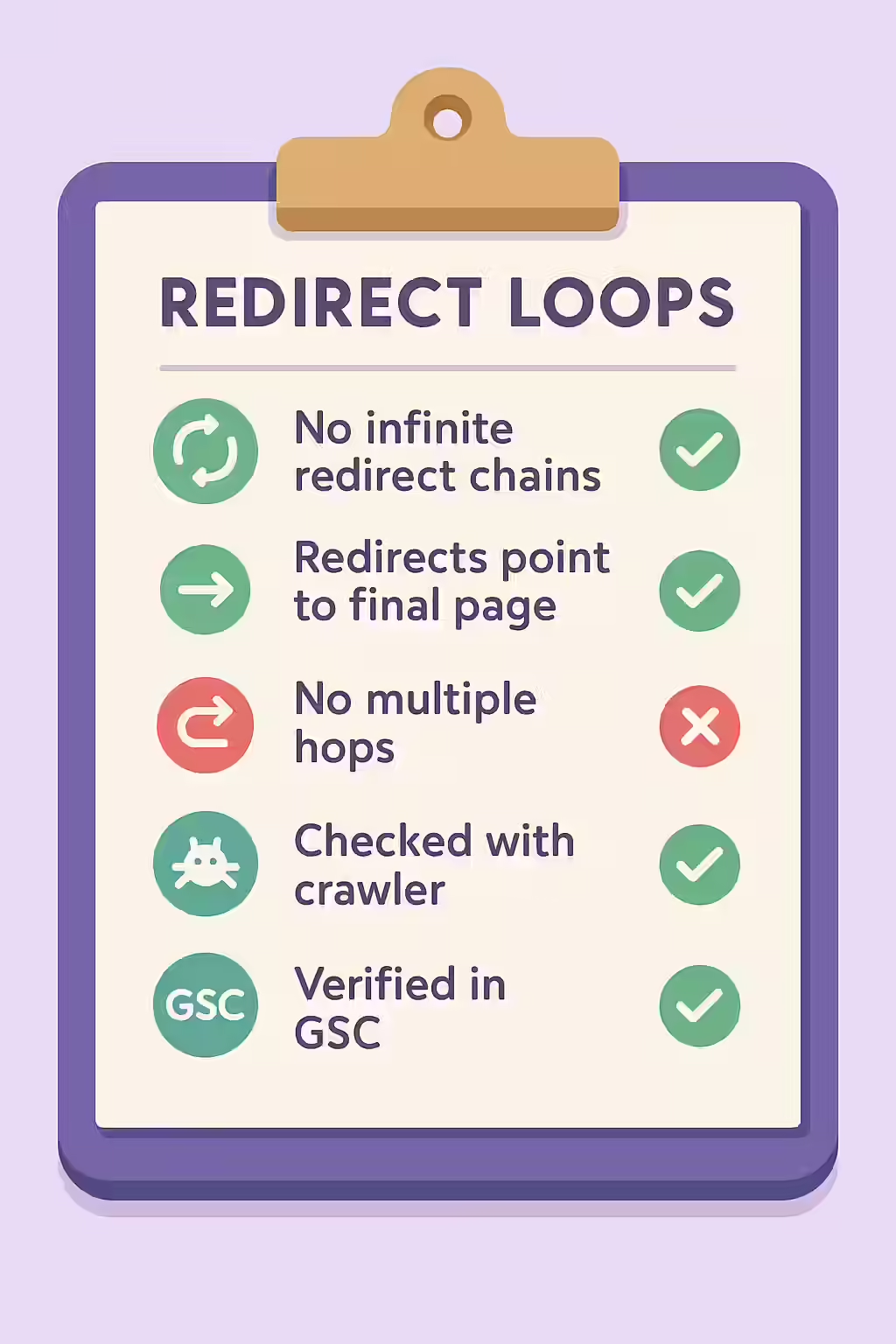
The most effective way is to use a website crawler like Creeper. It is specifically designed to follow redirects and will automatically detect and report any sequence that results in a loop, telling you the exact URLs involved so you can fix the faulty server rule.
Are your users stuck in a loop? Start your Creeper audit today to find and fix all internal redirect loops.