Your website’s internal search function is a valuable tool for users, but the URLs it generates can be a nightmare for SEO. Internal search URLs are dynamic pages created when a user performs a search on your site (e.g., `yourdomain.com/?s=query`). Allowing these pages to be crawled and indexed by search engines is a critical mistake that can create a massive number of low-quality, duplicate pages and severely waste your crawl budget.
Think of your website as a well-organized library. Your categories and product pages are the curated shelves. Your internal search results are like a librarian’s messy desk, covered in temporary notes. You want search engines to index the permanent shelves, not the temporary, chaotic notes. For a broader look at URL best practices, see our guide on on-page SEO.
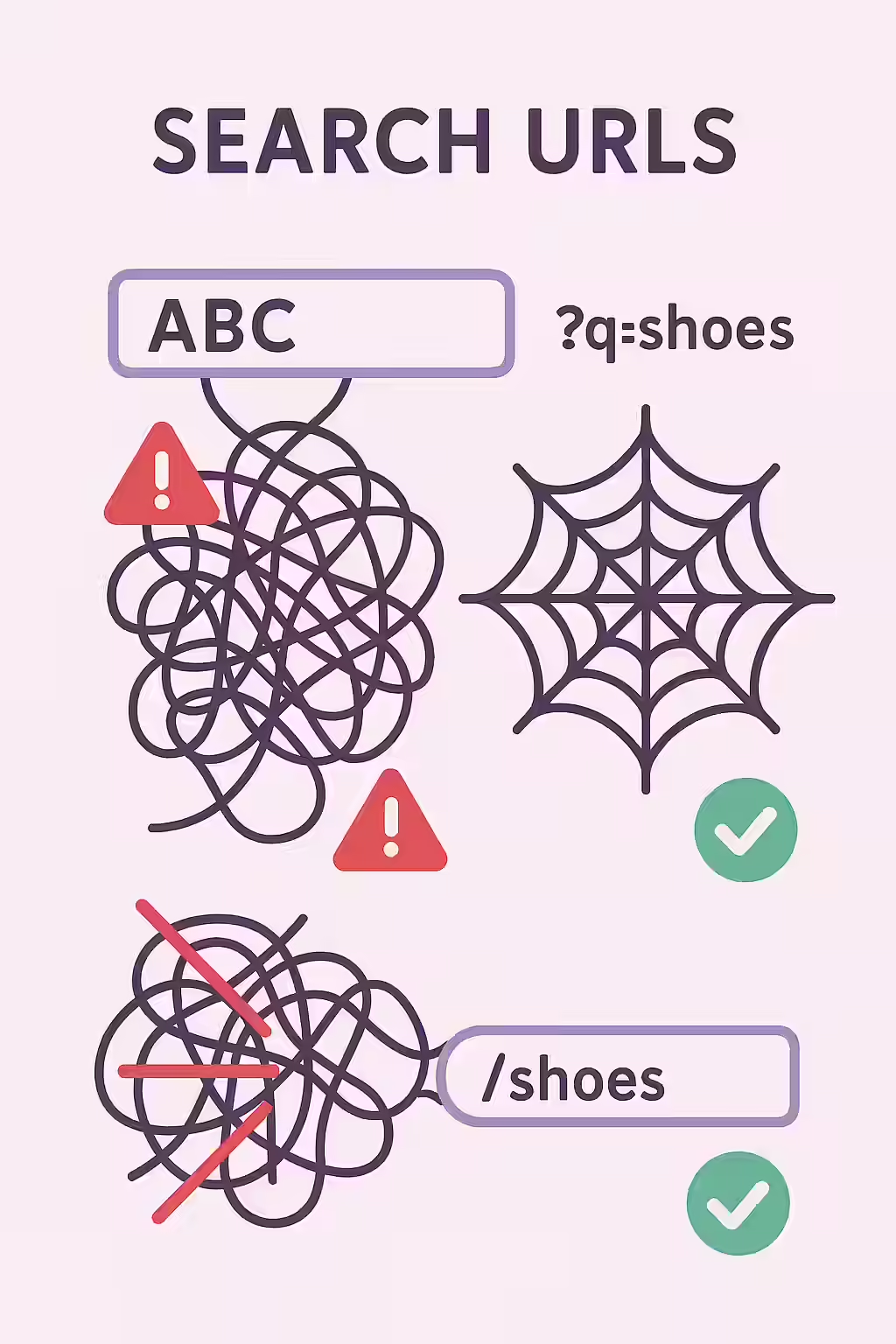
The SEO Damage of Indexed Search Results
Allowing search engines to index your internal search results is a technical anti-pattern that harms your site in two main ways. As Google’s documentation makes clear, duplicate content should be managed carefully.
- Duplicate Content: Every search query creates a new URL with content that is simply a reshuffled version of what already exists on other pages. This can lead to thousands of thin, near-duplicate pages in the index, which dilutes your site’s authority.
- Wasted Crawl Budget: Search engines have a finite amount of resources to crawl your site. If they are spending time crawling and indexing an endless pit of search result pages, they have less time to find and rank your actual, high-value content. For more on this, see the Ahrefs guide to crawl budget.
A Step-by-Step Guide to Taming Your Search URLs
The goal is to prevent search engines from ever crawling these dynamic URLs. The most effective way to do this is with your `robots.txt` file. For a deep dive into this file, this guide from Moz on robots.txt is an excellent resource.
Example: Blocking Search Parameters in `robots.txt`
# Before: No rule to block search parameters User-agent: * Disallow: /wp-admin/ # After: Blocking the common WordPress search parameter User-agent: * Disallow: /wp-admin/ Disallow: /?s=For more on this topic, see our guide on URL parameters.
Frequently Asked Questions
Is it ever a good idea to let search result pages be indexed?
In very rare cases, for extremely large e-commerce or directory sites, a well-optimized search result page can function as a valuable landing page. However, for over 99% of websites, this is a bad practice that leads to low-quality, duplicate content in the index. The best practice is to block them.
Should I use ‘noindex’ instead of robots.txt?
Using `robots.txt` is generally preferred for internal search results because it prevents crawling and saves crawl budget. If you use a ‘noindex’ tag, Google will still have to crawl the page to see the tag, which uses up crawl budget. For a large number of search result pages, this can be very inefficient.
How can I find out if my search pages are being indexed?
You can perform a `site:` search in Google, like `site:yourdomain.com inurl:s` (replacing ‘s’ with your search parameter). This will show you any URLs containing that parameter that are currently in Google’s index. You can also check the Index Coverage report in Google Search Console.
Ready to untangle your site’s URLs? Start your Creeper audit today to find and fix any indexable internal search pages.