In the world of SEO, it’s the little things that make a big difference. And when it comes to your pages, one of the most important little things is the canonical tag. A canonical tag is a way of telling search engines that a specific URL is the master copy of a page. It’s used to prevent duplicate content issues, and it’s a crucial element of any SEO strategy. This guide will explore the importance of the canonical tag and how to fix it.
Think of your website as a library. You want to make sure that there is only one copy of each book. The same is true for your website. By using the canonical tag, you can create a more organized and user-friendly experience for everyone. For a deeper dive into the world of SEO, see our article on on-page SEO.

Why the Canonical Tag is Important
- Duplicate content: If you have multiple pages with the same content, search engines may see them as duplicate content. This can hurt your SEO.
- URL Parameters: URL parameters for tracking or filtering can create many versions of the same page. A canonical tag tells search engines to ignore these parameters and focus on the main URL.
- Content Syndication: If you syndicate your content on other sites, a canonical tag pointing back to your original article ensures that you get the SEO credit.
Your Guide to a More Organized and User-Friendly Website
Fixing missing canonical tags is a simple but important task. Here’s how to do it:
Example: Adding a Self-Referencing Canonical
<!-- Before: No canonical tag -->
<head>
 <title>My Page</title>
</head>
<!-- After: Self-referencing canonical tag added -->
<head>
 <title>My Page</title>
 <link rel="canonical" href="https://example.com/my-page" />
</head>
For more on the importance of a well-structured website, check out this guide to canonicalization from Moz. For Google’s official perspective, their guide on canonicalization is an essential resource.
Frequently Asked Questions
What is a canonical tag?
A canonical tag is a way of telling search engines that a specific URL is the master copy of a page. It’s used to prevent duplicate content issues, and it’s a crucial element of any SEO strategy.
Does every page need a canonical tag?
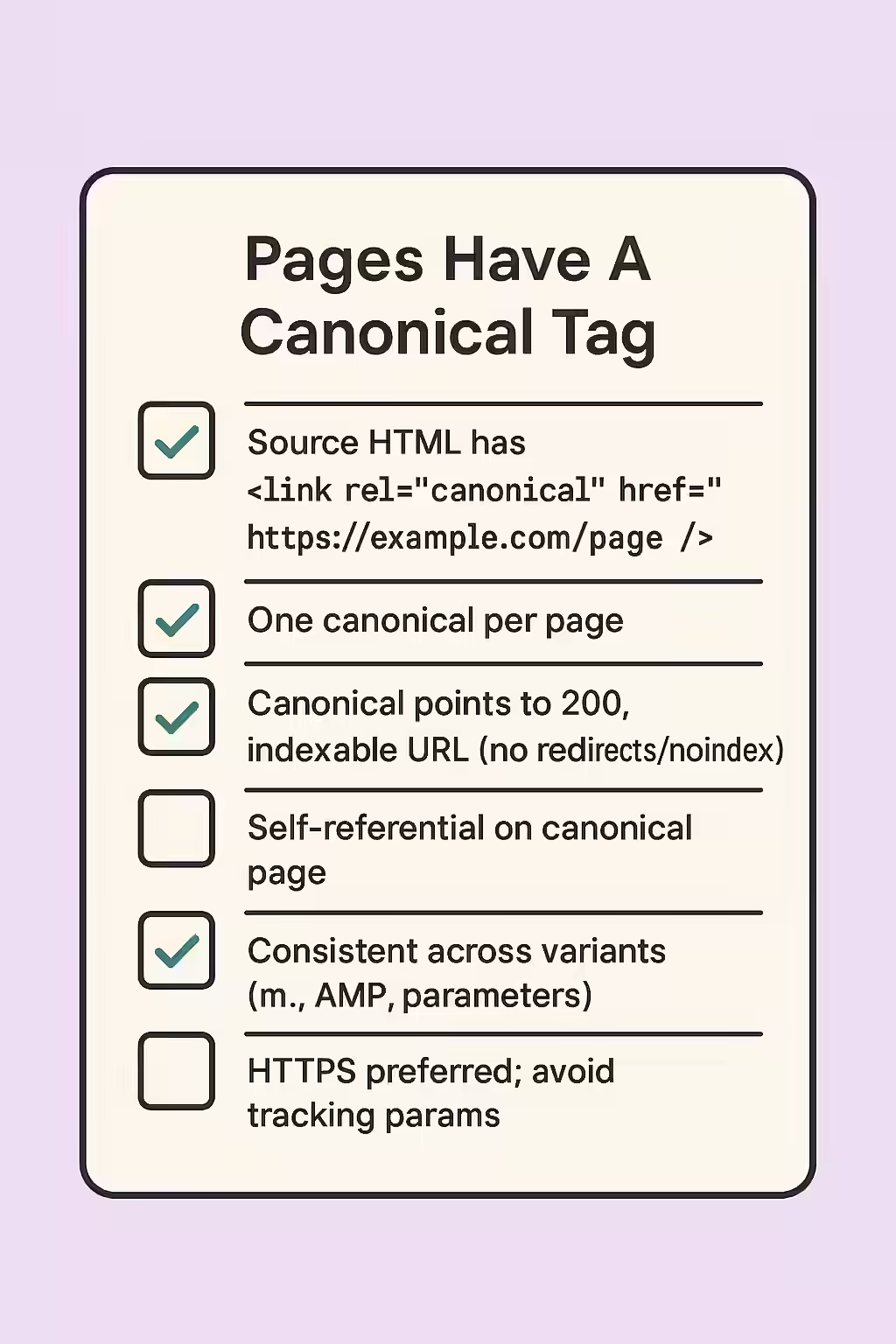
Yes, it is a best practice for every page to have a self-referencing canonical tag. This is a clear signal to search engines that the page is the authoritative version of its own content and helps to prevent unforeseen duplicate content issues.
How do I add a canonical tag to my pages?
You can add a canonical tag to your pages by simply adding a <link> element with the ‘rel=\”canonical\”‘ attribute to the <head> section of your page. The ‘href’ attribute of the element should point to the canonical version of the page.
Ready to make sure your pages are one of a kind? Start your Creeper audit today and see how you can improve your use of the canonical tag.